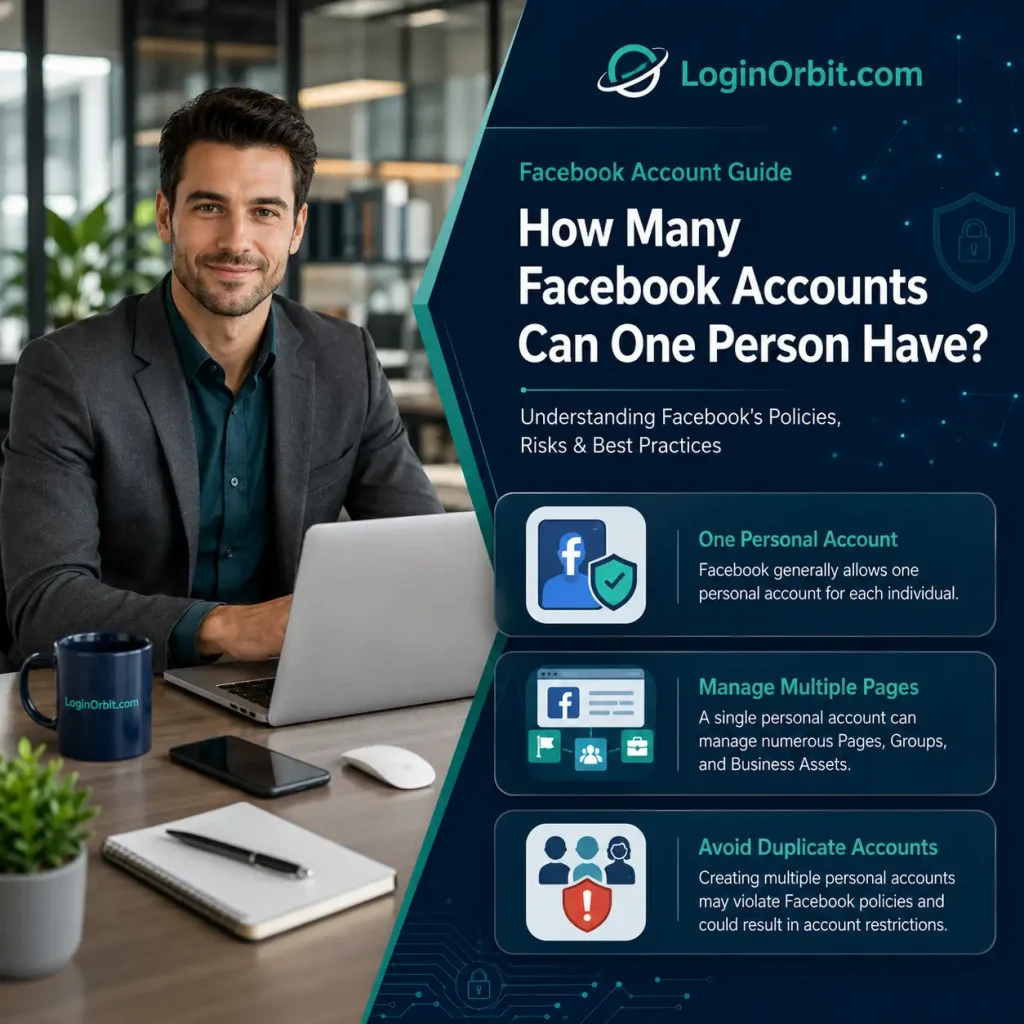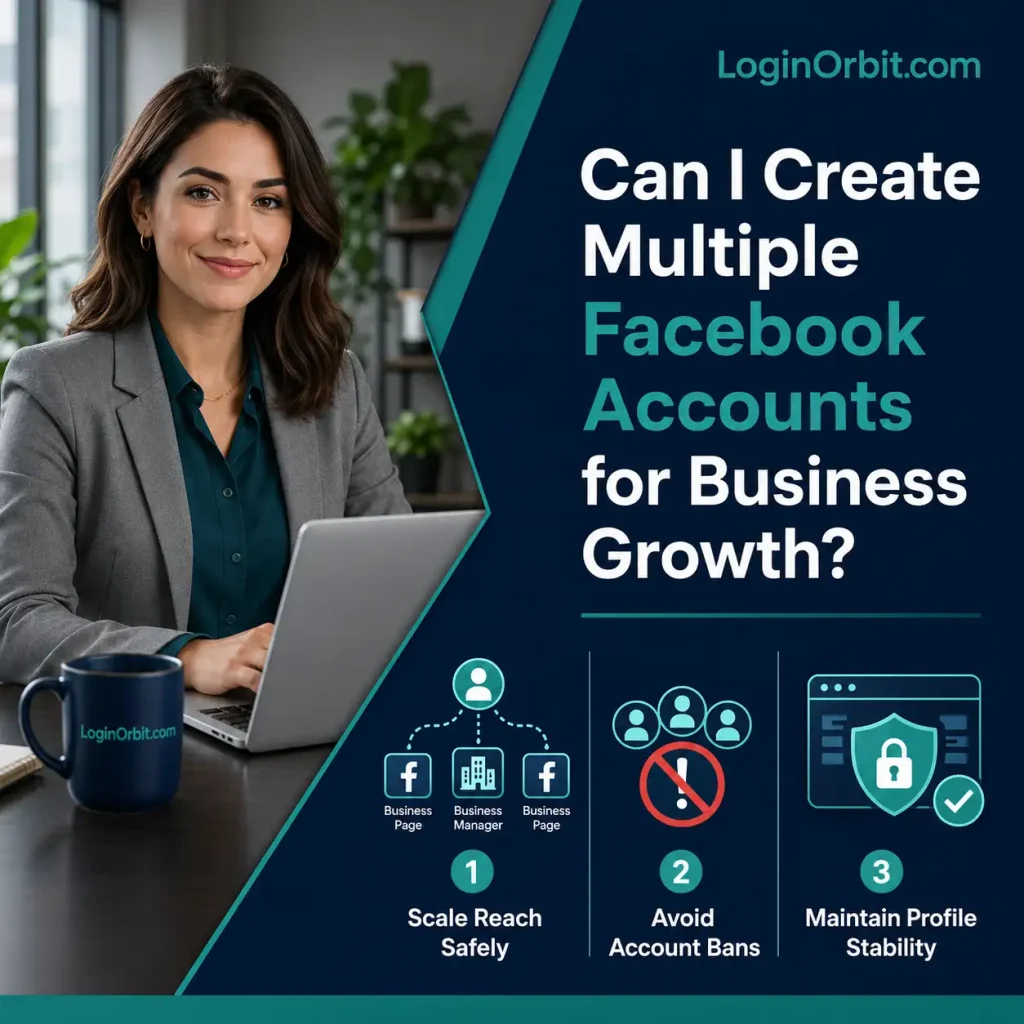

Thinking about growing your business online? Setting up a Facebook business account is a smart step. It puts your brand in front of millions and helps you connect with customers directly.
In this guide, I’ll walk you through the easy steps to get your Facebook business page up and running. No jargon. No fluff. Just what you need to know to get started fast.
Setting Up Your Facebook Business Account
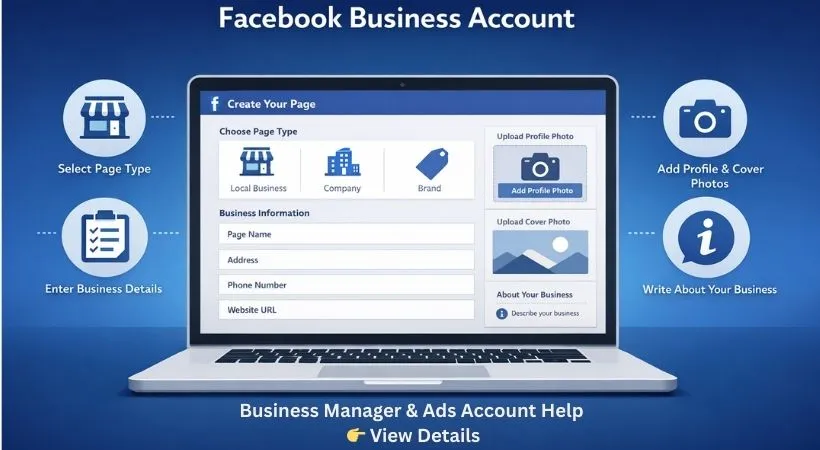
Getting your business on Facebook is more than just creating a page. It’s about making a place that feels trustworthy and professional. Here’s how to do it:
Pick The Right Page Type
Facebook offers different page types:
- Local Business – For shops and places with a physical address
- Company or Organization – For bigger businesses or nonprofits
- Brand or Product – If you want to promote a specific product or brand
- Public Figure – For personal branding or influencers
Choose the one that fits your business best. This helps people find you easier.
Fill Out Your Business Info
Be clear and accurate. Add your:
- Business name
- Address and phone number
- Website URL
- A short, simple description that tells what you do
Think about words your customers might search for. This helps your page show up on Facebook and Google.
Pick Profile And Cover Photos
Your profile photo is like your face on Facebook. Usually, your logo works best. It shows up on your posts and comments.
The cover photo is your chance to show your style or products. Use clear, high-quality images that catch the eye.
Make Your Page Easy to Use and Engaging
The goal? Get visitors to stick around and interact. Here’s how:
Write A Clear About Section
Keep it simple. Explain what your business does and why it’s different. Add your contact info here too. It helps build trust.
Use Call-to-action Buttons
Facebook lets you add buttons like:
- Contact Us
- Shop Now
- Book Now
Put these where visitors can see them easily. They encourage people to take the next step.
Customize Your Page Tabs
Tabs organize your info. You can add sections like:
- Services
- Reviews
- Photos
Arrange them so visitors find what they want quickly.
Grow Your Audience
Building followers takes time but pays off. Here’s what worked for me:
Start By Inviting People You Know
Invite friends and happy customers to like your page. Their support makes you look credible.
Promote Your Page
Share your page on your personal profile and other places. Keep posts interesting with photos, videos, and updates. If you want, try Facebook ads for a wider reach.
Join Facebook Groups
Find groups related to your business. Join conversations and offer helpful advice. Don’t push sales too hard. When people see you as helpful, they’ll want to check out your page.
Create Content That Connects
Good content keeps people coming back. Here’s what to share:
- Text updates with news or tips
- Photos and graphics to grab attention
- Short videos showing your products or services
- Polls or questions to get people talking
- Customer stories and reviews
Keep your messages clear and simple. Mix things up to keep your page fresh.
Stay Consistent
Post regularly. I find that scheduling posts helps me stay on track. Find the times your audience is most active and post then. Consistency builds trust.
Use Visuals and Videos
People notice pictures and videos faster than plain text. Use bright, clear images and short videos. Add captions to videos so more people can understand them.
Try Facebook Ads
Facebook ads can show your business to the right people quickly. Here’s a simple way to start:
- Pick a goal: more awareness, website visits, or sales
- Use clear images and short, direct messages
- Set a budget that works for you
- Choose your audience by age, location, and interests
- Check your ad results often and make changes if needed
Keep an Eye on How You’re Doing
Facebook Insights is your friend. It shows which posts get the most attention and when people visit your page.
Always reply to comments and reviews — good or bad. It shows you care.
Use what you learn to improve your page. Try new ideas and stop what doesn’t work.
FAQs
What Is A Facebook Business Account?
It’s a way to manage your business on Facebook separately from your personal profile.
How Do I Create One?
Go to Facebook Business Manager and click “Create Account.” Follow the steps and add your business info.
Can I Manage Multiple Pages With One Account?
Yes, one business account can manage many pages and ad accounts.
Is It Free?
Yes, it’s free to create and use. You only pay if you run ads.
Can I Add Team Members?
Yes, you can assign roles so others can help manage your pages and ads safely.
Do I Need A Personal Facebook Profile?
Yes, a personal profile is needed to create a business account. It acts as the admin.
Wrapping Up
Setting up a Facebook business account is simple and worth it. It helps you reach more people and share your story. Keep your page active and respond to your followers. Over time, your business will get noticed and trusted.
So why wait? Start today, take it step by step, and watch your online presence grow.