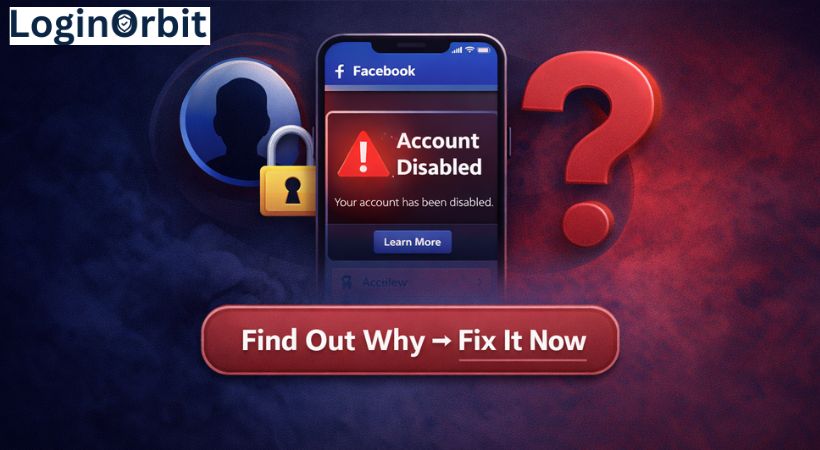

Ever tried to log into Facebook only to find your account locked? Frustrating, right? Especially when you don’t know what went wrong or how to fix it.
Your Facebook holds memories, chats, and connections. Being locked out feels like losing a piece of your digital world. But don’t panic. I’m here to walk you through why this happens and how you can get back in — fast.
Why Does Facebook Lock Accounts?
Facebook locks accounts to keep you and the platform safe. Think of it like a security guard stepping in when something looks off. Here are some common reasons:
- Suspicious login activity: Logging in from a new device or place can raise alarms.
- Breaking Facebook’s rules: Posting harmful or spammy stuff can get you locked out.
- Fake profiles or misleading info: Facebook wants real people, not fakes.
- Too many friend requests at once: It looks like spam and can trigger a lock.
- Account hacked: Facebook locks the account to stop damage.
Signs Your Facebook Account Is Locked
Wondering if your account is locked? Watch for these clues:
- You enter your password but can’t log in, and get an error message.
- Facebook asks you to verify your identity or solve a captcha.
- You can log in but can’t post, comment, or message.
- You get emails or Facebook notifications about the lock.
- Friends say they can’t see your profile or posts.
Quick Checks Before You Recover Your Account
Before you dive into recovery, take a moment to:
- Think about any unusual activity or actions you recently did on Facebook.
- Make sure your email and phone number linked to your account are current and accessible.
- Check your email or phone for security alerts from Facebook.
- Review Facebook’s community rules to avoid future issues.
- Clear your browser’s cache and cookies — sometimes this fixes login glitches.
- Try logging in from a device and location you usually use. Facebook trusts familiar setups.
How Facebook Verifies Your Identity
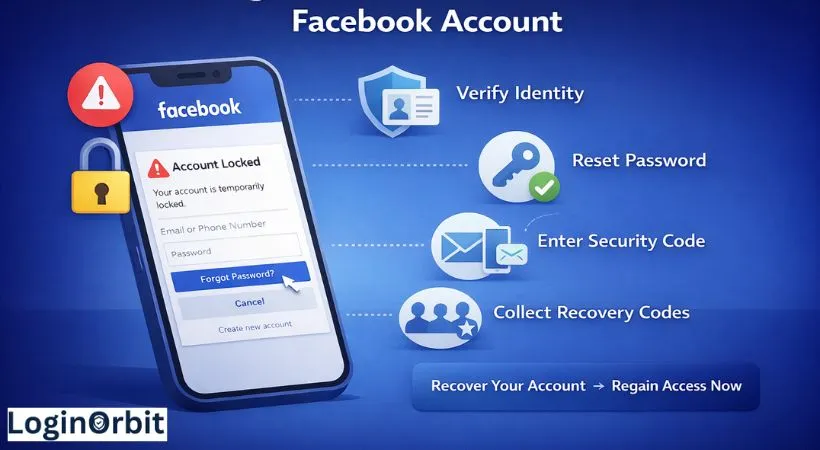
When Facebook asks to verify who you are, it’s like showing your ID at the door. You might need to upload a photo ID like a driver’s license or passport. It’s simple and quick. Facebook keeps your info private and just uses it to confirm it’s really you.
Reset Your Password to Regain Access
If your account is locked, resetting your password is often the first step:
- Go to the Facebook login page and click “Forgot Password?”
- Enter your email, phone number, or username linked to the account.
- Choose how you want to get a security code — email or text.
- Enter the code exactly as you receive it.
- Create a strong new password — mix letters, numbers, and symbols.
Recover Using Trusted Contacts
If you set up Trusted Contacts before, they can help you get back in. Here’s how it works:
- Facebook sends recovery codes to your chosen friends.
- You collect these codes from them.
- Enter the codes to regain access.
Pro tip: Choose friends you trust and who use Facebook regularly. This makes recovery smoother.
Appealing to Facebook Support
If nothing else works, you can appeal directly to Facebook. Keep it calm and clear:
- Use the Facebook Help Center and find the form for disabled accounts.
- Explain why your account should be unlocked.
- Provide any proof if you think it was a mistake.
- Be polite and straightforward. No blaming or anger.
Tips to Prevent Future Lockouts
Lockouts are a pain. But a few habits can keep your account safe:
- Use a strong, unique password. Don’t reuse passwords across sites.
- Turn on two-factor authentication (2FA). This adds an extra layer of security.
- Review your login activity regularly. Spot anything weird? Change your password immediately.
- Keep your contact info updated. Facebook uses this for recovery.
- Avoid clicking suspicious links or using shady apps. They can steal your info or cause trouble.
Frequently Asked Questions
Why did Facebook lock my account suddenly?
Facebook locks accounts when it spots unusual activity or rule-breaking. It’s a safety measure.
How can I get my locked Facebook account back?
Follow Facebook’s identity verification steps on their help page. Usually, that gets you back in.
How long does a Facebook lock last?
It depends. Sometimes a few hours, other times a few days.
Can I prevent my account from getting locked?
Yes. Use strong passwords, avoid suspicious links, and follow Facebook’s rules.
Will Facebook delete my locked account?
Not right away. But accounts inactive for a long time may be removed eventually.
Final Thoughts
Getting locked out of Facebook can be stressful. But staying calm and following these steps helps you get back on track.
Keep your contact info up to date. Use strong passwords and 2FA. And watch out for shady links. A little care goes a long way in keeping your account safe.
Remember, Facebook usually restores access once you prove who you are. Hang in there—you’ll be back online soon.