
When a facebook post is not showing to friends, the cause is usually the post’s audience setting, a blocked friend, or a temporary Facebook problem. Check the audience icon beside the post first. If it shows Only me, Specific friends, or a custom list, change it to Friends and save. Then ask one trusted friend to open your profile directly, rather than checking only their News Feed. A post can be visible on your profile but not appear high in someone’s feed.
Why Facebook posts don’t show to friends
Several different settings can cause the same problem. Start with the audience setting, then check whether you posted in a group, used a restriction, or are seeing an old version of the app.
| Cause | How common | How to confirm it | Fix it yourself? |
|---|---|---|---|
| Post audience is restricted | Very common | Check audience icon | yes |
| Friend is blocked or restricted | Common | Review friend settings | yes |
| Post is in a group | Common | Check post location | yes |
| News Feed ranking delays it | Common | Open your profile | yes |
| App or browser display error | Sometimes | Try another device | yes |
| Post was removed or limited | Less common | Check Support Inbox | yes with care |
| Account or platform problem | Rare | Test several posts | no |
The fastest check is the post’s audience selector. Facebook lets you choose who can see each post, and the choice can differ from the audience used for your previous post. The official Facebook audience selector explains where that control appears.
Look for the icon beside the post’s date or privacy label. “Only me,” “Friends except…,” “Specific friends,” and a custom audience can all keep a particular friend from seeing it. Change the audience only if you’re comfortable with everyone in the selected group seeing the post.
If the post appears on your profile but not in a friend’s feed, it may be a ranking delay rather than a privacy problem. Ask the friend to open your profile directly, then check whether they blocked or unfollowed you, or whether you placed them on a restricted list. A group post follows the group’s membership and privacy rules, not your usual profile audience.
If the post is missing from your profile too, check Facebook’s Support Inbox for removal or distribution notices. Avoid repeatedly reposting identical content while a review is pending. Finally, test a harmless post from another device or browser; if several posts fail there as well, the problem may require Facebook’s support tools rather than a setting you can change.
The post has the wrong audience
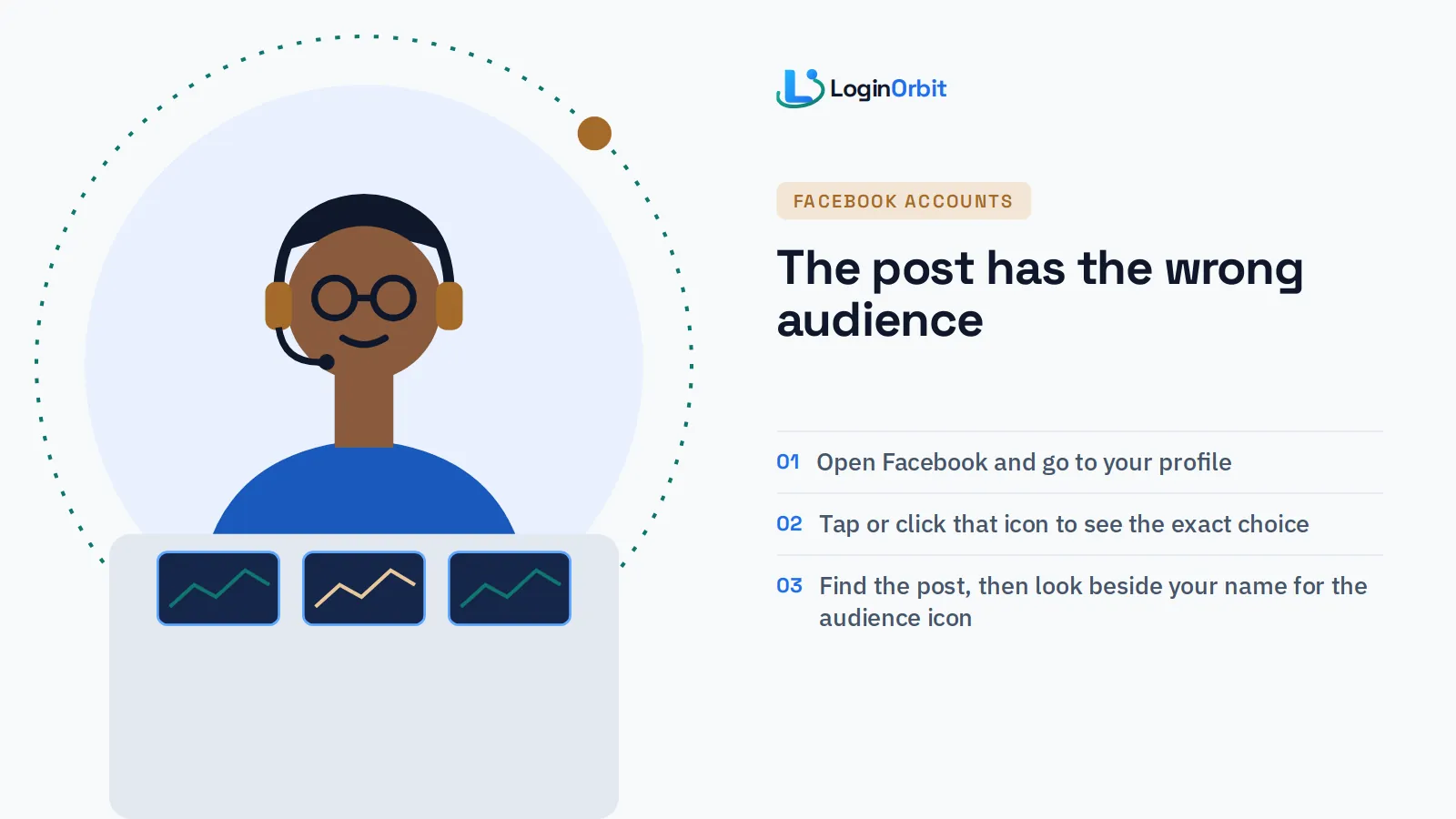
A restricted audience is the most likely reason friends can’t see a Facebook post. The post may still look normal to you, but Facebook will hide it from people outside the selected audience.
Open Facebook and go to your profile. Find the post, then look beside your name for the audience icon. A globe means Public, two people usually means Friends, a lock means Only me, and a gear or custom label can mean a selected audience.
Tap or click that icon to see the exact choice. Check whether it says Friends except, Specific friends, Custom, Only me, or a friend list. If a list is selected, your friend may simply not belong to it.
Change the audience to Friends if every Facebook friend should see the post. Then save the change and refresh your profile. If you’re using the app, close and reopen it before testing again. If you’re using a browser, refresh the page after saving.
To test the result, ask one friend to open your profile directly. Don’t rely only on their News Feed, because Facebook doesn’t promise that every friend will see every post there. If your friend can see the post on your profile, the audience setting is working.
A common mistake is changing the audience on a new post and assuming it changes older posts too. It doesn’t. You must edit each older post separately, and that can take longer if several posts have different settings.
If the post still isn’t visible, use View as from your profile when that option is available. Choose the public view or another audience preview, then compare what appears. If the post is missing in the preview, check its audience again rather than reposting it.
The fix normally takes only a few minutes and costs nothing. The trade-off is privacy: changing Only me or a custom audience to Friends gives more people access to the post. If the post contains personal information, keep the smaller audience and share it directly with the people who need it.
A friend is restricted or blocked
A friend may not see the post because their account is blocked, restricted, unfriended, or left out of a custom audience. This cause is different from a general audience problem: other friends can see the post, but one person cannot.
Check your profile’s friend list and search for that person. If you’re no longer friends, a post set to Friends won’t be visible to them. If you’ve blocked the account, Facebook also removes normal profile access between both accounts.
Next, open your profile settings and review restricted accounts. A person on your Restricted list may still be your Facebook friend, but they generally see only posts you share publicly and posts where you tag them. A post shared with Friends may not be available to them in the usual way.
Also check the post’s custom audience. Open the post, choose Edit audience, and look for Friends except or Specific friends. One excluded account can explain why one person can’t find the post while others can.
You can tell this cause apart from the first one by testing with two friends. If both friends can open the post from your profile, the problem is probably about the missing person’s account or audience status. If neither can see it, return to the post audience and account-status checks.
Don’t ask a friend for their password or try to access their account. You only need them to open your profile or tell you whether the post appears. If the person can’t see your profile at all, check whether either account has blocked the other.
Changing restrictions may make more of your posts visible to that person. If you don’t want that, leave the restriction in place and send the post through a private message instead. The right choice depends on whether you want broad sharing or controlled access.
The post is hidden by feed ranking
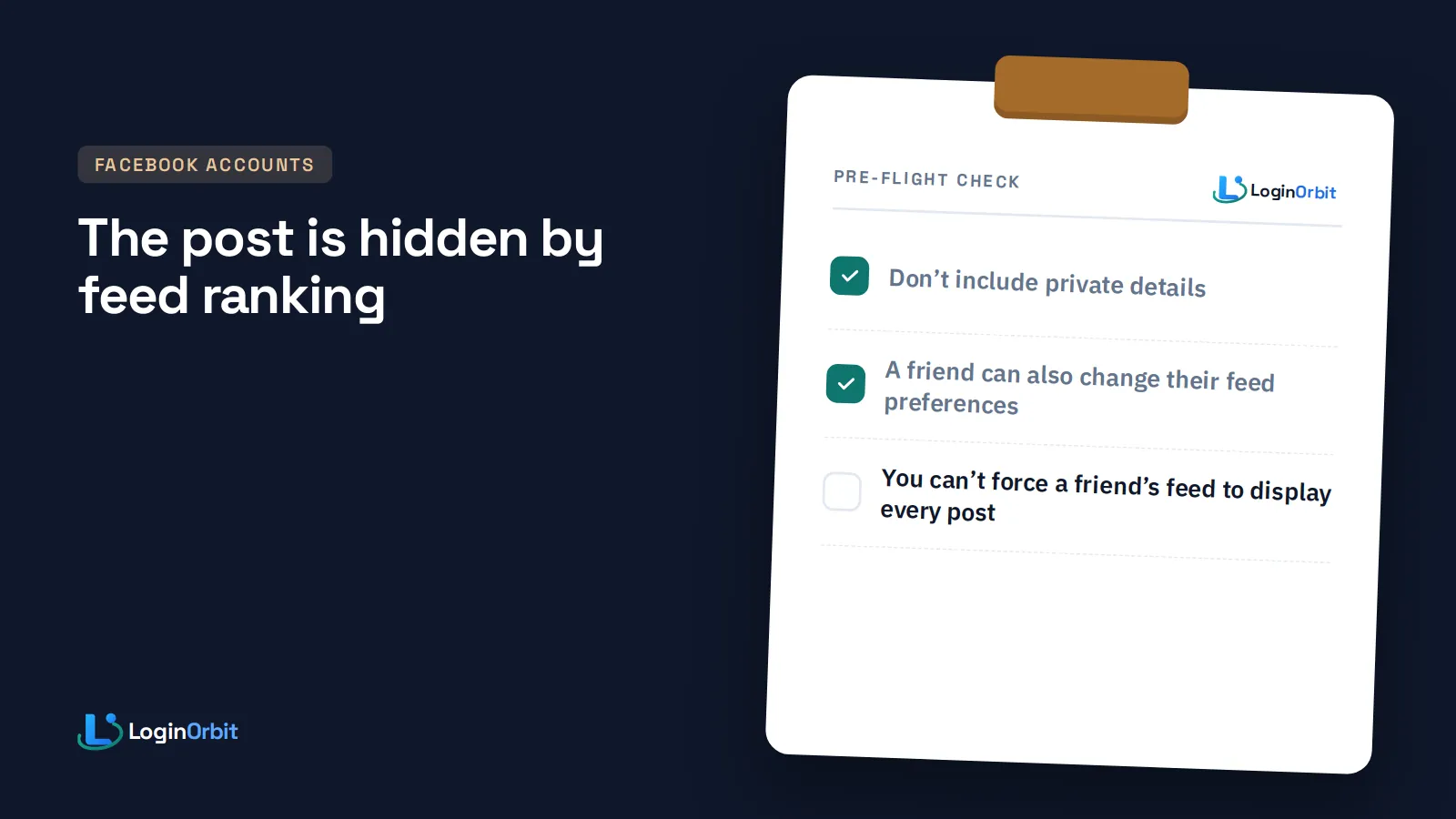
A post can be available to friends without appearing near the top of their News Feed. Facebook chooses what to display first, so a friend may need to visit your profile or scroll further to find it.
Ask the friend to search your name and open your profile directly. Have them look at your recent posts, not just the first screen of their feed. If the post appears there, it isn’t missing; it was simply not ranked near the top for that person.
The post may also be hard to notice if it has no recent reactions or comments. That doesn’t mean Facebook removed it. It means the friend’s feed may show other posts first.
To check whether this is the problem, publish a short test post with the audience set to Friends. Don’t include private details. Ask the same friend to open your profile after the post publishes. If the test appears there but not in the feed, the issue is feed visibility rather than post access.
A friend can also change their feed preferences. They may have unfollowed your posts while staying friends with you. In that case, your posts can remain on your profile, but they won’t normally appear in that person’s feed.
You can’t force a friend’s feed to display every post. Tagging someone may bring their attention to a post, but it also alerts them and may expose the post to people allowed to see tagged content. Use a direct message when the person must see the information.
If a post doesn’t appear on your profile for anyone, this isn’t a simple ranking issue. Check the post’s status, your Support Inbox, and whether Facebook placed a limit on the content.
Less common Facebook post problems
- The post was removed: A notice in Support Inbox is the main clue, especially if the post violated a Facebook rule. Open the notice to see whether Facebook offers a review option; reposting the same content usually won’t solve the problem.
- You posted in a private group: Friends outside that group won’t see it, even if they’re your Facebook friends. Check the group name and privacy setting before assuming the post failed.
- The account has a temporary limit: Posting, sharing, or commenting may fail across several areas at once. If only one group or page is affected, that space’s rules or moderation may be the cause instead.
- The app is showing old data: The post appears on another device or in a browser but not in the current app. Refresh the feed, close and reopen Facebook, then check again; avoid deleting the post while the app is displaying stale information.
- The platform has an outage: Several unrelated Facebook features fail at the same time. If other people report the same failures, wait and try again rather than repeatedly submitting the post.
Stop DIY checks if Facebook asks for identity verification, shows an account-security warning, or says your account is disabled. Don’t use third-party “Facebook recovery” services. Contact Meta through the account’s official Help Center or Account Status tools instead.
What fixing a Facebook post requires
The simplest fix needs only the Facebook app or a web browser, plus access to the account that created the post. Checking the audience, profile location, and Support Inbox usually takes less time than deleting and reposting the content.
Changing an audience is quick, but it can reduce privacy. A Friends audience is broader than Specific friends, while Public is broader still. If the post contains a photo, address, work detail, or family information, review it before widening access.
Checking a blocked or restricted account takes a little more care. You’ll need to compare the friend list, blocked accounts, restricted list, and the post’s custom audience. Don’t change every setting at once, or you won’t know which setting caused the problem.
An app display problem may need an update, a sign-out, or a browser test. Avoid deleting the post unless you’ve copied its text and saved important photos. Deleting it removes the existing reactions and comments.
Account limits and removals may need Meta’s review process. The cost isn’t usually money; it’s time, lost engagement, or lost comments. For a real support answer, read the notice in Support Inbox or Account Status, because the available appeal and deadline depend on the notice shown there.
Related guides
- How scammers hack Facebook accounts
- How to Set Up a Facebook Account the Right Way
- How to Recover a Hacked Facebook Account Safely
For hands-on help with this, our team offers Facebook Account Setup & Security Service.
Frequently Asked Questions
Why can my friends see some posts but not others?
The posts probably have different audience settings. Facebook saves an audience choice with each post, so one post can be shared with Friends while another is limited to Only me, a custom list, or selected friends. Open each post and compare the audience icon. If the settings match, ask a friend to open your profile directly to separate a feed-ranking issue from an access problem.
Can Facebook hide my post from friends?
Yes, but a hidden post usually has a clear reason. Its audience may exclude those friends, it may be inside a private group, or Facebook may have removed or limited it. Check the post on your profile first, then review Support Inbox and Account Status. If Facebook displays a notice, follow that notice instead of reposting the same content repeatedly.
How long does it take for a Facebook post to show up?
A post should normally appear on your profile soon after publishing, but News Feed placement has no fixed time. Check the profile directly after a few minutes, using the same account or a trusted friend’s account. If it’s on your profile, waiting may help the feed display it later. If it’s missing for everyone, waiting alone probably won’t fix the problem.
Is it safe to change my post audience to public?
It’s technically simple, but it may not be safe for private information. A public post can be viewed and shared beyond your friend list, depending on Facebook’s sharing features and other settings. Use Friends when your friends need access, and use a direct message for one person. Review photos, location details, and names before choosing Public.
What happens if I delete and repost the Facebook post?
Deleting it removes the original post, including its reactions and comments. Reposting creates a new post with a new audience choice, so it may solve a wrong-setting problem but won’t solve a blocked friend, private-group issue, account limit, or feed-ranking problem. Copy the text and save photos first. Check the original post’s audience before deleting it.
Does tagging a friend make them see the post?
No, tagging doesn’t guarantee that a friend will read the post. It can send a notification, but the post’s audience still controls who can access it. The friend may also have notification or feed preferences that affect what they notice. If the message is for one person, send it directly rather than relying on a tag.
Why can’t my friend see my post but others can?
Their account may be excluded from the post, restricted, blocked, or no longer connected to you as a friend. Ask them to open your profile directly. If they can’t see the post there, compare the audience and account settings. If they can see it on your profile but not in their feed, the issue is feed ranking or their own feed preferences.
What to do next
If the problem continues, watch whether it affects one post or everything you share. Try posting a short, harmless update later and check it with a trusted friend. If visibility still seems wrong, report the issue through Facebook’s Help & support menu, including screenshots and the time it happened.



