
When the facebook app keeps crashing, the causes are usually an outdated app, damaged temporary data, or a weak phone connection. Update Facebook first, then restart your phone and open the app again. If it still closes, clear its cache on Android or reinstall it on iPhone. Check Facebook’s official service status before changing deeper settings, because a wider outage won’t be fixed on your phone.
Why Facebook keeps crashing
The most common cause is a bad app update or damaged temporary data. These problems can stop Facebook while it loads your feed, opens a video, or tries to use your phone’s storage.
If Facebook crashes only on one phone, start with the app update, a restart, and temporary data. Android lets you clear Facebook’s cache in the app settings. On an iPhone, deleting and reinstalling the app is the usual way to remove its stored data, so make sure you know your login details first.
| Cause | How common | How to confirm it | Fix it yourself? |
|---|---|---|---|
| Outdated Facebook app | Very common | Check app store updates | Yes |
| Damaged temporary data | Very common | App works after clearing cache | Yes |
| Low phone storage | Common | Check storage settings | Yes |
| Weak internet connection | Common | Test another app | Yes |
| Old phone software | Less common | Check system update page | Yes with care |
| Facebook service outage | Occasional | Check outage reports | No |
| Faulty phone hardware | Rare | Other apps crash too | No |
If other apps also crash, freeze, or fail to open, the problem may be the phone rather than Facebook. Check for system updates and available storage before reinstalling the app. If Facebook fails across devices or networks at the same time, check outage reports instead of repeatedly changing your phone’s settings.
An outdated Facebook app
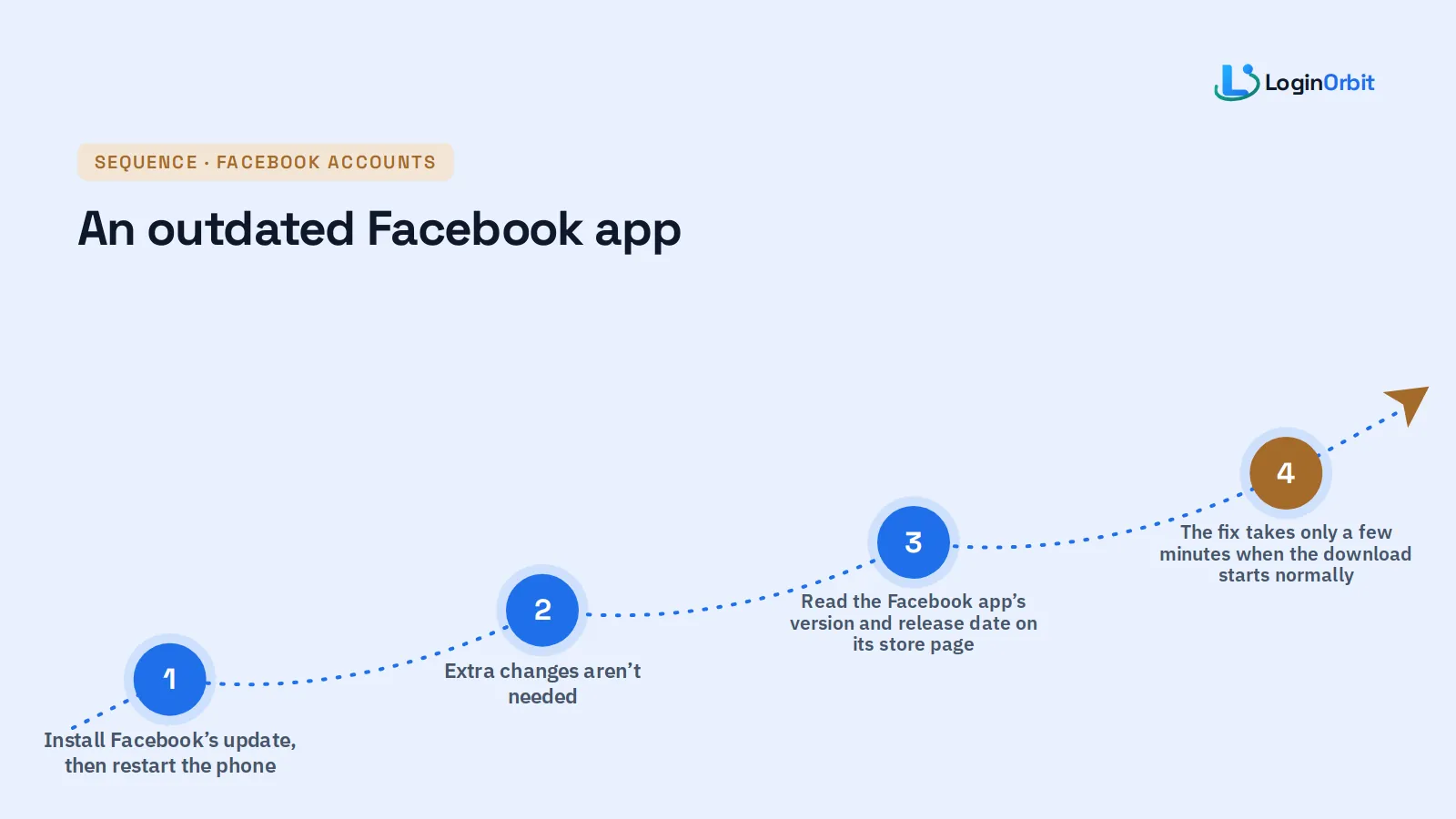
An old Facebook version can crash when it meets a newer phone system or a changed Facebook feature. The quickest check is the app store: search for Facebook and look for an Update button instead of Open.
On Android, open the Google Play Store, tap your profile picture, choose Manage apps & device, and check available updates. On iPhone, open the App Store, tap your account picture, and look under available updates. Install Facebook’s update, then restart the phone.
If the update button is missing, the store may already have the latest version. Read the Facebook app’s version and release date on its store page. Compare it with Facebook’s support information or your phone maker’s software requirements rather than guessing whether the app is current.
The fix takes only a few minutes when the download starts normally. It may take longer if your connection is slow or the update is large. Keep the phone connected to Wi-Fi or mobile data, and leave enough free storage for the store to download and install the update.
A common mistake is tapping Open repeatedly without updating the app. That costs time and can make the same crash happen again because the faulty app version hasn’t changed.
If the update fails, restart the phone before trying again. If the store reports a compatibility problem, don’t install an unofficial Facebook file. Check the phone maker’s support page or ask the app store provider for help.
If Facebook works after the update, stop there. Extra changes aren’t needed. If it still crashes, the next useful test is temporary data, not repeated restarts.
Damaged temporary app data
Damaged cache data can make Facebook close during startup or while loading a particular screen. This cause differs from an outdated app because the store shows no useful update, while clearing temporary data changes the behavior.
Android users can open Settings, choose Apps, select Facebook, and open Storage or Storage & cache. Tap Clear cache, then launch Facebook again. Menu names vary by phone maker, so use the wording shown on your phone.
Start with Clear cache, not Clear storage or Clear data. Clearing the cache removes temporary files. Clearing storage can sign you out and remove local app settings, so save that step for later.
On iPhone, there usually isn’t a separate system button for clearing one app’s cache. Instead, open Settings > General > iPhone Storage > Facebook, then choose Offload App if available. Reinstall the app from the same screen, or delete Facebook and download it again from the App Store.
You’ll need your Facebook login details before deleting or reinstalling the app. If you use two-factor authentication, make sure you can access your code method first. The password reset process may take longer if you can’t reach your email or phone number.
The trade-off is simple: cache clearing is quick and keeps more local settings, while reinstalling is stronger but removes the app and may require a fresh login. If clearing the cache fixes the crash, no reinstall is needed. If it doesn’t, reinstall Facebook once.
Don’t clear storage repeatedly. It won’t repair a Facebook outage, a damaged phone, or an account restriction. If the app still crashes immediately after a clean reinstall, move to storage, phone software, and service checks.
Too little phone storage
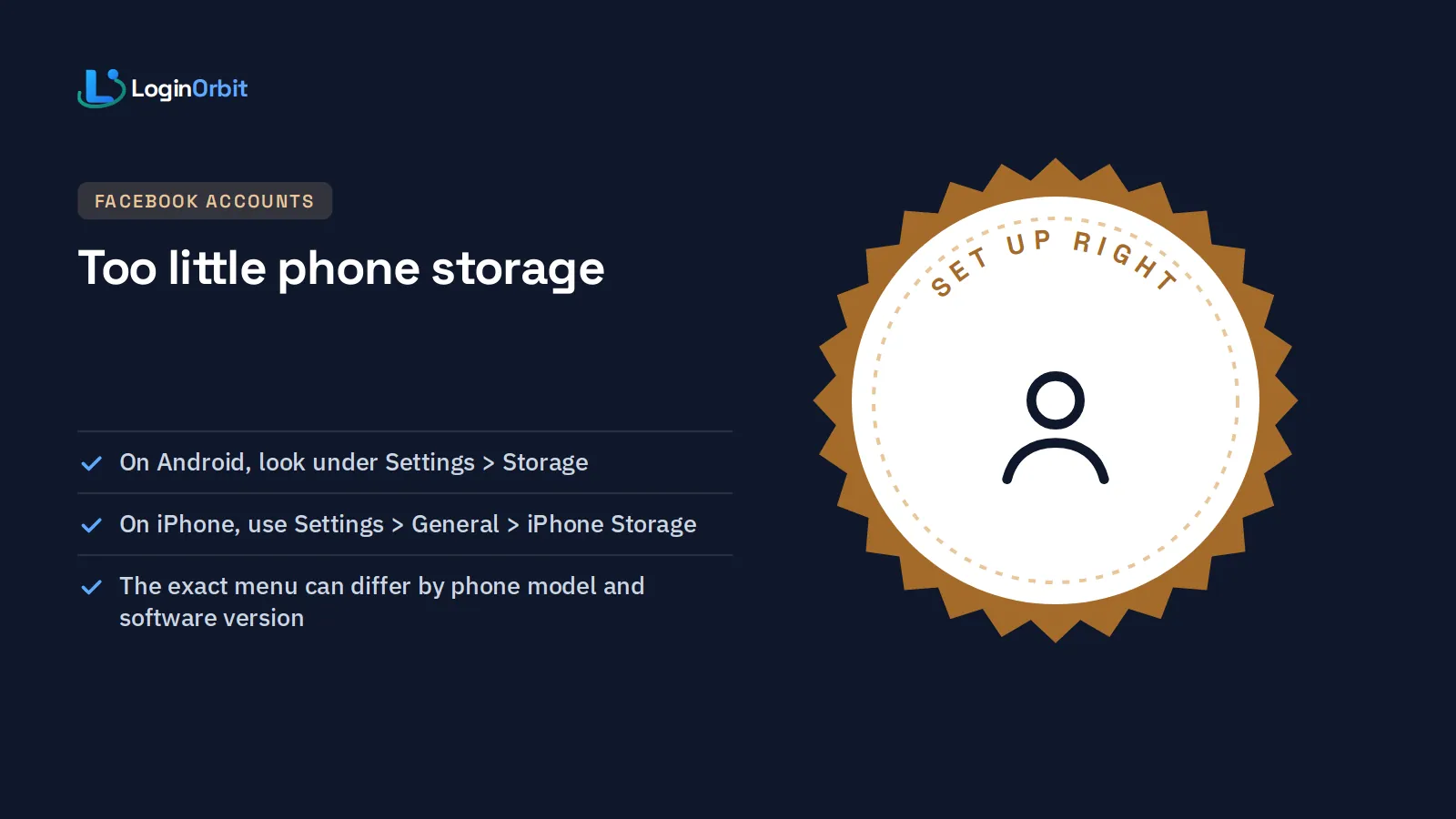
Low free storage can interfere with app updates and normal temporary files. Facebook may crash during video loading or after you open several screens, especially when the phone is already warning that storage is nearly full.
Check the phone’s storage page, not just the amount shown in the Facebook app. On Android, look under Settings > Storage. On iPhone, use Settings > General > iPhone Storage. The exact menu can differ by phone model and software version.
Remove items you can replace, such as downloaded videos, duplicate photos, unused apps, and offline music. Avoid deleting photos or messages until you’ve checked that they’re backed up. Emptying a trash or recently deleted folder can also remove files permanently.
The useful test is to free space, restart the phone, and open Facebook before changing anything else. If Facebook stops crashing, storage was likely part of the problem. If the crash continues with plenty of free space, storage probably wasn’t the main cause.
Storage needs vary by phone model, operating system, and the size of your apps and media; read your phone’s storage screen to see your own free amount. There isn’t one safe free-space figure for every device, so don’t treat a random online number as a rule.
A mistake here is uninstalling several useful apps before checking what uses the space. That can cost you saved logins and offline files without fixing Facebook. Start with large, replaceable files and apps you no longer use.
Facebook service or network problems
A poor connection can make Facebook appear to crash, although the app may actually be timing out while it loads content. Test a different app or website on the same connection, then switch between Wi-Fi and mobile data if your plan allows it.
If other apps also fail, restart the router only if you control it and can safely do so. If only Facebook fails on both Wi-Fi and mobile data, check for a service outage or a problem with your account session.
You can also open Facebook in a phone browser. If the browser version works but the app closes, the app installation or phone environment is more likely at fault. If both versions fail, a service issue, account problem, or network filter becomes more likely.
Facebook’s own troubleshooting guidance recommends reporting problems through its help tools when normal fixes don’t work; use the Facebook troubleshooting guidance for the current reporting path. The menus can change, so follow the options shown on Facebook’s page.
If Facebook is down, wait rather than reinstalling the app several times. If the service works for other people but not on your phone, sign out only after confirming you can sign back in. If you can’t access your account, use Facebook’s account recovery tools instead of creating a second account.
Less common Facebook crash causes
-
A pending phone update can cause trouble when Facebook crashes after a system upgrade or behaves differently from other apps. Check the phone maker’s update page, install the update, and restart the phone before testing Facebook again.
-
Battery or security restrictions may interfere when Facebook closes in the background; the clue is a crash after switching apps or returning from another screen. Check the battery settings for Facebook and remove restrictions only if the app is being limited.
-
A damaged user profile is possible when another phone user can open Facebook normally, or when the app fails only after you sign in. Test the account on a different device or in a browser, then contact Facebook account support rather than repeatedly reinstalling the app.
-
Hardware trouble is more likely when several unrelated apps crash, the phone overheats, or it restarts by itself. Back up important data while the phone still works, and stop using it if it becomes unusually hot or shows physical damage.
Don’t reset the phone, edit system files, or install unofficial app packages for this problem. Those steps can erase data, weaken security, or affect your warranty. If Facebook and other apps still crash after updates and free storage, contact the phone maker or a qualified repair technician. Include the phone model, operating-system version, and which other apps fail.
What Facebook app crash fixes usually require
The easiest fixes need only the phone and a stable internet connection. Update Facebook from the official app store, restart the phone, test another network, and check available storage before reinstalling the app. If Facebook crashes only on one network, focus on that connection; if it crashes everywhere, the app or phone is more likely involved.
Clearing Android cache needs no extra tool, but menu names depend on the phone maker. Use the app settings for Facebook and clear its cache, not its stored data, unless you understand the sign-in consequences. On iPhone, there’s no general Clear cache button, so offloading or deleting and reinstalling the app may be the available equivalent.
Reinstalling Facebook needs your password and any two-factor authentication method. Confirm that you can receive the code before deleting the app. Its cost is mostly time and mobile data, especially if you don’t have Wi-Fi. Save drafts or locally stored items first, because reinstalling can remove app-specific temporary data.
Freeing storage may take longer because you’ll need to review photos, downloads, and unused apps. The trade-off is that it can also improve other phone tasks. Don’t delete personal files until you’ve confirmed a backup. If storage is already comfortable and other apps work normally, storage cleanup is less likely to be the main fix.
A phone software update can take longer and may need charging space, a reliable connection, and a restart. Read the update screen for its own storage and battery requirements. Don’t interrupt an update once the phone has started installing it.
A service outage needs no repair from you, while a hardware fault or account problem needs the manufacturer, a qualified repair shop, or Facebook account support. For a real repair quote, give them the phone model, software version, crash timing, and checks already completed.
When you want it set up without the guesswork, Facebook Account Setup & Security Service is the place to start.
Frequently asked questions
Can Facebook crash because my phone is old?
Yes, an older phone can struggle when its software no longer supports the current Facebook app. Check the Facebook store page and your phone’s system-update page for compatibility information. If the phone can’t install required software updates, use Facebook in a mobile browser as a short-term option. If other modern apps also crash, the phone’s age or storage may be the wider problem.
Why does Facebook keep closing when I open videos?
Facebook may close during video playback because of damaged app data, low storage, an app update problem, or a connection failure. Test a text-only part of Facebook first, then try another video app. If only Facebook videos trigger the crash, update Facebook and clear its temporary data. If several video apps fail, check storage, system software, and the phone’s temperature.
How long does it take to fix Facebook crashing?
A simple update or restart can take a few minutes when the phone has enough storage and a stable connection. Clearing cache is also usually quick, while reinstalling can take longer because you’ll download the app and sign in again. If Facebook is having a service problem, there’s no reliable repair time on your phone. Check Facebook’s own updates instead of repeating local fixes.
Is it safe to clear Facebook cache?
Yes, clearing Facebook’s cache on Android is generally safe because it removes temporary files, not your Facebook account. You may still see a short reload while the app creates fresh files. Don’t confuse Clear cache with Clear storage or Clear data, which can remove local settings and sign you out. Keep your password and login method available before using the stronger option.
What happens if I delete and reinstall Facebook?
Deleting and reinstalling Facebook removes the app from the phone, but it doesn’t delete your Facebook account. You’ll need to download the app again and sign in. Saved local settings may be lost, and two-factor authentication could slow access if you can’t receive codes. Don’t reinstall until you know your password or have a working account-recovery method.
Does it matter if Facebook crashes on Wi-Fi only?
Yes, Wi-Fi-only crashes point toward the network, router, DNS settings, or a network filter rather than Facebook’s installation alone. Test mobile data or another Wi-Fi network if you can. If Facebook works elsewhere, restart or check the problem network. If it crashes on every connection, focus on the app update, temporary data, storage, and phone software.
Can an outage make the Facebook app crash?
Yes, a Facebook service problem can make the app fail to load or close during requests, although not every outage causes a full crash. Compare the app with Facebook in a browser and check whether other people report the same problem. If both versions fail for many users, wait and try later. Reinstalling won’t repair a server-side outage.
What to do next
If Facebook still won’t stay open after these checks, report the problem through Facebook’s Help Center and include your phone model, app version, and what happens before the crash. Keep your phone and apps updated, and check again later if there’s an ongoing outage. A new update may resolve the issue without further changes.



