
A polished Facebook profile can help real estate agents look credible, explain their specialty, and turn local conversations into inquiries. This guide to facebook profile setup for real estate agents covers the profile photo, cover image, bio, contact details, privacy settings, compliance basics, content strategy, lead conversion, and a practical launch checklist.
Key Takeaways
- Use a recent professional headshot and a cover image that clearly identifies your market, service, or brokerage.
- Write a bio that answers who you help, where you work, and what someone should do next.
- Keep your personal profile human, but review privacy controls before mixing personal posts with business visibility.
- Add consistent contact information across your profile, website, email signature, and listing materials.
- Publish useful local content before promoting yourself heavily; trust-building posts usually create better conversations than constant sales pitches.
- Review brokerage, state, federal, and platform requirements before using real estate advertising or testimonials.
Set Up a Facebook Profile for Real Estate Agents
Before changing individual fields, decide what role your Facebook profile will play. A personal profile can support relationship-building and referrals, while a Facebook Page is designed more directly for public business publishing, advertising, analytics, and multiple administrators.
Many agents use both:
- Personal profile: Conversations, community participation, professional updates, and relationship maintenance.
- Facebook Page: Business information, office details, paid campaigns, reviews where available, and scheduled content.
- Website: Full service descriptions, listing search, disclosures, lead forms, and long-term ownership of your audience.
Don’t create a personal profile under a business name. Use your real identity and list your brokerage or team in the appropriate work fields. A profile called “Best Homes in Austin” can appear misleading, difficult to verify, or inconsistent with platform rules.
Choose your positioning
Select one primary audience before writing your bio. You can serve several groups, but a clear first impression is easier to remember.
| Positioning choice | Example wording | Best supporting content |
|---|---|---|
| Geographic specialist | “Helping buyers and sellers in Tacoma” | Neighborhood guides, market explanations, local events |
| Buyer specialist | “Guiding first-time buyers through Denver” | Financing vocabulary, offer preparation, inspection basics |
| Listing specialist | “Strategic marketing for sellers in Raleigh” | Preparation checklists, pricing education, photography |
| Property type specialist | “Condos and townhomes in Chicago” | Building comparisons, HOA questions, maintenance topics |
| Relocation specialist | “Helping families move to Phoenix” | Commute areas, schools, utilities, moving timelines |
Your positioning isn’t a permanent promise. It’s a practical way to make your profile understandable within a few seconds. Specific language beats broad claims such as “making dreams come true.”
Choose Profile Branding
Your visual presentation should look approachable, current, and consistent with your brokerage materials. It doesn’t need to look expensive. It needs to be recognizable and readable on a phone.
Profile photo
Use a well-lit head-and-shoulders photo with your face large enough to identify in a small circular crop. Choose a neutral or lightly branded background, natural expression, and clothing that fits your local market.
Avoid:
- Group photos where the viewer can’t tell who you are
- Sunglasses, vacation photos, or heavy filters
- Logos replacing your face
- Cropped wedding or family pictures
- A headshot that no longer resembles you
Visual consistency matters. If your website, email signature, listing presentations, and social accounts use completely different photos, prospects may hesitate when moving between channels.
Cover image
Treat the cover image as a billboard, not a crowded flyer. Include one central message, your service area, and perhaps a recognizable local image.
Good cover concepts include:
- A clean skyline or neighborhood street
- A welcoming exterior with your market name
- A simple “Buy | Sell | Relocate” service message
- A seasonal local image with subtle branding
- A team image, if every person is labeled clearly
Leave room around the edges because the image may crop differently on mobile and desktop. Check that your face, phone number, logo, and text don’t overlap awkwardly.
Color and typography
Use the same two or three colors found in your brokerage-approved materials. Select a typeface that remains readable on a small screen. Readable design is more useful than decorative lettering.
Write Your Bio And Intro
Your introduction should quickly establish relevance and invite a low-pressure next step. A strong bio isn’t a list of adjectives. It’s a compact explanation of your audience, area, value, and contact path.
Use this formula:
I help [audience] buy, sell, or move in [area]. I specialize in [service or property type] and share [useful content]. Contact me at [approved method] to discuss your next move.
Example:
I help first-time buyers and homeowners in Fort Collins navigate buying, selling, and relocation. I share practical neighborhood and homeownership tips. Message me here or visit my website to start a conversation.
What to include
- Your name and professional role
- Your city, county, or service area
- Your brokerage, team, or license-related identification where required
- A specific audience or specialty
- A useful service promise
- A clear contact action
- Languages spoken, if relevant
- A website or approved landing page
What to avoid
- “Top agent” or “number one” without substantiation
- Guaranteed sale prices, appreciation, or investment returns
- Vague claims such as “I work harder than everyone”
- Too many emojis or hashtags
- A long autobiography
- Sensitive personal information
- Licensing claims you can’t document
Plain-language benefits are stronger than slogans. “I explain the offer process in plain English” gives a prospect a reason to contact you. “Your real estate solution” does not.
Build a short version
Some visitors will only read the first line or two. Put your clearest point first:
Real estate agent helping buyers and sellers in South Minneapolis | First-time buyers and relocation | Practical local guidance
Then expand in the longer About section. Keep a saved copy of your bio so updates are easy and consistent.
Add Contact And Work Details
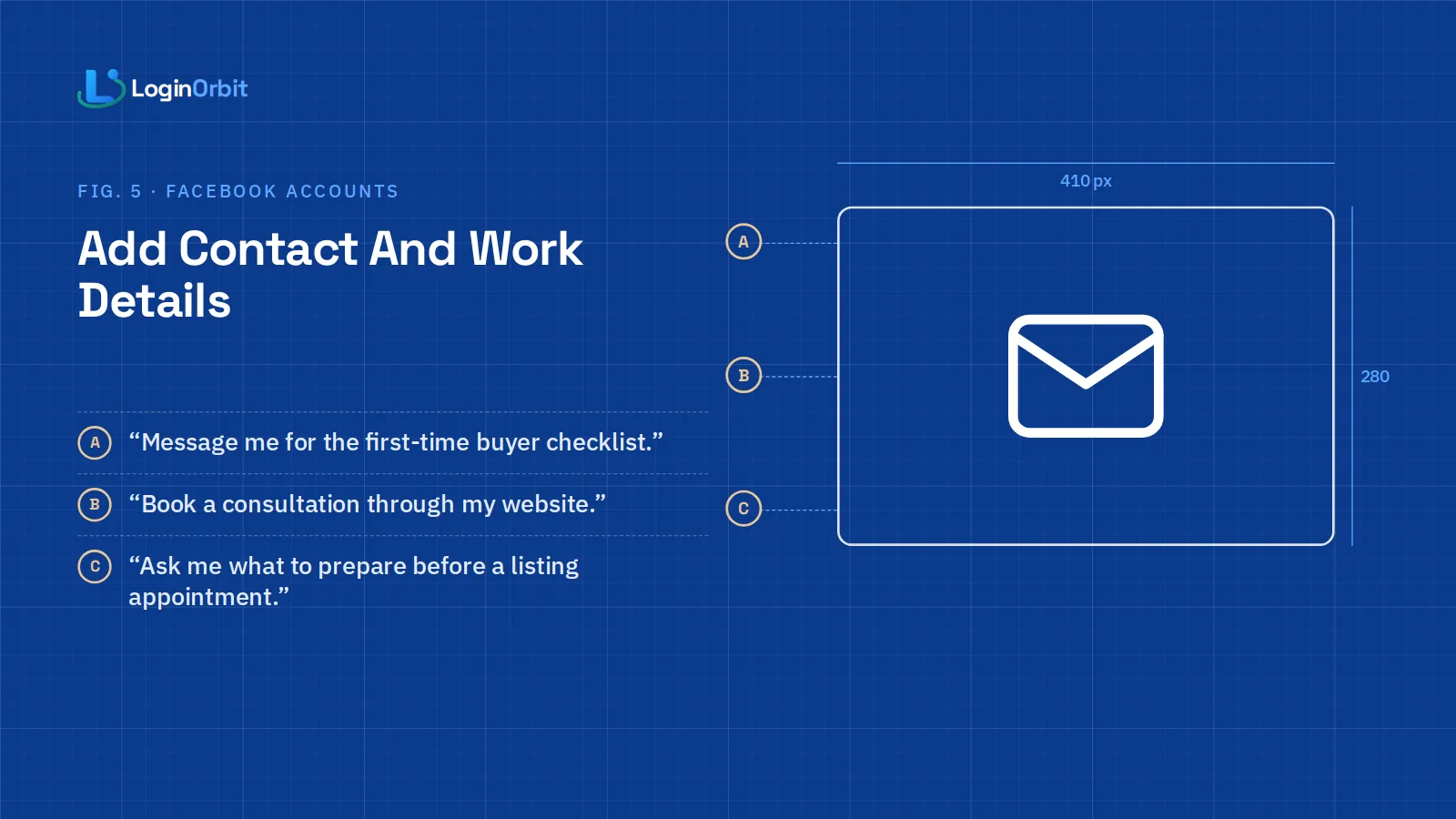
Complete every relevant field, but only publish information you’re comfortable receiving inquiries through. A profile with a phone number that nobody answers creates a poor first impression.
| Profile field | What to enter | Quality check |
|---|---|---|
| Current city | Your actual market or office location | Does it match your service area? |
| Workplace | Brokerage or approved team name | Is the spelling consistent? |
| Website | Your secure, current website | Does the link open on mobile? |
| Professional business address | Is it monitored daily? | |
| Phone | Business number or approved forwarding line | Is voicemail professional? |
| Services | Buyer, seller, relocation, leasing if applicable | Are claims accurate? |
| Education | Relevant institution or training | Is it useful to your audience? |
| Languages | Languages you can genuinely conduct business in | Can you support the claim? |
Use a professional email such as [email protected] when possible. Keep your Facebook contact information aligned with your business card, website, Google Business Profile, listing presentations, and brokerage directory.
Add a useful call to action
A call to action should require little commitment:
- “Message me for the first-time buyer checklist.”
- “Send me your neighborhood and I’ll point you to the relevant guide.”
- “Book a consultation through my website.”
- “Ask me what to prepare before a listing appointment.”
Low-friction contact works better than demanding that a stranger “act now.” Avoid encouraging people to send confidential financial or personal information through a public comment.
Review Privacy And Security
A professional profile still belongs to a real person. Review audience settings before posting and decide which parts of your life should remain visible only to friends.
Check:
- Who can see future posts
- Who can see your friends list
- Who can look you up using your email or phone
- Tag review and timeline review
- Public post comments
- Location sharing
- Two-factor authentication
- Login alerts and active sessions
- Connected apps and old permissions
You can keep personal posts limited to friends while making selected professional posts public. Avoid posting travel details in real time, showing documents with addresses, or revealing information about clients, children, or occupied properties.
Account security deserves the same attention as branding. Use a unique password, enable two-factor authentication, and remove unknown devices. If an assistant helps with a Page, use proper role access rather than sharing your password.
Protect client confidentiality
Never publish a client’s name, financial situation, offer details, private conversation, or identifying property information without appropriate permission. Even a seemingly harmless success story may reveal more than the client intended.
Use general language:
- “My buyers closed on a home this week.”
- “A seller prepared early and received strong interest.”
- “A relocation client found a workable commute.”
Don’t identify the person, address, price, or circumstances unless authorization and applicable rules clearly permit it.
Handle Compliance Carefully
Real estate advertising rules vary by state, brokerage, MLS, and transaction type. Your profile may be personal, but a post promoting your services can still function as advertising.
Ask your broker or compliance contact about:
- Required brokerage name and prominence
- License number or license status disclosures
- Team-name rules
- Fair housing language and imagery
- Required disclaimers for listings
- Testimonials and endorsements
- “Coming soon,” sold, or pending claims
- Rental and property-management advertising
- Use of MLS photos and listing data
- Lead forms and record retention
The U.S. Department of Housing and Urban Development explains that the Fair Housing Act protects people from discrimination in housing-related activities; review its Fair Housing Act overview when developing audience language and advertising practices.
Don’t imply that a neighborhood is suitable for a particular protected class. Avoid wording such as “perfect for young families,” “safe for singles,” or “ideal for Christians.” Describe property features and services instead:
- “Three-bedroom home with a fenced yard”
- “Walkable to grocery stores and transit”
- “I provide video tours and relocation consultations”
- “Near parks, restaurants, and public transportation”
Compliance review should happen before publishing, not after a complaint. Save screenshots or copies of recurring campaigns and ask your broker how long records should be retained.
Publish A Useful Content Mix
A profile becomes useful when it answers questions people already have. You don’t need to post every day. A sustainable rhythm is more valuable than a burst of content followed by silence.
Use four content categories:
| Content category | Examples | Suggested purpose |
|---|---|---|
| Education | Inspection terms, offer components, closing timeline | Demonstrate competence |
| Local knowledge | Transit changes, neighborhood businesses, public events | Show genuine market familiarity |
| Process transparency | What happens at a consultation or showing | Reduce uncertainty |
| Personal connection | Volunteer work, hobbies, professional milestones | Make you memorable |
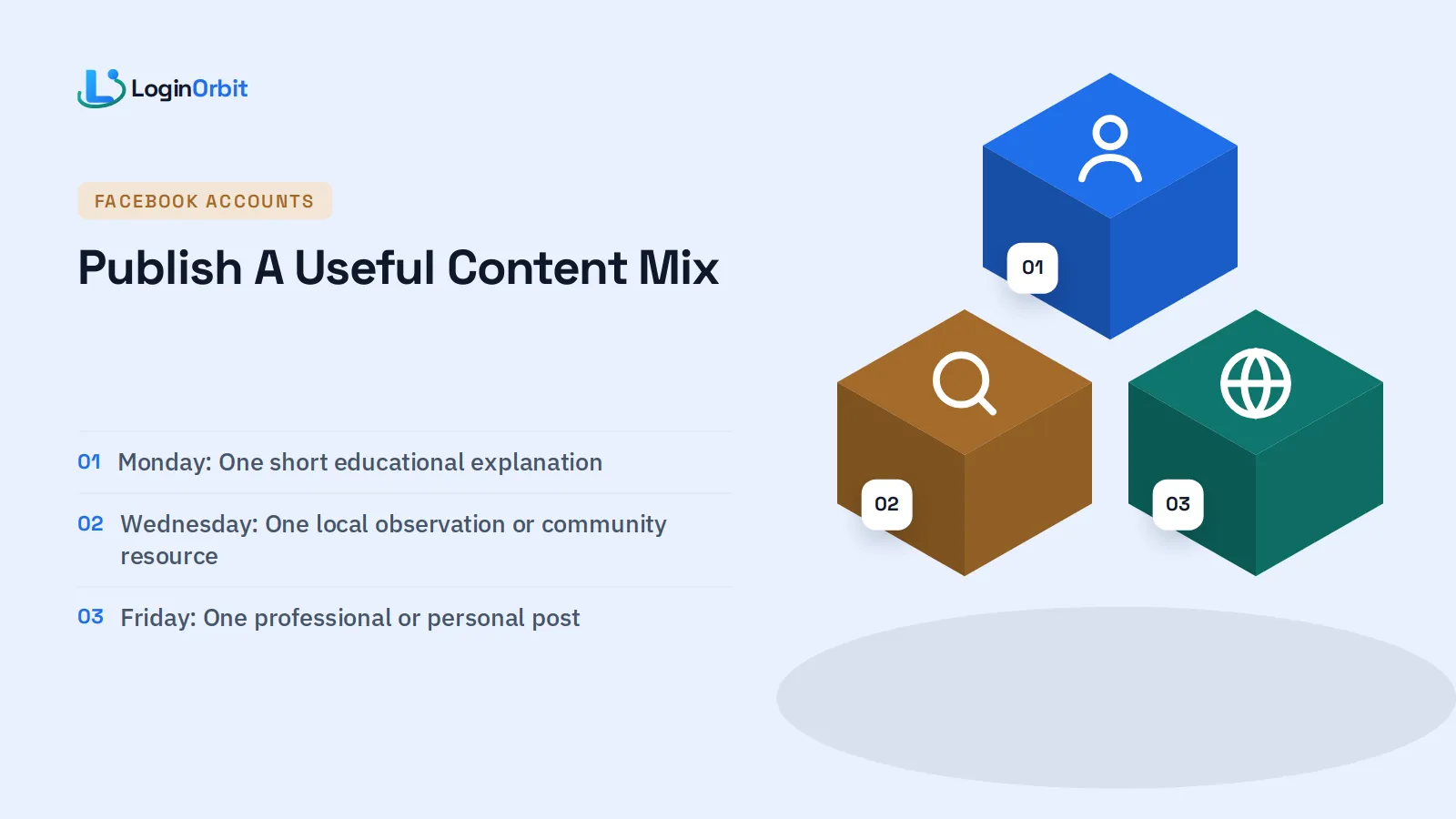
A practical weekly schedule might include:
- Monday: One short educational explanation
- Wednesday: One local observation or community resource
- Friday: One professional or personal post
- Monthly: One longer guide, video, or live Q&A
Concrete post ideas
- “What earnest money does and doesn’t do”
- “Three questions to ask before touring condos”
- “How to compare property taxes without guessing”
- “A moving-day checklist for families”
- “What sellers should remove before photography”
- “A local farmers market, trail, library, or community event”
- “How inspection objections are usually discussed”
- “What to bring to a first buyer consultation”
Useful specificity makes posts easier to save and share. Replace “The market is changing” with a clear explanation of one change and what a buyer or seller should ask next.
Use photos responsibly
Use your own images, brokerage-approved materials, or content with clear permission. Don’t copy listing photographs from another agent’s marketing or use a client’s home interior without authorization.
For listing posts, confirm:
- The property is still available or correctly labeled
- The price and status are current
- The photo rights are valid
- Required brokerage information is visible
- The description is accurate
- The post doesn’t create a misleading impression
Turn Attention Into Conversations
A profile isn’t successful merely because it receives likes. The business value comes from relevant conversations, consultations, referrals, and repeat engagement.
Create a simple response path:
- A person comments or sends a message.
- You respond promptly and naturally.
- You ask one clarifying question.
- You offer a useful resource or next step.
- You move sensitive details to a private, approved channel.
- You record the follow-up according to brokerage policy.
Example response:
Thanks for asking. The answer depends on your timeline and whether you already have financing in place. Are you hoping to move within the next three months, or are you researching for later?
Avoid pushing a phone call immediately when the person has asked a basic question. Helpful follow-up earns permission for the next conversation.
Use a lead triage table
| Inquiry type | First response | Next step |
|---|---|---|
| General market question | Answer briefly and cite the relevant factor | Offer a guide or broader conversation |
| Buying question | Ask timeline, area, and preparation stage | Suggest consultation or lender discussion |
| Selling question | Ask property type and desired timing | Offer a preparation checklist |
| Active listing question | Confirm current status and basic facts | Provide approved listing link or showing process |
| Personal or confidential matter | Avoid public discussion | Move to secure private communication |
Don’t collect Social Security numbers, bank details, account passwords, or full financial documents through Facebook messages. Data minimization protects both you and the prospect.
Connect Your Profile Everywhere
Consistency makes a small business look organized. Audit every place where someone may encounter your professional identity.
| Touchpoint | Match these details | Update trigger |
|---|---|---|
| Website | Name, brokerage, service areas, photo | Rebrand or role change |
| Email signature | Phone, website, title, disclosure | New contact information |
| Business card | Bio language and contact path | New market or specialty |
| Brokerage page | Photo, license details, team name | Annual compliance review |
| Listing materials | Branding and required disclosures | Every campaign |
| Calendar booking page | Service description and availability | Change in workflow |
Use one preferred spelling for your name, one professional photo, and one main website URL. If you have several profiles, direct people toward the channel you can maintain consistently.
Brand accuracy includes small details. A disconnected phone number, broken website, or old brokerage name can undermine confidence before a prospect contacts you.
Measure And Improve Monthly
You don’t need complicated analytics to improve your profile. Review a small set of practical signals every month:
- Profile visits
- Website clicks
- Direct messages
- Meaningful comments
- Consultation requests
- Referral conversations
- Posts that generated questions
- Inquiries that became appointments
Record the date, post topic, response, and next action in a simple spreadsheet or approved CRM. Don’t judge a post only by reach. A post seen by 200 local homeowners may be more valuable than one seen by 5,000 unrelated viewers.
Improve one variable
Change one element at a time:
- A clearer first line in the bio
- A more specific service area
- A stronger cover-image message
- A simpler call to action
- A different posting day
- A more useful question at the end of a post
Monthly testing prevents random changes. Keep what creates relevant conversations and retire what consumes time without a clear benefit.
Launch Checklist And Troubleshooting
Complete the following checklist before sharing your profile widely:
- [ ] Profile photo is current, clear, and recognizable
- [ ] Cover image displays correctly on mobile
- [ ] Name, brokerage, and location are accurate
- [ ] Bio identifies audience, area, and service
- [ ] Website and phone links work
- [ ] Contact preferences are clear
- [ ] Personal privacy settings have been reviewed
- [ ] Two-factor authentication is enabled
- [ ] Required disclosures have been confirmed
- [ ] Fair housing language has been checked
- [ ] Old job details and outdated claims are removed
- [ ] Three useful posts are ready
- [ ] A response process exists for new messages
Common problems
The profile looks too personal. Keep your personality, but add a clear work identity, current photo, service area, and professional contact path.
Nobody knows what you do. Rewrite the first sentence to state your role, market, and audience without slogans.
People ask questions but never book. Answer the question first, then offer a relevant next step rather than a generic sales pitch.
The profile feels overly promotional. Use a broader mix of education, local knowledge, process explanations, and personal connection.
Your information is outdated. Schedule a monthly audit and update your website, brokerage profile, email signature, and Facebook details together.
A post may violate a rule. Pause publication, save a copy, and ask your broker or compliance professional before editing and reposting.
Our team handles exactly this through Facebook Account Setup & Security Service.
Frequently Asked Questions
Should real estate agents use a personal profile or Page?
Use a personal profile for authentic networking and a Facebook Page for a public business presence, advertising tools, and team administration. Many agents benefit from both. Keep the personal profile under your real name and follow brokerage requirements for professional identification.
What should a real estate agent put in a Facebook bio?
State your role, service area, primary audience, specialty, and preferred next step. For example: “Real estate agent helping first-time buyers and sellers in Columbus. Message me for a planning checklist.” Avoid unsupported rankings, guarantees, and vague slogans.
Should my phone number be public on Facebook?
Only publish a number you want prospects to use and can monitor reliably. A dedicated business line or forwarding number can protect personal privacy. Confirm that your brokerage permits the number and that your voicemail identifies you professionally.
How often should real estate agents post on Facebook?
Choose a schedule you can maintain, such as two or three useful posts each week. Mix education, local information, process guidance, and personal connection. Consistency and relevance matter more than posting every day.
Can I post another agent’s listing?
Don’t assume you can reuse listing photos, descriptions, or status information. Confirm permission, MLS rules, brokerage policy, required disclosures, and current accuracy before sharing. Use approved links or materials whenever possible.
What should I do when a prospect shares private information?
Don’t continue the details in a public comment. Ask the person to use an approved private channel, avoid requesting unnecessary sensitive data, and follow your brokerage’s privacy, recordkeeping, and lead-management procedures.
What to do next
A strong Facebook presence begins with accurate basics, not constant posting. Update your photo, bio, service area, contact path, privacy settings, and compliance details first; then publish three genuinely useful local posts and review the questions they generate. That gives you a practical foundation for ongoing conversations and referrals.



