
Facebook lets you find friends by searching their name, checking suggested connections, importing contacts, browsing mutual friends, or joining shared groups and events. The best method depends on whether you know the person’s full name, email address, phone number, workplace, school, or location. Use more than one method when a common name produces too many results.
Key Takeaways
- Use Facebook Search with a name, city, school, workplace, or other identifying detail.
- Open People or See all results to filter results instead of relying on the first few profiles.
- Check People You May Know for mutual friends, shared groups, schools, workplaces, and contacts.
- Send a friend request only to people you recognize, and include a short message when context may be unclear.
- Use contact syncing carefully because uploaded address books can affect recommendations and privacy.
- If someone can’t be found, check spelling, privacy settings, account status, blocking, and whether you’re searching the right Facebook account.
Find Friends on Facebook
The quickest way to find a particular person is Facebook’s search bar. The process is similar on the Facebook website and in the Android or iPhone app, although button names and locations may change after an app update.
Search by name
- Open Facebook and select the Search icon or search field.
- Type the person’s first and last name.
- Press Enter, choose the search result, or select See all results.
- Select the People filter.
- Review profile photos, mutual friends, location, school, workplace, and other visible details.
- Open the profile that appears to match.
- Select Add Friend if you’re confident it’s the right person.
A name alone may not be enough. If “Maria Lopez” produces hundreds of profiles, add a city, school, employer, nickname, or middle initial. Search terms such as Maria Lopez Austin or Maria Lopez University of Texas can narrow the results.
Use identifying details
Try details in a logical order rather than adding everything at once. Too many terms can exclude the correct account if the person doesn’t list that information publicly.
| Information you know | Example search | Why it helps |
|---|---|---|
| Full name | Jordan Lee |
Best starting point for a unique name |
| Name and city | Jordan Lee Denver |
Separates people in different areas |
| Name and school | Jordan Lee Lincoln High |
Helps identify classmates |
| Name and employer | Jordan Lee Adobe |
Useful for professional contacts |
| Email address | [email protected] |
May locate a matching account |
| Phone number | A complete number | Works only when discoverability allows it |
Privacy reminder: Avoid posting someone’s phone number, email address, or other private information in a public comment while trying to locate them. Enter sensitive details only in Facebook’s private search or contact tools, and don’t use information obtained for harassment or unwanted contact.
Check the profile first
Before sending a request, compare the profile with what you know. Look at the profile photo, mutual friends, location, school, workplace, public posts, and profile history. A familiar name and a convincing photo aren’t enough by themselves because impersonation accounts and duplicate names are common.
If the account seems right but you haven’t spoken recently, send a message first. Explain who you are and how you know the person. A request from “Sam” may be ignored; “Hi, we worked together at the downtown library in 2021” gives useful context.
Search From the Friends Page
Facebook also provides a dedicated route for discovering and managing connections. On a computer, select your profile picture or Friends, then look for options such as Find Friends, Friend Requests, or People You May Know. In the app, open the Menu, choose Friends, and review the available discovery options.
The exact layout can vary by account, app version, language, and device. If you don’t see a button with the same wording, use the main search field and select the people-related results.
Review suggested connections
Suggested profiles may be based on:
- Mutual friends
- Shared schools or workplaces
- Membership in the same groups
- Shared events or pages
- Uploaded phone or email contacts
- Similar profile information
- Connections on other Meta services
Suggestions aren’t proof that you know someone. Facebook can surface an account because your contact information overlaps, even when you have never met. Open each profile and verify it before sending a request.
Remove unwanted suggestions
If a suggestion is wrong, select the three-dot menu beside the profile and choose an option such as Remove, Hide, or Not now, depending on the interface. Removing one suggestion doesn’t necessarily prevent Facebook from showing similar suggestions later.
You can also review your privacy and contact-upload settings. If you previously synced contacts, deleting uploaded contacts may reduce recommendations based on that address book, although it may not remove every connection signal immediately.
Pro Tip: If your goal is to reconnect with one person, search directly first. Suggested friends are useful for discovery, but direct search gives you more control over identity checking and avoids sending requests to strangers.
Find Classmates And Coworkers
Facebook’s people search is especially useful when you know where someone studied or worked but don’t know their current city. Search the person’s name together with the institution or company, then inspect the profile’s public details.
You can also search for a school page, workplace page, alumni group, department group, or employee community. These pages and groups may reveal people who publicly associate themselves with that organization.
Search by school
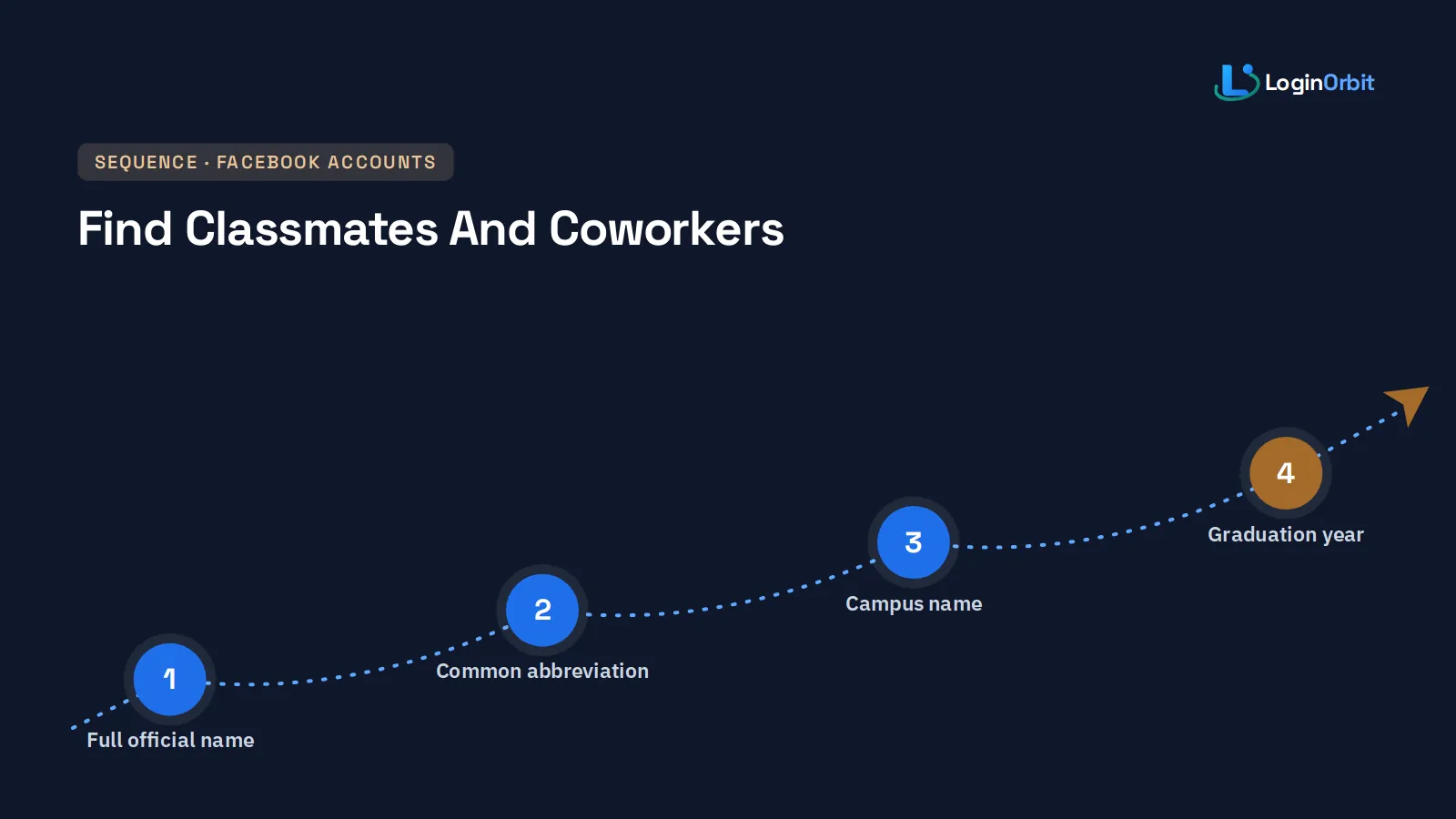
Try several versions of the institution’s name:
- Full official name
- Common abbreviation
- Campus name
- Graduation year
- City and school combination
- School mascot or department
For example, search Alex Kim State University 2018, then inspect results for mutual friends and visible education details. Some people omit graduation years or restrict education information, so don’t treat a missing school as evidence that the profile is incorrect.
Search by workplace
Use the employer’s current name and older names if the organization has changed branding. A person may list a parent company, local branch, job title, or department instead of the brand customers recognize.
Workplace searches can produce many false matches. Confirm with a location, job title, or mutual contact, and remember that employment information may be outdated.
Browse groups
A shared group can provide context when a direct search is uncertain. Search for neighborhood groups, alumni communities, hobby clubs, professional associations, volunteer organizations, or event groups. Read the group’s rules before posting a “does anyone know this person?” request.
Don’t publish sensitive identifying details. A safer post says, “I’m trying to reconnect with a former classmate from the 2012 biology program; please message me if you know how to contact them,” rather than naming private contact information.
Use Contacts Carefully
Facebook may let you upload contacts from a phone or email account to find people who use matching information. The exact setting may appear under Settings & privacy, Permissions, Media, Uploaded contacts, or a similar label.
Contact discovery options
| Method | What you provide | Best use | Main caution |
|---|---|---|---|
| Name search | Public search terms | A known person | Common names create false matches |
| Email search | Email address | A professional or old contact | The email may not be linked publicly |
| Phone search | Phone number | A current personal contact | Discoverability may be disabled |
| Contact upload | Address book access | Finding many acquaintances | Uploads affect privacy and suggestions |
| Mutual friends | Existing connections | Confirming identity | Not everyone displays mutuals |
Contact matching works only when the person’s account is associated with the information and their settings permit relevant discovery. A failed match doesn’t prove they don’t have Facebook.
Manage uploaded contacts
If you no longer want Facebook to use an uploaded address book, look for a control to delete contacts, turn off continuous uploading, or revoke contact permission. Removing access from your phone prevents future syncing but may not automatically erase contacts already uploaded to Facebook.
Review these settings after changing phones, signing into a new device, or reinstalling the app. Contact permissions can be enabled during setup without receiving much attention.
Warning: Don’t upload another person’s address book merely to investigate them. Use contact discovery for ordinary, consensual reconnecting, and respect requests not to be contacted.
Send A Friend Request
When you find the right profile, select Add Friend. Facebook may change the button to Cancel Request while the request is pending. If the person accepts, you can generally see the information their privacy settings allow friends to view.
A request isn’t a guaranteed connection. The person may ignore it, delete it, limit requests, or deactivate the account. Avoid repeatedly sending requests from multiple accounts because that can feel intrusive and may trigger platform restrictions.
Add a short message
A message is useful when your name may not be recognizable. Keep it brief and specific:
- “Hi, we were in the same chemistry class at Roosevelt High.”
- “Hello, I’m your former coworker from the Chicago office.”
- “I think we met at the neighborhood cleanup last spring.”
- “I’m reconnecting with the Smith family from our old community group.”
Don’t include passwords, financial details, government identification numbers, or private family information. Facebook doesn’t require you to share personal details to send a normal request.
Know request limits
Facebook may limit how many requests you can send or temporarily restrict your ability to add people. This can happen when you send many requests quickly, send requests to people who don’t know you, or have many pending requests.
If restricted, stop sending requests and wait for the restriction to clear. Review pending requests and cancel ones sent accidentally or to people you don’t recognize.
Why Can’t I Find Someone?
A missing result has several possible explanations. The person may use a different name, have strict privacy settings, use a different account, deactivate the profile, or block you. Facebook may also rank results differently based on your activity and shared connections.
| Problem | Likely reason | What to try |
|---|---|---|
| No results | Spelling or name differs | Try nickname, middle name, or alternate spelling |
| Too many results | Common name | Add city, school, employer, or mutual friend |
| Profile opens but no request button | Settings or account status | Follow, message, or use a mutual contact |
| Old profile appears inactive | Deactivated or abandoned account | Search recent groups and shared contacts |
| You used to see the person | Blocking or privacy change | Ask a trusted mutual friend |
| Search works on one device only | App, cache, or account issue | Update, sign out, and try the website |
Try alternate names
People may use a nickname, maiden name, married name, initials, transliteration, or an abbreviated surname. Search combinations such as:
- First name plus city
- Nickname plus employer
- Maiden name plus school
- First name plus mutual friend
- Name without punctuation or accent marks
Use only details you already know legitimately. Don’t guess passwords or attempt to access private accounts.
Check account status
A person may have a profile that is deactivated, memorialized, renamed, or rarely used. Old tagged posts, group memberships, and comments may still show a name even when the account is no longer active.
If you see a profile with no recent activity, compare several identifiers before sending a request. An old profile photo may belong to the right person, but it may also be an abandoned account that another person now controls.
Consider blocking
If someone blocked your account, you may not be able to find or view their profile normally. Don’t create another account to bypass a block. If you need to communicate about a practical matter, use an appropriate offline channel or ask a mutual contact to pass along a neutral message.
Protect Your Privacy
Finding friends shouldn’t require making your own information widely visible. Review the audience for your phone number, email address, birthday, friends list, posts, and profile details before searching for other people.
Useful privacy checks
Open Facebook’s privacy shortcuts or settings and review:
- Who can send you friend requests
- Who can look you up using your email
- Who can look you up using your phone number
- Whether search engines can link to your profile
- Who can see your friends list
- Whether tagging requires review
- Which apps have account access
- Whether contact uploading is active
Settings can differ across accounts and regions. Check them on the account you actually use rather than relying on instructions from an older app version.
Avoid fake accounts
Be cautious if a profile:
- Has no mutual friends but claims a close connection
- Uses a copied or unusually polished photo
- Requests money, gift cards, codes, or urgent help
- Sends links asking you to log in
- Pressures you to move immediately to another app
- Has inconsistent locations, dates, or employment details
Never send money or verification codes to a newly discovered “friend.” If a profile impersonates someone you know, report it through Facebook’s profile reporting options and tell the real person through another trusted channel.
Warning: Facebook friend requests aren’t identity verification. Treat new connections as strangers until you confirm who they are through a separate, reliable method.
Use Facebook On A Phone
The Facebook mobile app usually places search and friends tools in different areas than the desktop site. Start with the magnifying glass or search field, enter the person’s name, and select people-related results. You can also open the Menu and choose Friends.
If the app behaves unexpectedly:
- Update Facebook through the official app store.
- Close and reopen the app.
- Check that you’re signed into the intended account.
- Confirm your internet connection.
- Try Facebook in a mobile browser.
- Clear the app cache on Android if appropriate.
- Reinstall only after confirming you know your login details.
On iPhone, review Facebook’s permission under the device’s privacy settings if contact discovery isn’t working. On Android, check app permissions and battery or background restrictions that may affect syncing.
Use the desktop site
The website can be easier for comparing many profiles because more results fit on screen. It also makes it simpler to open several tabs, inspect mutual friends, and review visible education or employment details.
Avoid using unofficial browser extensions that promise hidden profiles, secret searches, or instant friend lists. They may collect account credentials or violate Facebook’s rules.
Choose The Right Method
The most efficient approach depends on the information available and the privacy risk involved. Start with the least invasive method and move to broader discovery only when necessary.
| Your situation | Recommended first step | Follow-up step |
|---|---|---|
| You know the full name | Search People | Add city or mutual friend |
| You know only a nickname | Search nickname and city | Check groups or shared events |
| You know the school | Search school and graduation year | Browse alumni groups |
| You know the employer | Search name and company | Check workplace communities |
| You have their email | Try private account search | Ask them directly |
| You have many acquaintances | Review suggestions | Use contact tools carefully |
| You suspect impersonation | Verify through another channel | Report the suspicious profile |
This approach reduces mistaken requests and protects other people’s privacy. A direct message, email, or in-person question may be more appropriate than searching extensively when the relationship is sensitive.
Want an expert to set this up with you? Take a look at Facebook Account Setup & Security Service.
Frequently Asked Questions
Can I find someone on Facebook without their last name?
Yes. Search the first name with a city, school, workplace, group, nickname, or mutual friend. You can also browse shared groups and events. Results may be limited if the person uses strict privacy settings, a different name, or no searchable profile details.
Why does Facebook show people I don’t know?
Suggestions can reflect mutual friends, shared groups, school or work information, contacts uploaded by you or others, and other account connections. A suggestion doesn’t mean Facebook has confirmed that you know the person. Review the profile before sending a request.
Can I search Facebook using an email address?
Sometimes. An email address may identify an account only when it’s linked to that account and the person’s discovery settings allow it. If no result appears, the address may be outdated, hidden, unlinked, or associated with another Facebook account.
How do I know a Facebook profile is real?
Compare several details, including the profile photo, mutual friends, location, school, work history, activity, and outside confirmation. Don’t rely on one photo or name. Never send money, login codes, or sensitive documents to someone you have only met online.
Can someone see that I searched for them?
Facebook generally doesn’t notify people when you search for their name or view their profile. It may notify them when you send a friend request, follow them, message them, or interact with their content. Avoid third-party apps claiming to reveal profile visitors.
What should I do if someone won’t accept my request?
Leave the request alone rather than sending repeated requests. You can cancel it, contact the person through a reasonable existing channel, or ask a mutual friend to introduce you. Respect a lack of response, a deleted request, or a clear request not to make contact.
What to do next
Start with Facebook’s search field, add one identifying detail such as a city or school, and verify the profile before selecting Add Friend. If the search fails, try a mutual friend or shared group, then review privacy and contact settings instead of creating extra accounts or sending repeated requests.



