If you’re searching for ways to buy a Facebook Business Manager, you probably want to skip the hard parts: verification, low spending limits, a short ad history, or a restriction on your own business. Sellers offer verified Business Managers, high-limit ad accounts and “unlimited spend” that promise to solve all of it at once. This guide explains what you’d really be buying, why it so often ends in a restriction that takes your payment method and ads with it, and how to get the same results with a Business Manager that belongs to you.
Why advertisers want to buy Facebook Business Managers
The reasons are usually practical, and the frustration behind them is real:
Skipping business verification: verification can take time, and some businesses don’t have documents that match perfectly.
Higher spending limits: new ad accounts start with low daily limits, which slows down campaigns that are ready to scale.
More ad accounts: a new Business Manager can only create a limited number of ad accounts at first.
Getting back to advertising after a restriction: the buyer’s own Business Manager or admin profile was restricted.
Running ads in tightly reviewed niches: some advertisers hope an older, verified business will get through reviews more easily.
Each of these has a legitimate fix. Buying someone else’s business isn’t one of them. If the names are confusing, a Business Manager and a business portfolio are the same thing; see Business Manager vs Business Suite vs business portfolio.
What a bought Business Manager really is
Listings use words like “verified BM”, “BM5”, “unlimited” or “agency ad accounts”. Behind the labels, you are paying for access to a business that was created and verified by someone else.
Someone else’s business details: the legal name, address, phone number and documents used for verification belong to another person or company.
Someone else’s admins: the profile that created it, and possibly other admins, may still have access or can be added back.
Someone else’s history: any past policy problems, unpaid balances or warnings on the business come with it.
A promise nobody can keep: spending limits are set and changed by Meta based on how the account is used. A seller can’t guarantee them.
Some sellers also offer “rental” or “agency” ad accounts, where you run ads inside their Business Manager. That’s a different arrangement, but it carries a similar risk: your ads, data and payment method sit in a business you don’t control.
Why bought Business Managers get restricted
Meta’s Terms of Service and Commercial Terms expect the business to be who it says it is, and the people managing it to be real people using their own accounts. A bought Business Manager breaks that from the first day, and the signals are easy for Meta to see.
The business details don’t match the people using it
A business verified in one country and suddenly managed by new people, from new devices, in another country is a classic warning sign. When Meta reviews it, the verified details can’t be matched to the new owner.
The new admin can’t pass an identity check
People who manage Business Managers and run ads are often asked to confirm their identity with a government ID. A bought business has to be operated through profiles that can pass that check, which is the problem buyers can’t solve. Our guide on what your BM admin profile needs explains why the admin profile matters so much.
A sudden jump in spending
A business that was quiet and then starts spending heavily, often in a different niche, looks unusual. Combined with new admins and a new payment method, it can trigger a review of the whole business.
Policy problems the business can’t explain
Ads that push close to Meta’s Advertising Standards get reviewed more closely. When the business behind them can’t be verified as the advertiser, restrictions follow. We cover the full list of causes in why Business Managers get restricted.
What you can lose when it’s restricted
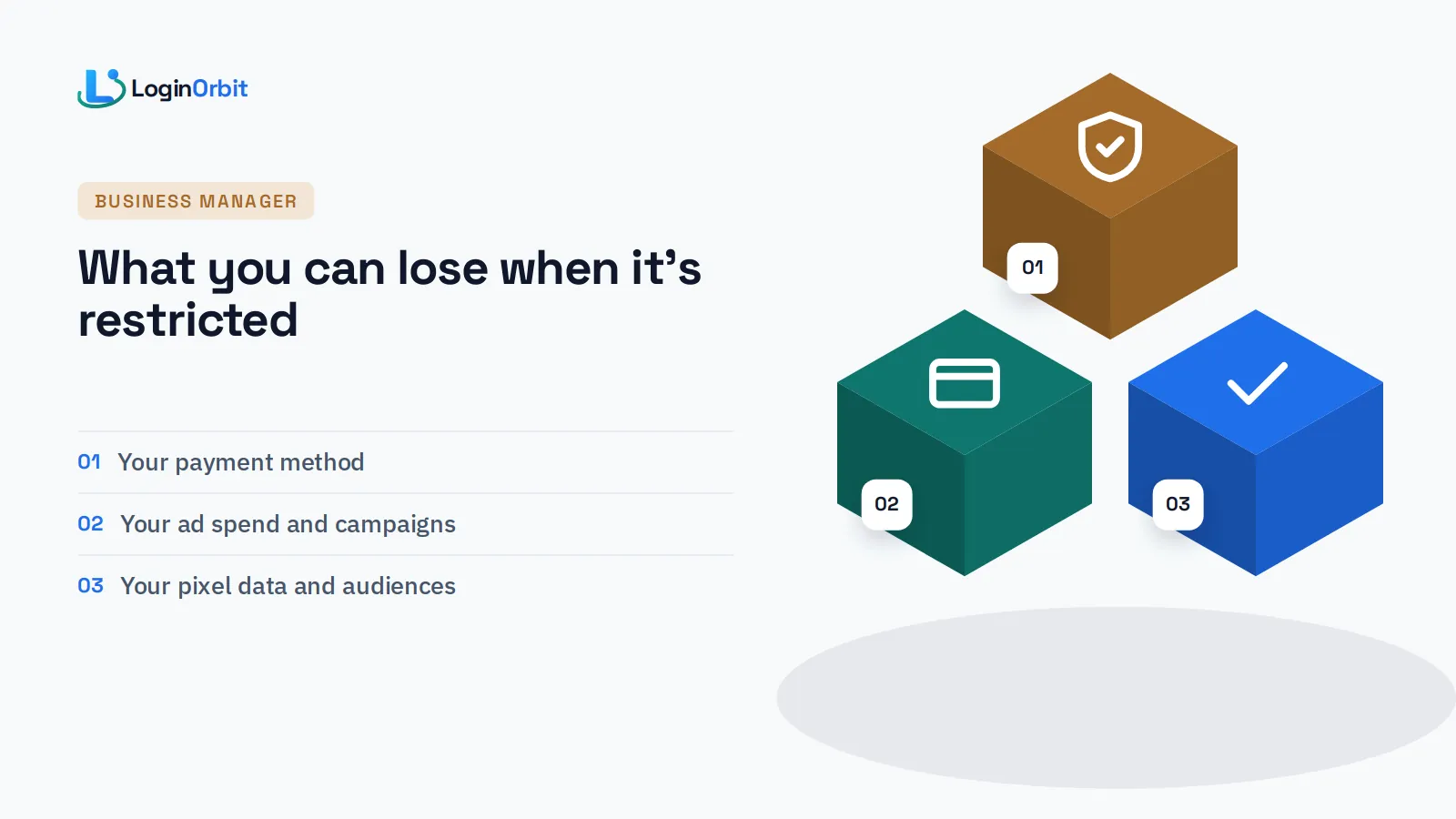
The price of the Business Manager is usually the smallest loss. When a bought business is restricted, these go with it:
Your payment method: the card you added becomes connected to a restricted business, which can make it harder to use elsewhere on Meta.
Your ad spend and campaigns: running campaigns stop, sometimes in the middle of a launch.
Your pixel data and audiences: if your pixel or audiences were created inside the bought business, they stay there.
Your own profile and Page: the profiles and Pages connected to a restricted business can be reviewed too.
Your money, with no recourse: sellers rarely offer real refunds once Meta acts, and there’s no official way to recover what you paid.
Common myths about verified Business Managers
“Verified means Meta trusts it”
Verification confirms that a business existed with certain details. It doesn’t transfer trust to whoever buys it. If the people and activity no longer match, verification doesn’t protect the business.
“Unlimited spend means no limits”
Meta decides spending limits and can lower them at any time. An account that spends heavily straight away is more likely to be reviewed, not less.
“If it’s restricted, I’ll just buy another”
Each new Business Manager you connect to the same profiles, devices or payment methods can be linked to the last one. Repeating the cycle tends to spread restrictions, including to your own accounts.
What about rented or “agency” ad accounts?
Some sellers don’t sell the whole Business Manager. Instead, they rent you an ad account inside their own business, often called an agency ad account, and charge a fee or a percentage of your spend. It sounds safer, because you aren’t buying anything. In practice, it moves the same risks to a different place.
You don’t own the ad account. Your campaign history, pixel connection and results live in someone else’s business.
Their problems become yours. If another client of the same seller breaks the rules, the whole business can be restricted, along with your account.
Access can end at any time. If the seller stops paying, closes up or simply removes you, your campaigns stop with no warning.
Working with a real agency is different. A legitimate agency either runs ads inside your Business Manager as a partner, or is open about running them in its own business and hands everything back to you when you part ways. Ask who owns the ad account before you start.
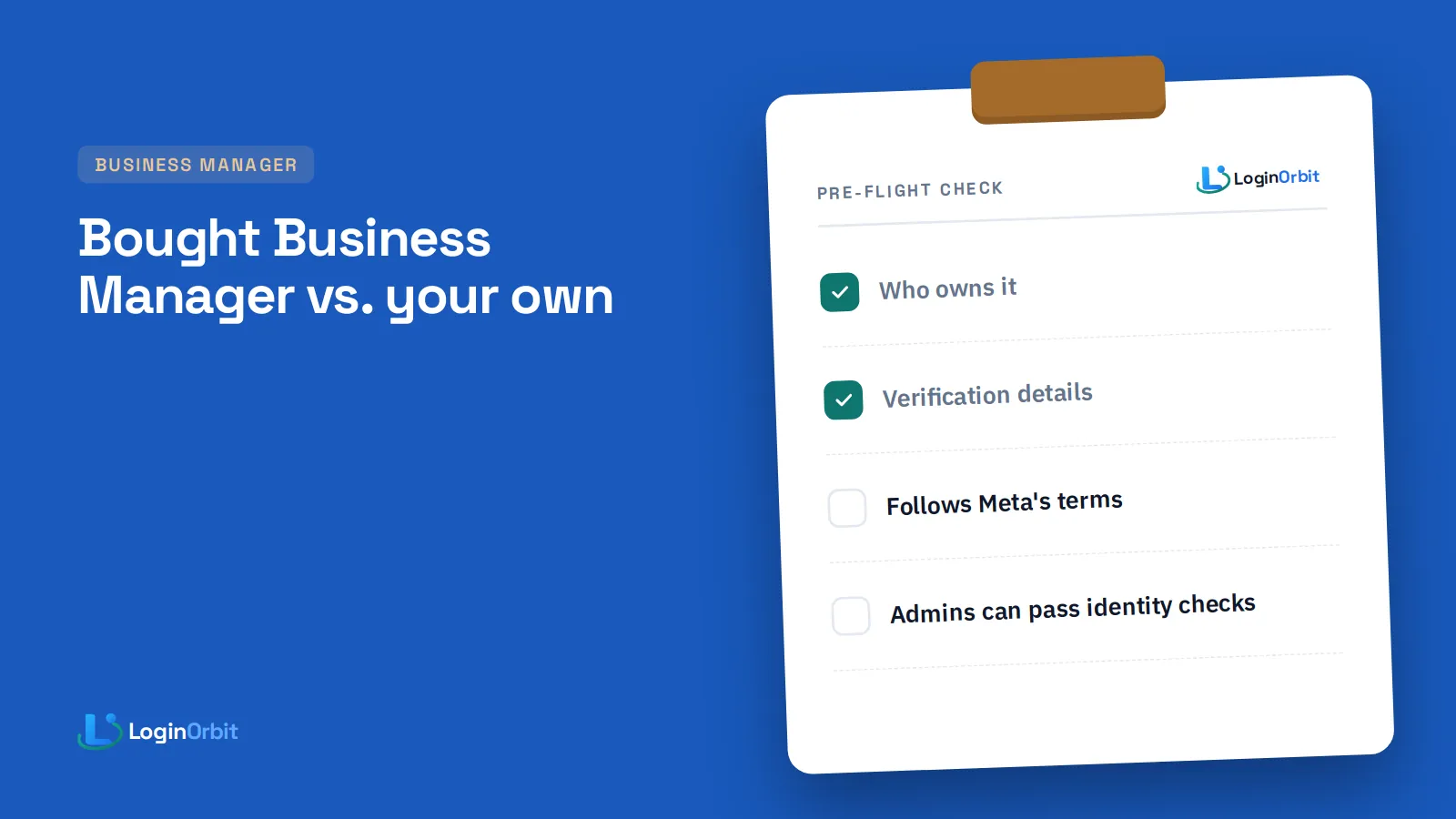
Bought Business Manager vs. your own
What matters
Bought Business Manager
Your own, set up properly
Who owns it
Another person or company
Your business
Verification details
Someone else’s documents
Your real business details
Follows Meta’s terms
No
Yes
Admins can pass identity checks
Usually not
Yes
Risk to your payment method
High
Low
Spending limits
Can be cut at any time
Grow with your history
Pixel data and audiences
Stay in someone else’s business
Stay with you
What to do instead, based on why you wanted one
If you want to skip verification
Verification is easier than it looks when your details match. Use your exact legal name, a consistent address and phone number, and a website on your own domain. Our Meta business verification guide walks through each step, and Meta’s own instructions are in the Meta Business Help Center. Many features also work before verification, so it doesn’t have to block you on day one.
If you need higher spending limits
Limits rise as an ad account builds a history of steady spending and on-time payments. Start with a realistic daily budget, pay on time, avoid frequent payment method changes, and increase spend gradually. Our guide on how much you should spend on Facebook ads helps you set a budget that grows safely.
If you need more ad accounts
Add ad accounts inside your own Business Manager when you have a real reason, such as a new brand, region or client. Here’s how to create a Facebook ad account the right way. The number you can create grows with your business’s history.
If your own Business Manager is restricted
Don’t replace it; fix it. Read the notice in Account Quality, correct the cause, and use the official review. Our step-by-step guide shows how to request a review for a restricted BM. Opening or buying another business at this point can link it to the restriction.
If you work in a closely reviewed niche
Make sure your ads, landing pages and offers follow Meta’s rules for that category. A bought business doesn’t change the rules your ads are reviewed against; it only adds a second problem.
If you’re an agency
Ask each client to own their Business Manager and add you as a partner. You keep access to their assets, and when a client leaves, nothing is lost on either side.
If you’d rather not do it alone, our Facebook Business Manager setup service builds your Business Manager under your own business: matching business details, ad account and billing, Page and pixel, roles, partner access and a backup admin plan. Everything stays in your name, and nothing depends on us after the work is done.
Frequently asked questions
Is it legal to buy a Facebook Business Manager?
Laws vary by country, but buying or transferring a Business Manager goes against Meta’s terms. Meta can restrict a bought business and the people and payment methods connected to it at any time.
What is a verified BM?
A verified Business Manager is one where Meta has confirmed the business details, such as the legal name and address. When someone sells a verified BM, they are selling a business verified with someone else’s details, which won’t match the buyer.
Can a bought Business Manager really have unlimited spend?
No. Meta sets spending limits for each ad account and business, and changes them based on activity and payment history. No seller can guarantee a limit.
Why do bought Business Managers get restricted?
The verified details don’t match the new people using the business, the new admins often can’t pass identity checks, and activity and payment methods change suddenly. These are the signals Meta reviews.
How can I increase my Facebook ad spending limit?
Spend steadily, pay on time, keep one stable payment method, and increase budgets gradually. Limits usually rise as your ad account builds a good history.
Should I create a new Business Manager if mine is restricted?
Not as a first step. A new business connected to the same people, payment methods or assets can be linked to the restriction. Fix the stated cause and request a review instead.
Do you sell Business Managers or ad accounts?
No. LoginOrbit doesn’t sell, rent or transfer Business Managers or ad accounts. We set up a Business Manager for your own business, under your ownership.
The bottom line
A bought Business Manager looks like a shortcut past verification and spending limits, but it’s someone else’s business with someone else’s documents, and it can take your payment method, ads and data down with it. The Business Managers that last are built under the real business that uses them, grown step by step, and protected with secure admins. That’s the slower start that saves you from starting over.
Olivia Jones
Olivia Jones is a Digital Marketing Specialist who gets real results with her Facebook strategies. At LoginOrbit.com, she leads the team in building strong funnels, setting up retargeting, and identifying the target customers. She helps brands get more sales. Olivia knows how to take underperforming ad accounts and turn them into revenue generators by analyzing data and understanding online behavior.She runs A/B tests, makes sure pixel events work correctly, and fixes how campaigns are set up so they last longer. Outside of her work, she likes learning about trends in user-generated content and new ad formats to help her clients stay ahead when the algorithm changes.
Contents
Need help with your Facebook setup?
We set up profiles, Business Managers and ad accounts the right way.