Advertisers who look to buy Facebook accounts for advertising usually need one thing fast: a profile that can run ads or act as an admin of a Business Manager. Sellers call them “ad-ready”, “aged advertising accounts” or “admin profiles”. The catch is simple and rarely mentioned in the listing: profiles that run ads and manage Business Managers are the ones Meta asks to confirm with a government ID. A bought profile can’t pass that check, and when it fails, the ads, ad accounts and Business Manager connected to it can go down too. This guide explains why, and what to do instead.
Why advertisers look for Facebook accounts to buy
Their own profile was restricted from advertising and they want to keep campaigns running.
They need an extra admin for a Business Manager and don’t have a second person on the team.
They want more personal ad accounts to test offers or split budgets.
They want to “spread the risk” so one restriction doesn’t stop everything.
They’ve heard that older profiles get higher limits or fewer reviews.
For outreach, groups, DMs and Marketplace, the reasons are a little different; we cover those in our guide on buying aged Facebook accounts. This guide focuses on advertising and admin use.
Why an advertising profile is different from an everyday profile
Anyone can scroll, post and message with a normal profile. Running ads and managing business assets is different, because Meta holds the person behind the ads responsible for them. That’s why advertising profiles face extra checks that everyday profiles rarely see.
Identity confirmation with a government ID
People who run ads or manage a Business Manager are often asked to confirm their identity, usually with a national ID card, passport or driving licence, and sometimes a video selfie. The name on the ID has to match the profile. If the check fails or isn’t completed, Meta can stop the profile from advertising, restrict it, or suspend it.
Certain ad categories require authorization
Ads about social issues, elections or politics need the advertiser to go through Meta’s authorization process, which also uses an ID. Meta explains the requirements in the Meta Business Help Center. A profile that isn’t really yours can’t complete it.
The admin carries the business
When an admin profile is restricted, its access to the Business Manager and ad accounts can be cut, and Meta may review the business it manages. See what happens when a BM admin profile gets restricted for each case.
Personal ad accounts vs. Business Manager ad accounts
Part of the demand for advertising profiles comes from a mix-up between two kinds of ad account. Knowing the difference removes most of the reasons to buy one.
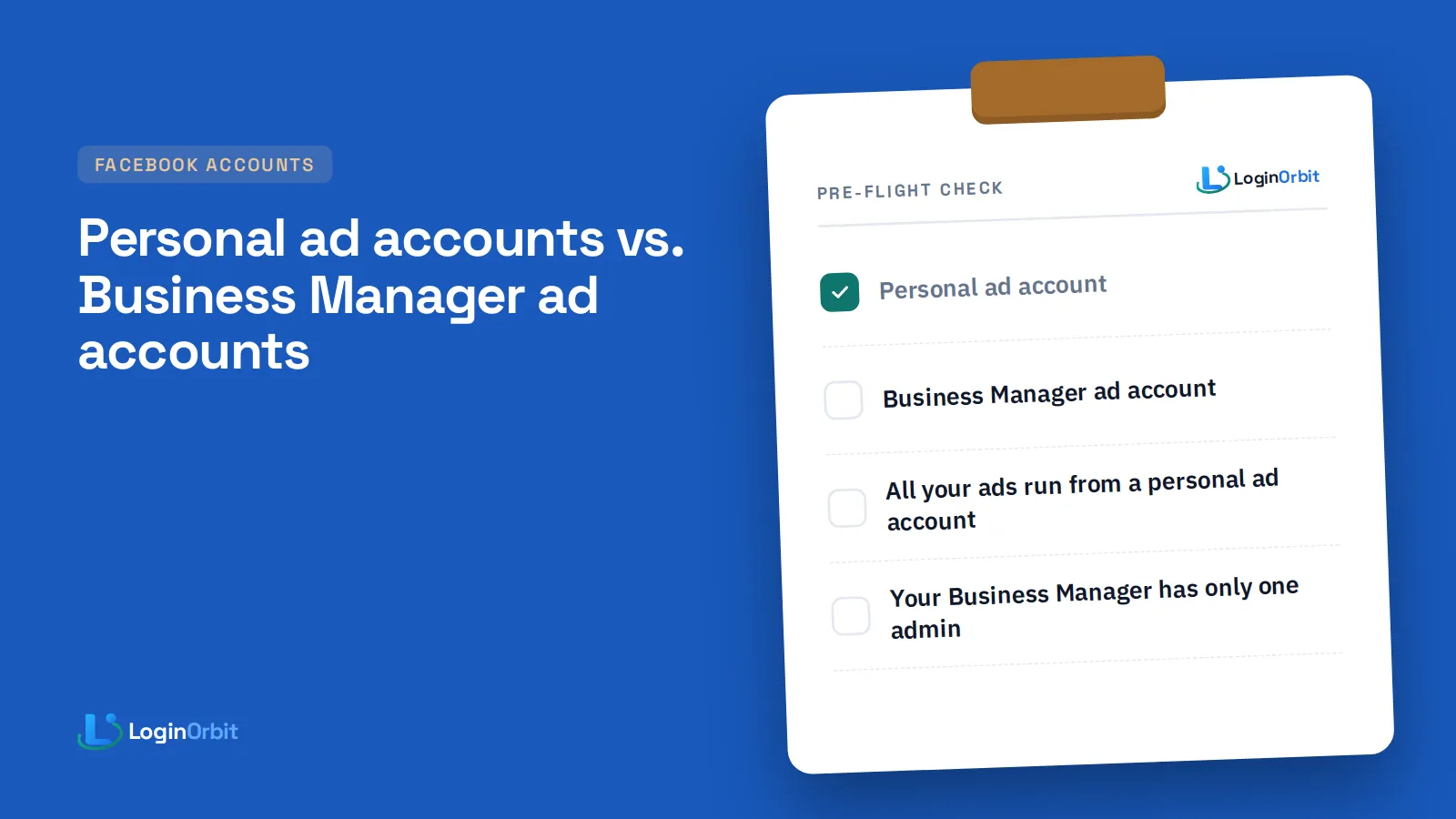
Personal ad account: created from your own profile and tied to it. If the profile has a problem, the ad account usually stops too. Fine for a small test, risky for a business.
Business Manager ad account: owned by your business, not by one person. Several people can work on it with the right roles, and a second admin can keep it running if one profile is locked.
When advertisers move from personal ad accounts to a Business Manager with two secure admins, the need for “extra” profiles mostly disappears. The business holds the ad accounts, and the profiles only need to be real, secure and verifiable.
Signs your advertising setup depends too much on one profile
All your ads run from a personal ad account.
Your Business Manager has only one admin.
Your agency logs in with your password.
Your card is attached to an ad account you don’t own.
If any of these sound familiar, fix the structure first. It’s cheaper and safer than adding profiles.
Why a bought profile can’t be a safe advertiser or admin
The ID will never match. The profile was created under someone else’s name, or a made-up one. When Meta asks for an ID, the buyer has nothing honest to submit.
It breaks Meta’s rules from day one. Meta’s Terms of Service ask people to keep one account of their own, under their everyday name, and not to transfer accounts without permission.
It looks like a takeover. New device, new location, new name and sudden ad spending are the signals Meta’s security systems watch for.
The seller may still control recovery. The original email or phone number can be used to take the profile back, along with admin access to your business.
It connects your business to a risky profile. If the bought admin is restricted, your Business Manager, ad accounts and payment method can be reviewed with it.
What usually happens after you buy an advertising account
You add the profile to your Business Manager or start a personal ad account, and add your card.
Within days or weeks, Meta asks the profile to confirm its identity, often right after the first ad spend.
The ID check can’t be completed, so the profile is restricted from advertising or disabled.
Ads stop. If the profile was an admin, the Business Manager and connected ad accounts may be reviewed too.
Your card is now linked to a restricted profile, which can make it harder to use on Meta again.
Spending limits belong to ad accounts and are based on spending and payment history, not on how old the profile is. A new ad account on an old, bought profile still starts with new-account limits.
“A profile with an ad account already active is safe”
An ad account that ran ads for someone else has their history, their payment record and their policy record. When the person, device and card change, Meta may review it from scratch.
“More profiles means less risk”
Several profiles used by one person, from the same device or card, are easy to connect. One restriction can spread across all of them. Meta allows one personal account per person; see can I create multiple Facebook accounts.
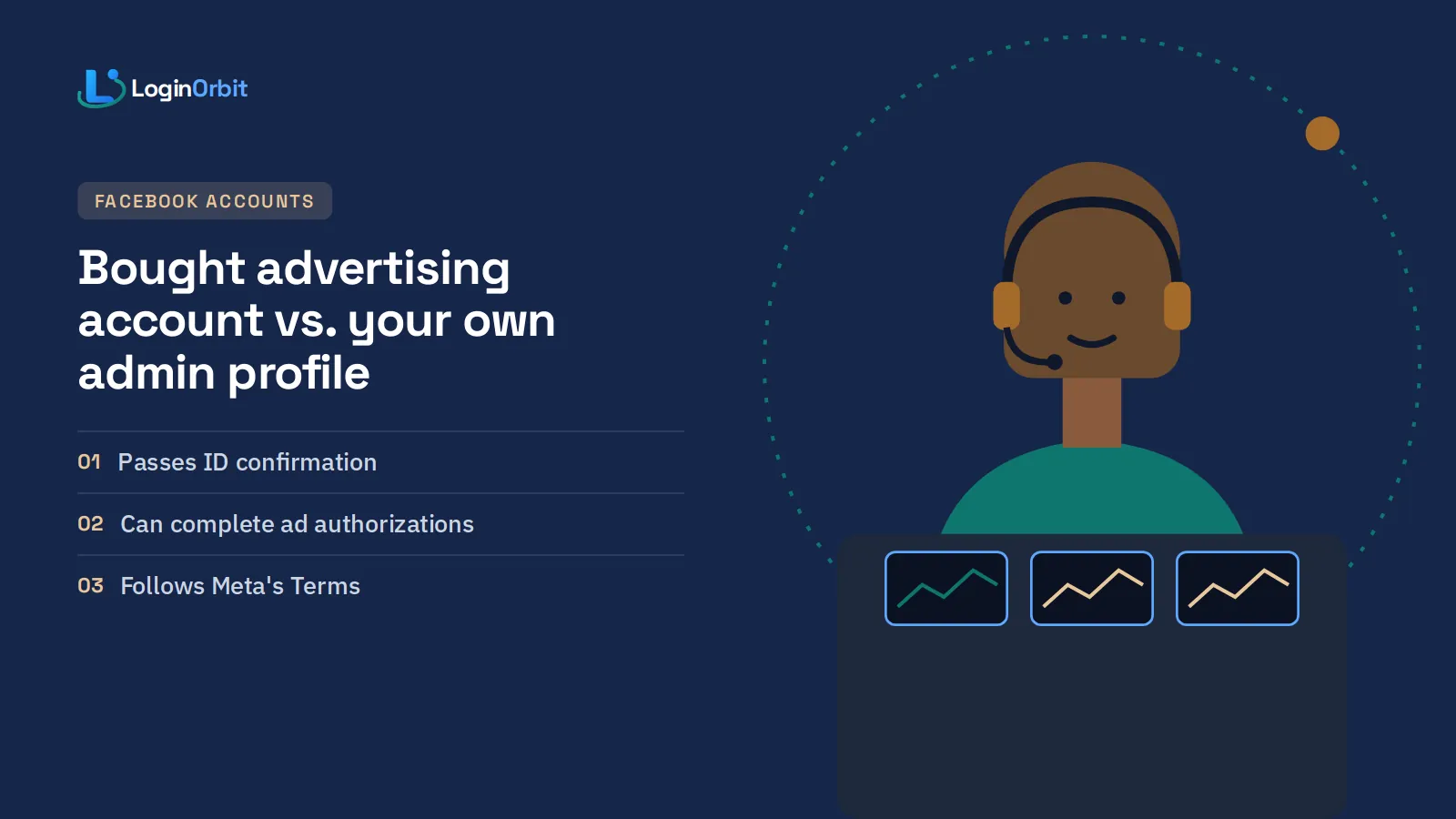
Bought advertising account vs. your own admin profile
What matters
Bought advertising account
Your own admin profile
Passes ID confirmation
No
Yes, it’s really you
Can complete ad authorizations
No
Yes
Follows Meta’s Terms
No
Yes
Who controls recovery
Often the seller
Only you
Risk to your Business Manager and card
High
Low, with a backup admin
Safe to give full control
No
Yes
What to do instead, based on why you wanted one
If your own profile is restricted from advertising
Use the official review in Account Quality and follow the identity confirmation if Meta asks for it. It is slower than buying a profile, but it is the only route that keeps your business safe. Logging into new profiles from the same device during a review can make things worse.
Create them inside your own Business Manager, not on extra profiles. Our guide shows how to create a Facebook ad account properly. The number available grows as your business builds history.
If you want to spread the risk
Spread it across real people and clean structure: two or three secure admins, everyone else on limited access, agencies as partners, one stable payment method, and separate ad accounts for separate brands.
Keep your email and phone number current, so you can always receive Meta’s codes.
Log in from your usual devices and places, and never share your login with an agency or freelancer.
Pay with your own or your business’s card, and avoid frequent payment method changes.
If you’d rather have it checked and set up with you, our Facebook admin profile setup service prepares your admin profiles for identity checks, secures them, plans a backup admin and cleans up access in your Business Manager. Thinking of buying the Business Manager itself as well? Read our guide on buying a Facebook Business Manager first.
You’ll find sellers, but buying or transferring accounts goes against Meta’s terms. Profiles that run ads are often asked to confirm identity with a government ID, and a bought profile can’t pass that check honestly, so it’s usually restricted.
Why does Facebook ask advertisers for an ID?
Meta holds the people behind ads responsible for them. Confirming identity with an ID helps it check that the advertiser is a real person using their own account, especially for admins and certain ad categories.
What happens if I can’t confirm my identity on Facebook?
Meta can stop the profile from advertising, restrict it or suspend it. If the profile is an admin, its access to Business Managers and ad accounts can be affected too.
Do aged Facebook accounts have higher ad spending limits?
No. Spending limits belong to ad accounts and depend on spending and payment history. A new ad account starts with new-account limits, whatever the age of the profile.
Can I use a second profile of my own as a Business Manager admin?
No. Meta allows one personal account per person, and a second profile is more likely to be checked or disabled. Your backup admin should be another trusted person with their own profile.
My profile is restricted from advertising. What should I do?
Read the notice in Account Quality, complete any identity confirmation Meta asks for, and use the official review. Avoid logging into other profiles from the same device while the review is open.
Do you sell Facebook accounts for advertising?
No. LoginOrbit doesn’t sell, rent or provide Facebook accounts or admin profiles. We prepare and secure the real profiles on your team for advertising and admin work.
The bottom line
An advertising or admin profile is only as strong as the identity behind it. Meta can ask for a government ID at any time, and a bought account will never match it, which is why bought “ad-ready” profiles so often end in restrictions that reach your ads, Business Manager and card. Use real profiles from your own team, prepare them for identity checks, and build structure with backup admins and clear roles. That keeps your ads running long after a bought account would have failed.
Olivia Jones
Olivia Jones is a Digital Marketing Specialist who gets real results with her Facebook strategies. At LoginOrbit.com, she leads the team in building strong funnels, setting up retargeting, and identifying the target customers. She helps brands get more sales. Olivia knows how to take underperforming ad accounts and turn them into revenue generators by analyzing data and understanding online behavior.She runs A/B tests, makes sure pixel events work correctly, and fixes how campaigns are set up so they last longer. Outside of her work, she likes learning about trends in user-generated content and new ad formats to help her clients stay ahead when the algorithm changes.
Contents
Need help with your Facebook setup?
We set up profiles, Business Managers and ad accounts the right way.