
When Facebook search is not working, the cause usually comes down to an app glitch, a weak connection, or a search that Facebook cannot match. Start by searching for a simple, common name in the Facebook app and in a web browser. If one works, the problem is limited to the other app or browser. If neither works, check Facebook’s service status and your account access before changing anything else.
Why Facebook search isn’t working
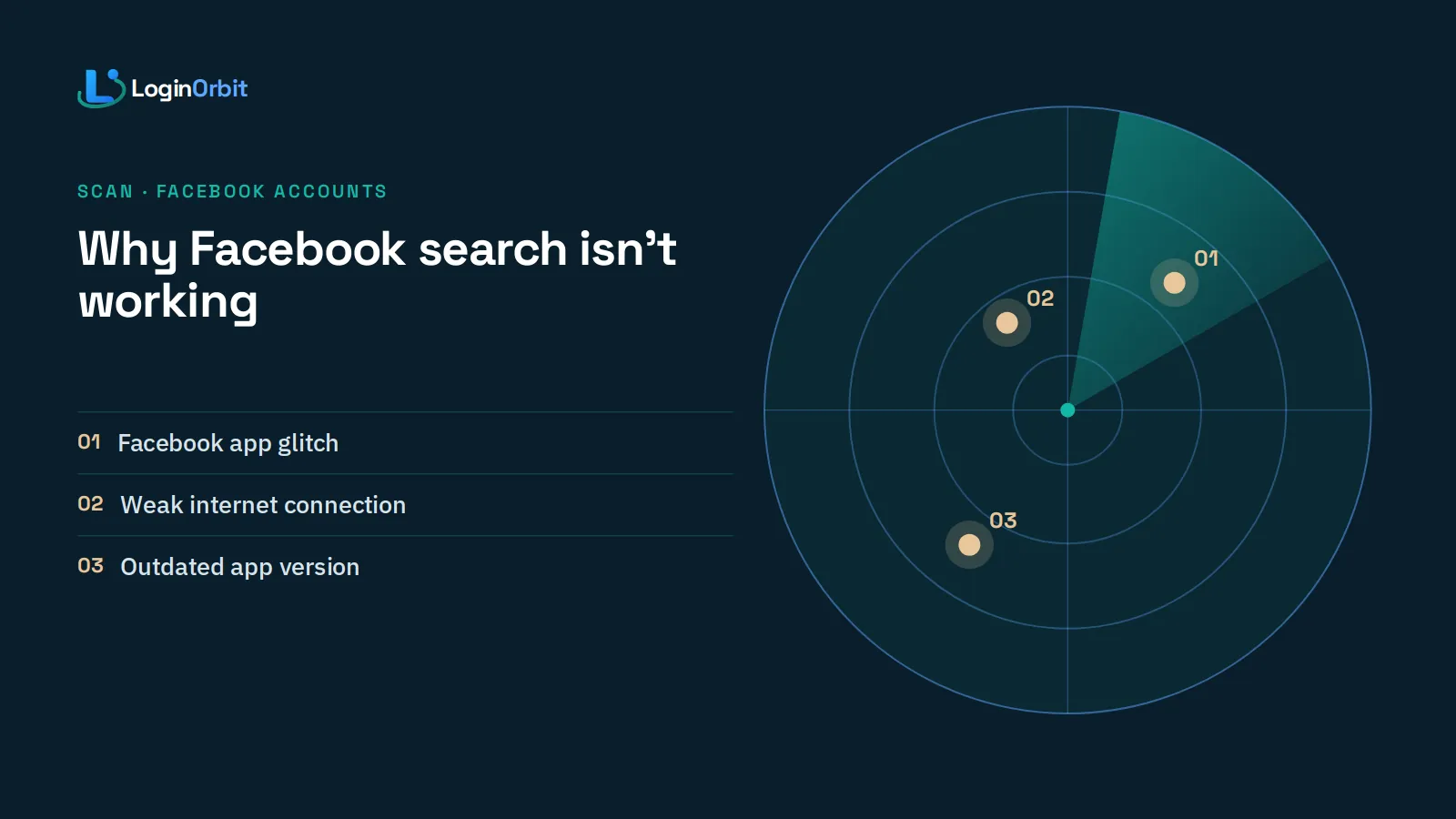
The cause is usually local, such as an outdated app, blocked data, or a bad connection. Test Facebook in a browser before changing account settings. If search works there, the problem is probably limited to the app, its cache, or an extension.
Less often, Facebook has a temporary service problem, or the account has a search limit because of unusual activity. If search fails on both the app and browser, try another network and device. Several users reporting the same failure points to an outage; only your account failing points to an account restriction.
| Cause | How common | How to confirm it | Fix it yourself? |
|---|---|---|---|
| Facebook app glitch | Very common | Browser search works | yes—force-close and reopen the app |
| Weak internet connection | Common | Other sites load slowly | yes—switch between Wi-Fi and mobile data |
| Outdated app version | Common | App store shows update | yes—install the available update |
| Browser cache or extension | Common | Private window works | yes—clear site data or disable extensions |
| Facebook service outage | Less common | Other users report failure | yes—wait and try again later |
| Account search restriction | Uncommon | Several devices fail | yes with care—stop repeated searches and review account alerts |
| Deleted or hidden profile | Uncommon | Direct profile link fails | yes with care—confirm the person’s name or ask for a current link |
A failed direct link doesn’t always mean the profile was deleted. The person may have changed their username, blocked you, limited visibility, or deactivated the account. Check the link while signed out, if appropriate, and avoid repeatedly searching when Facebook displays a warning.
A Facebook app or browser glitch
A temporary app failure is the most likely cause when Facebook search shows a blank page, spins forever, or returns no results for a name you know exists. The search request may not complete correctly, even though your internet connection works for other apps.
First, search for a very common term, such as “Facebook,” without adding filters. Then close Facebook fully, reopen it, and search again. If you’re using the app, try the same search at Facebook.com in a browser. If the browser works, the app is the problem; if both fail, continue with the connection and account checks.
The quickest test takes only a few minutes. Open a private or incognito browser window, visit Facebook.com, sign in, and repeat the same search. A private window avoids saved page data and most browser extensions, so it can separate a browser fault from a Facebook account fault.
If the app is the cause, update it through the Apple App Store or Google Play Store. If no update is available, sign out and sign back in. On Android, you can also clear Facebook’s cache in the phone’s app settings; use the cache option, not “clear storage,” unless you’re ready to sign in again.
On an iPhone or iPad, deleting and reinstalling the app is the usual reset. On either platform, make sure you know your Facebook password and can receive any login code before reinstalling. The trade-off is simple: reinstalling often fixes damaged app data, but it takes longer and removes saved local data.
Don’t keep repeating the same search if every version fails. Check whether Facebook has reported a service problem, then wait and try again later. If the search works in a browser but not the app, report the app problem instead of changing account settings.
A weak or unstable internet connection
A connection problem can look like a Facebook search problem when the rest of the page loads from saved data. Search still needs a fresh request, so it may freeze while your feed appears normal. The same can happen when the connection is fast enough for text but keeps dropping during new requests.
Tell this cause apart from an app glitch by testing another live website or streaming service at the same time. If those pages also load slowly, fail, or change between Wi-Fi and cellular data, your connection is the stronger suspect. Test more than once if the problem comes and goes, because a single successful page load doesn’t rule out an unstable connection.
Turn off Wi-Fi and try Facebook on cellular data, or switch back to Wi-Fi if cellular data is weak. Search for the same short name after each change. If search works on one connection but not the other, restart the affected router or check with your internet provider rather than reinstalling Facebook. If you’re on public Wi-Fi, open a regular website first in case the network is waiting for a sign-in page.
Avoid testing with a long sentence, several filters, or a profile with unusual spelling. Use one familiar name first. A complicated search can fail because Facebook has fewer matching results, while a basic search shows whether the connection is actually working. Keep the test consistent so the connection is the only thing you change.
A VPN, workplace network, school network, or parental-control service can also interfere with Facebook requests. If Facebook works when that network filter is removed, ask the network administrator to handle the restriction. Don’t change security settings you don’t control, and don’t install an unknown VPN just to test the search.
If Wi-Fi fails but cellular data works, the problem may be the router, local network, or internet service. If both connections fail while other sites work, the connection is less likely. In that case, try the browser test and check Facebook’s official Help Center guidance for searching on Facebook.
An outdated app or damaged stored data
An old Facebook app can stop handling newer search features correctly. This is more likely when search stopped after a phone update, Facebook update, or a long period without updating the app.
Check the app store for an available Facebook update. The exact menu name varies by phone, so read the version and update information shown on the app’s official store page. If the store offers no update, restart the phone and test Facebook again.
Android users can open the phone’s settings, choose Apps, select Facebook, and clear its cache. This removes temporary files, not your Facebook account. The wording differs between Android phones, so use the phone maker’s instructions if the menu doesn’t match.
iPhone users don’t have the same general cache button for Facebook. Offload or delete the app only after confirming that you can sign back in. Reinstall Facebook from the App Store, then run the same simple name search before changing any other setting.
A common mistake is clearing app storage or deleting the app without checking login access first. That can cost time, especially if you’ve lost access to the email address, phone number, or two-factor authentication method on the account.
This fix needs only the phone and its app store, but downloads use mobile data if you aren’t on Wi-Fi. If Facebook still fails after an update or clean reinstall, stop treating it as a stored-data problem and check the account or Facebook service instead.
Less common Facebook search problems
-
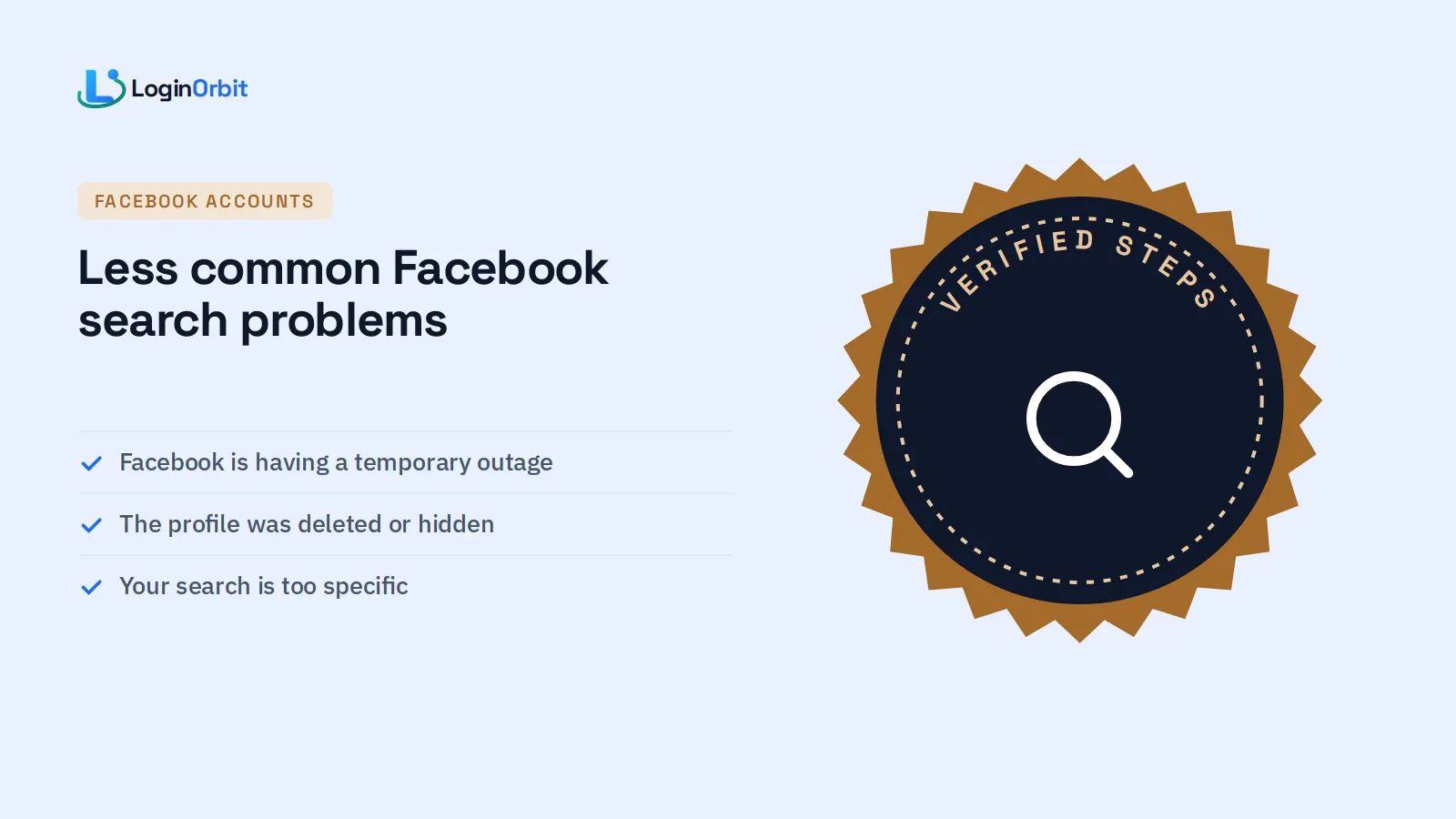
Facebook is having a temporary outage: The clue is that search fails for people on different devices and networks. Check whether other Facebook features, such as the feed or messaging, are also unavailable before changing your settings. Wait and try again later if several features fail at once.
-
The profile was deleted or hidden: The clue is that a direct profile link also shows an unavailable page. If other people can open the link but you cannot, the person may have blocked your account rather than deleted the profile.
-
Your search is too specific: The clue is that a short name works, but filters or extra words return nothing. Remove one filter at a time, try a nickname or alternate spelling, and search from the person’s city, school, or workplace only when that detail is reliable.
-
Your account has a temporary restriction: The clue is that search fails across the app, browser, phone, and computer while other people can search normally. Check Facebook notifications and Support Inbox for a restriction or review request, and avoid repeated searches that could prolong the problem.
-
A browser extension blocks Facebook: The clue is that search works in a private window but not a normal one. Disable ad blockers and privacy extensions one at a time, then reload Facebook to identify the conflict.
Don’t open phone hardware, change account-security files, or use third-party “Facebook search repair” tools. If the problem continues across devices, contact Meta through Facebook’s Help Center; if you can’t access the account, use Facebook’s account-recovery route instead.
What fixing Facebook search usually involves
An app glitch usually needs an update, restart, cache clear, or reinstall. Try the update and restart first; reinstall only if the search problem continues. Reinstalling uses data and may require your password or login code, so confirm you can access those before removing the app.
A connection problem needs a network switch, router restart, or help from your internet provider. Try both Wi-Fi and cellular data if possible. If Facebook works on one connection but not the other, troubleshoot the failing network instead of changing Facebook settings. The real cost depends on your provider’s service terms.
A browser problem needs a private-window test, extension check, or browser update. If search works privately, disable one extension at a time until you identify the cause. Don’t disable every security extension permanently just to restore one feature.
An account restriction or inaccessible profile may need Meta’s support and recovery tools. That can take longer than a local fix because Facebook may ask for identity or security checks. Use the recovery process from Facebook or Meta, and never pay a third-party person for account recovery. If another account works on the same device, the problem is more likely tied to your account than your phone.
If you need a technician, ask for a diagnosis before approving paid work. For phone repairs, get the quote from the phone maker or an authorized repair provider. A Facebook search failure rarely justifies replacing a phone unless other apps also fail or the device has wider problems. If only Facebook is affected, replacing hardware is usually the wrong first step.
Prefer a done-for-you option? Read about Facebook Account Setup & Security Service.
Frequently asked questions
Why is Facebook search not showing results?
Facebook search may show no results because the app has a temporary fault, the connection is unstable, or the search is too specific. Test a short, familiar name first, then try Facebook in a private browser window. If the same search fails on different devices and networks, the issue may be with Facebook’s service or your account rather than your phone.
Can I search Facebook without the app?
Yes, you can search Facebook through a web browser on a phone or computer. Visit Facebook.com, sign in, and use the search box. If browser search works while the app fails, update or reinstall the app. If browser search also fails, changing apps won’t solve the main problem, so test the connection and account next.
How long does a Facebook search outage last?
There’s no reliable fixed time for a Facebook search outage. Check again after 10–15 minutes using the same basic search, then test a different network. A short outage often clears without action, but a longer problem affecting several people should be reported to Meta. Don’t install unofficial tools that claim to restore Facebook search.
Is it safe to clear Facebook cache?
Yes, clearing Facebook’s cache is generally safe on Android because it removes temporary app files, not your account. You may need to sign in again after clearing storage or reinstalling, which is different from clearing cache. Before either action, confirm that you know your password and can access your two-factor authentication method.
What happens if someone deleted their Facebook account?
A deleted Facebook account normally won’t appear in search, and an old profile link may show an unavailable page. The same clue can also mean the person blocked you, changed privacy settings, or Facebook restricted the profile. Test from your own account only; don’t create extra accounts to get around another person’s privacy choice.
Does it matter if Facebook search works on Wi-Fi only?
Yes, it points to a mobile-data, cellular-signal, or network-filter problem rather than a general Facebook search failure. Check whether Facebook has permission to use cellular data, then test another website on the same connection. If other sites also fail, contact your mobile provider; if only Facebook fails, check network filters or Facebook’s service.
Can a Facebook account be blocked from searching?
Yes, Facebook can limit account features, including some activity, after unusual behavior or a security check. The clue is failure across the app, browser, phone, and computer while other people can search normally. Review account notifications and Facebook’s support messages. Don’t use automated search tools, because they can make an account restriction harder to resolve.
When should I contact Facebook support?
Contact Facebook support if search fails on two devices and two different internet connections, or if Facebook displays a restriction message. Provide the exact error, device, app or browser version, and when the issue began. Never share your password, login codes, or full payment details with anyone claiming to be Facebook support.
What to do next
If the problem continues, contact Facebook Support and include your device, app version, and a short description of what happens when you search. Keep the app updated and watch for service notices while you wait. That information will help Facebook identify account-specific issues and get you back to finding people, pages, and posts.



