How to Tell If Your Facebook Account Was Hacked
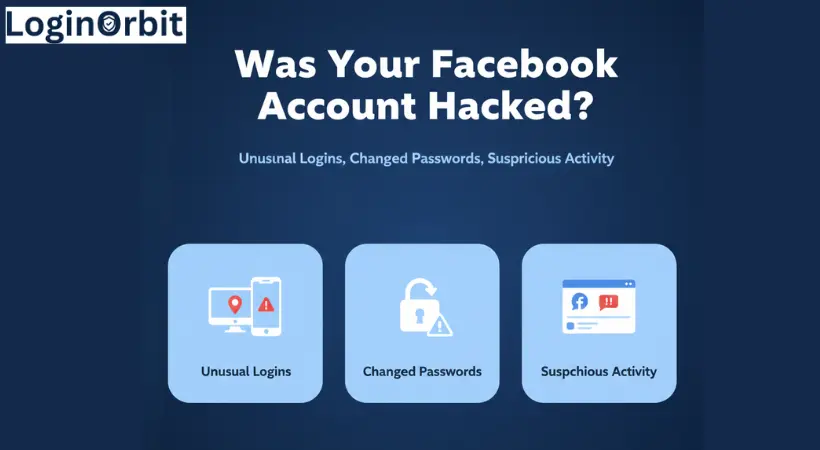
Spotting the signs early can save you time and headaches. Here are some red flags:- Weird login activity: Check your login history for strange devices or places you don’t recognize.
- Unexpected messages or posts: Friends might tell you about posts or messages you never sent.
- Changed account info: Your email, phone number, or password changes without you knowing.
- Friend requests to strangers: Hackers sometimes send friend requests to spread scams.
- Locked out: Suddenly, you can’t log in or reset your password.
What to Do Right Now to Secure Your Account
Finding out your Facebook was hacked is scary. But quick action helps protect your data and stops the hacker fast.- Change your password immediately. Use a strong mix of letters, numbers, and symbols. Avoid easy-to-guess words.
- Log out of all devices. Go to Settings → Security & Login → Where You’re Logged In and log out everywhere except the device you’re using.
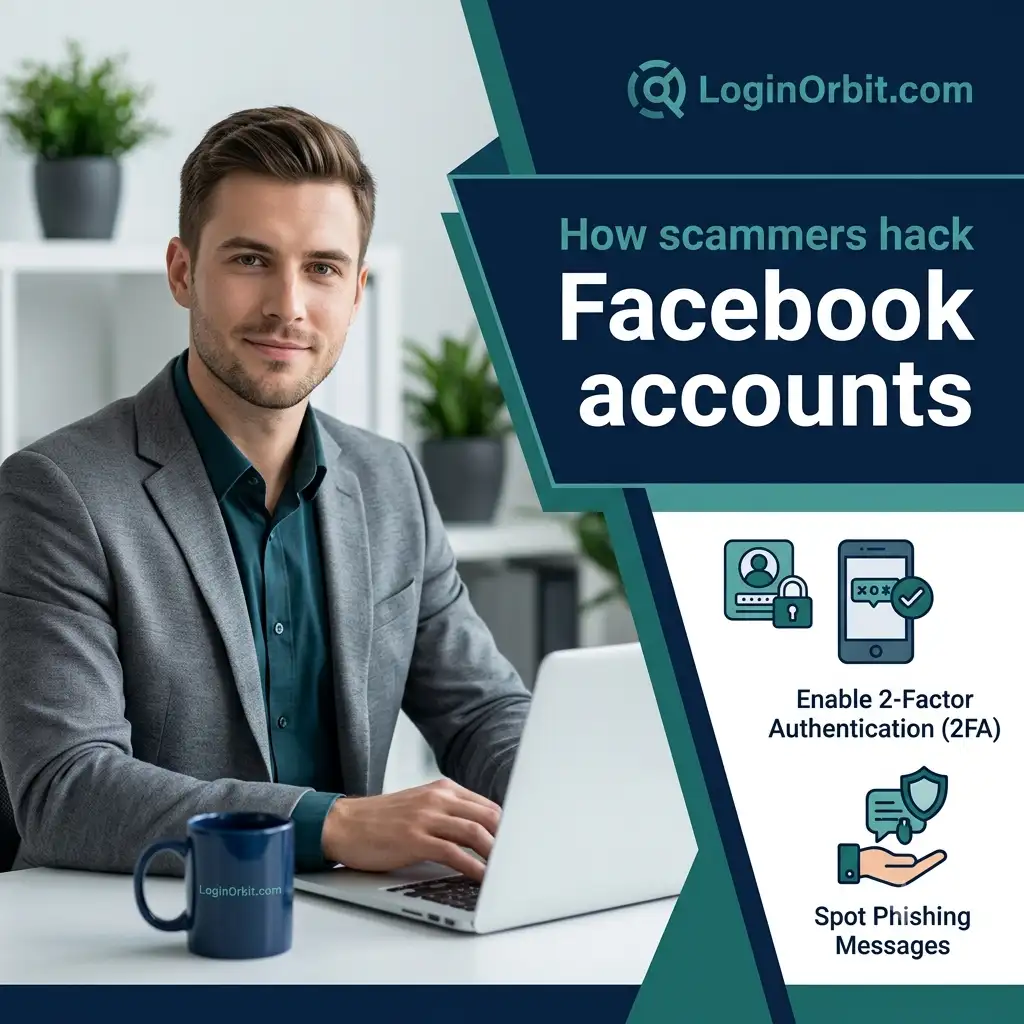
- Turn on two-factor authentication (2FA). This adds an extra security step by asking for a code sent to your phone.
- Check your contact info. Make sure your email and phone number are correct and haven’t been changed.
- Review recent activity. Delete suspicious posts, messages, or friend requests. Report anything odd to Facebook.
How to Reset Your Facebook Password
Resetting your password is often the first step to getting back in control.- Go to Facebook’s login page and click Forgot Password?
- Enter your email, phone number, or username to find your account.
- Choose where to get your reset code—email or phone you still have access to.
- Enter the code and create a new, strong password.
Using Trusted Contacts to Recover Your Account
Facebook lets you pick 3-5 friends as trusted contacts who can help if you get locked out. Think of it like having a spare key with people you trust.How To Set Them Up
- Go to Settings → Security & Login → Choose Trusted Contacts
- Select friends who are reliable and easy to reach.
- Tell them you picked them so they’re ready to help if needed.
How To Use Trusted Contacts
When recovering your account, Facebook will send special codes to your trusted contacts. You’ll ask them for these codes and enter them to unlock your account.What Actions Should I Take If My Hacked Facebook Account Has Been Cloned?
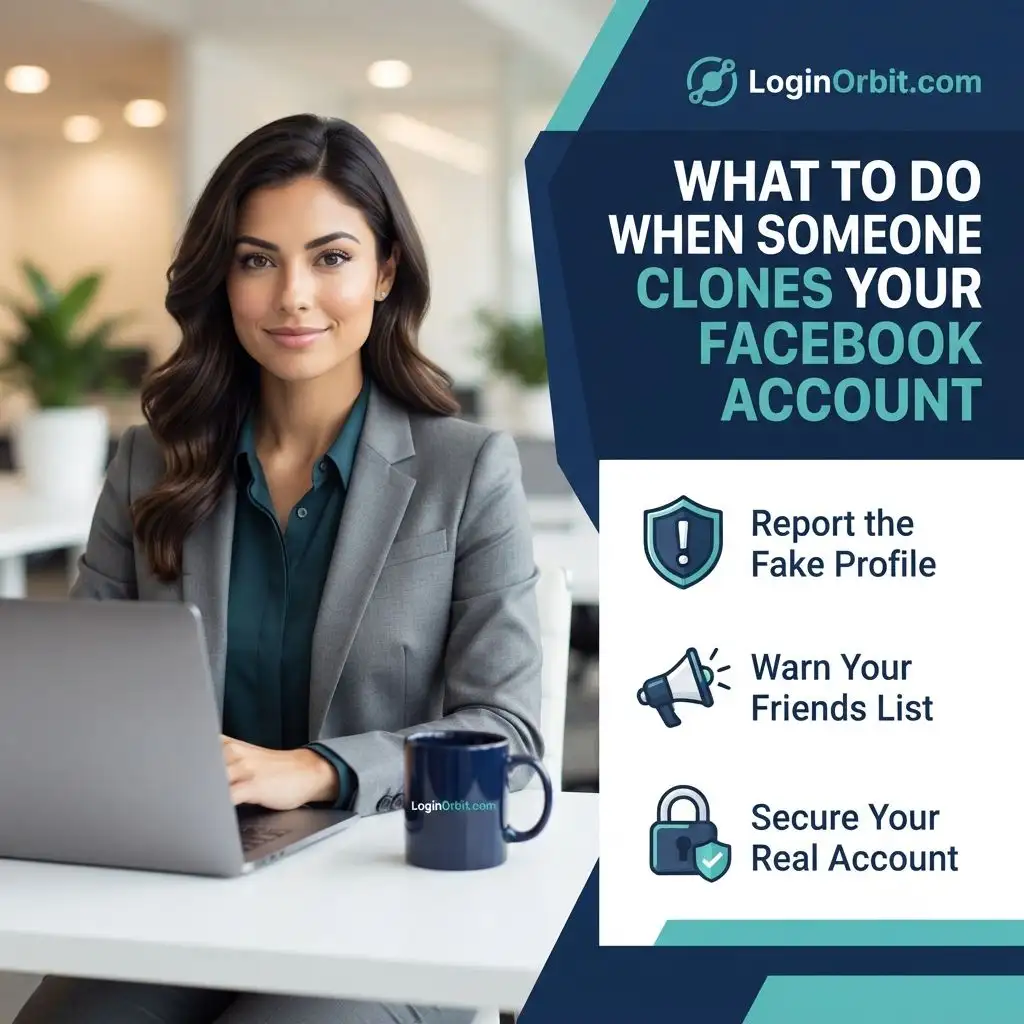
If you discover that your hacked Facebook account has been cloned, it’s crucial to act quickly. First, secure your original account by changing your password and enabling two-factor authentication. Then, report a cloned Facebook account through the platform’s help center to prevent others from being misled.
Reporting Your Account as Compromised
If you can’t get in or suspect serious hacking, report it to Facebook directly.- Visit facebook.com/hacked
- Follow the steps to verify your identity and describe what happened.
- Facebook will help you lock out hackers and recover your account.
How Can I Secure My Facebook Account After It’s Been Hacked?
If you’ve fallen victim to a hacking incident, it’s crucial to act swiftly. Start by using Facebook’s official recovery tools. Navigate to the “Need Help?” section and follow the prompts to recover your hacked Facebook account. Additionally, update your password and activate two-factor authentication for enhanced security.
Check Your Account Activity and Devices
Look for anything unusual to spot hackers quickly.- Go to Settings → Security & Login → Where You’re Logged In
- Review all devices and locations.
- Log out of any you don’t recognize.
- Change your password afterward for safety.
Why Enable Two-Factor Authentication (2FA)?
Think of 2FA as a second lock on your door. Even if someone guesses your password, they’ll need a code sent to your phone to get in. Setting it up is easy:- Go to Settings → Security & Login → Two-Factor Authentication
- Choose how you want to get your code (text message or authentication app)
- Follow the prompts to finish setup.
Don’t Forget to Secure Your Email
Your email is the gateway to resetting your Facebook password. Protect it like your Facebook account.- Change your email password to something strong and unique.
- Turn on 2FA for your email account too.
- Check recent activity and sign out of unknown sessions.
- Keep your recovery options up to date.
- Run antivirus scans to remove any malware.
Simple Ways to Prevent Future Hacks
It’s easier to stay safe than fix a hacked account. Try these:- Use strong, unique passwords for every account.
- Turn on two-factor authentication everywhere possible.
- Check your login activity regularly.
- Be careful with third-party apps and only allow trusted ones.
- Watch out for phishing: don’t click suspicious links or share your password.
When Should You Get Professional Help?
Sometimes, the hack is serious. Here are signs you might need an expert:- You’re locked out and can’t reset your password.
- Hackers control your email or phone linked to Facebook.
- Your personal info or identity is at risk.
- Your device might have malware or spyware.
- You face harassment or legal issues due to the hack.