
Every Facebook ad, Page and Business Manager starts with one thing: a personal Facebook account. For advertisers, that account is more than a login. It’s the identity Meta holds responsible for your ads, the admin of your business assets, and the first thing that gets checked when something looks wrong. This guide brings together everything an advertiser needs to know about Facebook accounts: how they connect to ads, how to set them up and secure them, the rules Meta expects you to follow, and what to do when something goes wrong. Each section links to a detailed guide if you want to go deeper.
How Facebook accounts work for advertisers
Meta doesn’t have a separate “business login”. Advertising on Facebook works as a chain, and your personal account sits at the start of it:
- Personal account (profile): how you log in and prove who you are.
- Facebook Page: your business’s public presence, managed by people with roles on it. See how to create a business account on Facebook.
- Business Manager (business portfolio): the home for your Pages, ad accounts and pixels, owned by the business. If the names confuse you, read Business Manager vs Business Suite vs business portfolio.
- Ad accounts: where campaigns, budgets and billing live, ideally inside your Business Manager.
Because the personal account is the first link, a problem there can travel all the way down to your Page, your Business Manager and your ads. That’s why advertisers need to treat their account differently from someone who only scrolls and posts.
Setting up a Facebook account the right way
A good advertising account isn’t special or “aged”. It’s simply a real, complete and secure profile used consistently by the same person. The basics:
- Use your real name, exactly as it appears on your ID.
- Add a clear profile photo and basic, accurate details.
- Use an email address and phone number you control and will keep.
- Turn on two-factor authentication from day one.
- Use it normally before you start managing business assets or spending heavily.
Why each of these matters for advertising
Your real name matters because advertisers and admins can be asked to confirm their identity with an ID, and the two have to match. A photo and basic details matter because empty profiles look like they were made in a hurry, which is a common pattern in spam and fake accounts. Contact details you control matter because every security check sends a code to them. Two-factor authentication matters because advertising accounts are hacked far more often than everyday ones. And normal use before heavy spending matters because a brand-new profile that immediately manages assets and spends money looks unusual to Meta’s systems.
Our step-by-step guide on how to set up a Facebook account the right way covers each setting. If you’d rather have it done with you, our Facebook account setup service secures and completes your profile live on your own device.
If your profile photo or other images will not go through when you try, see why you can't upload photos to Facebook.
If your profile photo looks soft or low quality once it is posted, here are the causes and fixes for Facebook photos turning blurry after upload.
The rules: how many Facebook accounts can you have?
Meta’s Terms of Service expect each person to have one personal account, under the name they use in everyday life. Separate accounts for “work” and “personal” aren’t allowed, and extra profiles are one of the most common reasons advertisers get restricted.
We explain the details, and the legitimate ways to separate work from personal use, in how many Facebook accounts one person can have and can I create multiple Facebook accounts.
What to use instead of extra accounts
- A Facebook Page for your business presence.
- A Business Manager to separate brands, clients and ad accounts.
- Team members’ own profiles with the right roles, instead of shared logins.
What Meta looks at when it reviews an advertising account
Meta doesn’t publish its full review process, but the signals that lead to checks are consistent enough to plan around. Understanding them explains most of the advice in this guide.
Who is behind the account
A real name, a consistent identity and the ability to confirm it with an ID. Profiles that look new, empty, renamed or shared raise questions before any ad is shown.
How the account is used
Logins from the same devices and places, gradual changes, and normal activity alongside business work. Sudden jumps in location, activity or spending look like a takeover or automation.
What the ads say and where they lead
Claims, images and landing pages that follow the rules, with offers that match on both the ad and the page. Repeated rejections build a record that can affect the whole account.
How payments behave
A payment method that belongs to the advertiser, paid on time, without frequent changes or disputes. Payment problems are one of the most common reasons ad accounts are restricted.
What the account is connected to
Pages, Business Managers, cards and other profiles linked to the account. A connection to a restricted asset can bring an otherwise healthy account under review.
None of these is a secret trick. They describe an advertiser who is who they say they are, uses their own account normally, follows the ad rules and pays their bills. Setting up your account to look like that, because it is like that, is the most reliable protection there is.
Securing your account
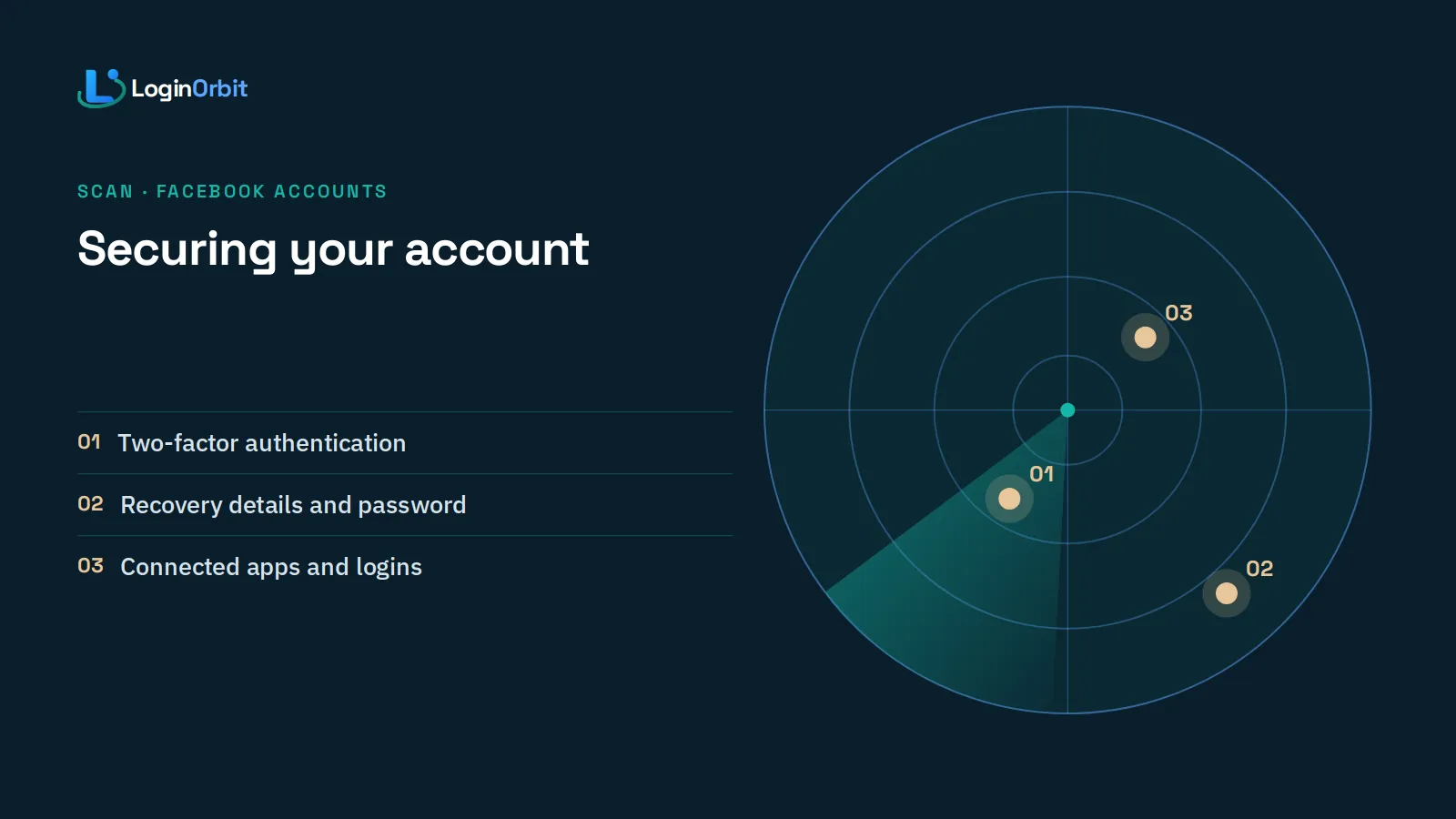
Advertisers are a favourite target for hackers, because one stolen login can unlock Pages, ad accounts and saved payment methods. These are the settings that matter most:
Two-factor authentication
A second code at login stops most account takeovers. Use an authenticator app or a security key rather than text messages if you can. Here’s how to turn on two-factor authentication.
Recovery details and password
Keep your email and phone current, so you can always receive Meta’s codes. Our guides show how to change the email on your Facebook account and how to reset your Facebook password safely.
Connected apps and logins
Old apps and websites that use “Log in with Facebook” can keep access for years. Remove the ones you don’t use; see how to unlink your Facebook account from apps and services.
Run a full check
Use our Facebook account security checklist to review everything in one go, or our free Facebook Account Security Checkup tool for a quick score.
If you are signed out again and again even though your details are right, see why Facebook keeps logging me out before assuming a hack.
Identity verification and admin profiles
This is where advertising accounts differ most from everyday ones. People who run ads or manage Business Managers are often asked to confirm their identity, usually with a government ID such as a national ID card, passport or driving licence, and sometimes a video selfie. If the name on the profile doesn’t match the ID, or the check isn’t completed, the profile can be stopped from advertising, restricted or suspended.
How to prepare before Meta asks
- Make sure the name on your profile matches your ID exactly, without nicknames, initials you don’t use, or a business name.
- Keep an unexpired ID ready. Expired documents are one of the most common reasons a check fails.
- Submit documents only through Meta’s own screens, never through a message or to someone claiming to be Meta.
- If your name has legally changed, update it on the profile before you need to verify, not during a review.
Ads that need extra authorization
Some ad categories, such as ads about social issues, elections or politics, require the advertiser to complete Meta’s authorization process before the ads can run. That process also uses a government ID and, in many countries, a confirmed location. A profile that isn’t really yours can’t complete it, which is one more reason advertising accounts have to belong to the person using them.
Admin profiles carry even more weight, because they control everything in the business. Our guide on what your BM admin profile needs explains the standard, and our Facebook admin profile setup service prepares admin profiles for these checks and plans a backup admin.
If you have updated your name to match your ID but the change does not appear, see why a Facebook name change is not showing.
From account to ad account
Once your profile is ready, ads should run from an ad account, ideally one owned by your Business Manager rather than tied to your personal profile. Our guide shows how to create a Facebook ad account, and our Facebook Business Manager setup service can build the whole structure for you.
Personal ad account vs. Business Manager ad account
Both can run the same ads. The difference is who owns the account and what happens when something goes wrong.
| What matters | Personal ad account | Business Manager ad account |
|---|---|---|
| Owned by | Your personal profile | Your business |
| If your profile is locked | Ads usually stop | Another admin can keep them running |
| Team access | Limited and harder to manage | Roles for each person, asset by asset |
| Agency access | Often means sharing a login | Partner access, no password needed |
| Best for | A quick personal test | Any real business |
If your ads currently run from a personal ad account, moving to a Business Manager is one of the most valuable changes you can make. It turns your profile from a single point of failure into one of several people who can manage the business.
Budgets and spending limits
New ad accounts start with lower limits that grow with steady spending and on-time payments. Sudden jumps in budget on a new account are more likely to trigger a review than a gradual increase. Set a realistic starting budget with our guide on how much to spend on Facebook ads.
Staying inside the ad rules
Repeated ad rejections can put the whole account at risk. Check your ads against Meta’s Advertising Standards, learn the common reasons Facebook ads get rejected, and test your copy with our free Ad Copy Policy Checker.
Working with agencies and freelancers
Handing your login to an agency or freelancer is one of the fastest ways to get an advertising account checked or locked. Facebook sees a login from a new person, device and often a new country, and treats it as a possible takeover. Even if nothing goes wrong, you lose track of who did what.
The right setup is simple. Your business owns the Business Manager and ad accounts. An agency is added as a partner with access only to the assets it manages. A freelancer is added as a person with limited access. When the work ends, you remove that access in one click, and your ad history, pixel data and audiences stay with you.
Before you start with any agency, ask one question: who will own the ad account? If the answer is “we will”, your results leave when they do.
Your first 30 days as a new advertiser
Most problems with new advertising accounts come from doing everything at once. A calm first month builds the history that keeps your account stable later.
Week 1: get the foundation right
Complete and secure your profile, turn on two-factor authentication and save your recovery codes. Create or connect your Page. Set up a Business Manager with your real business details, and add a second trusted admin.
Week 2: connect your assets
Create your ad account inside the Business Manager, add a payment method that belongs to you or your business, and install your pixel. If you work with an agency, add it as a partner now.
Week 3: start small
Launch one or two simple campaigns with a modest daily budget. Keep your claims and images well inside Meta’s rules, and make sure your landing page matches the ad.
Week 4: review and grow slowly
Check Account Quality for any warnings, look at which ads bring results, and raise budgets gradually on the ones that work. Pay on time, and avoid changing payment methods or admins without a reason.
Common mistakes advertisers make with their accounts
- Running everything from one profile. One locked account stops the Page, the ads and the Business Manager at once.
- Sharing a login with a team member or agency. It triggers security checks and removes any record of who did what.
- Using a nickname or business name on a personal profile. It looks fine until an ID check is needed.
- Creating extra profiles to “spread the risk”. They are easy to link and break Meta’s one-account rule.
- Ignoring security warnings and Account Quality. Small warnings turn into restrictions when nobody acts on them.
- Changing many things at once. New device, new country, new card and a big budget on the same day looks like a takeover.
- Paying for “guaranteed” recovery. Nobody outside Meta can promise to reverse its decisions.
If warnings never reach you, find out why Facebook notifications are not working so you do not miss Account Quality alerts.
If birthday reminders never arrive while your other alerts work, here are the causes and fixes for Facebook birthday notifications not showing.
If you cannot share a post because the option has disappeared, learn why the Facebook share button is missing and what to try.
When something goes wrong
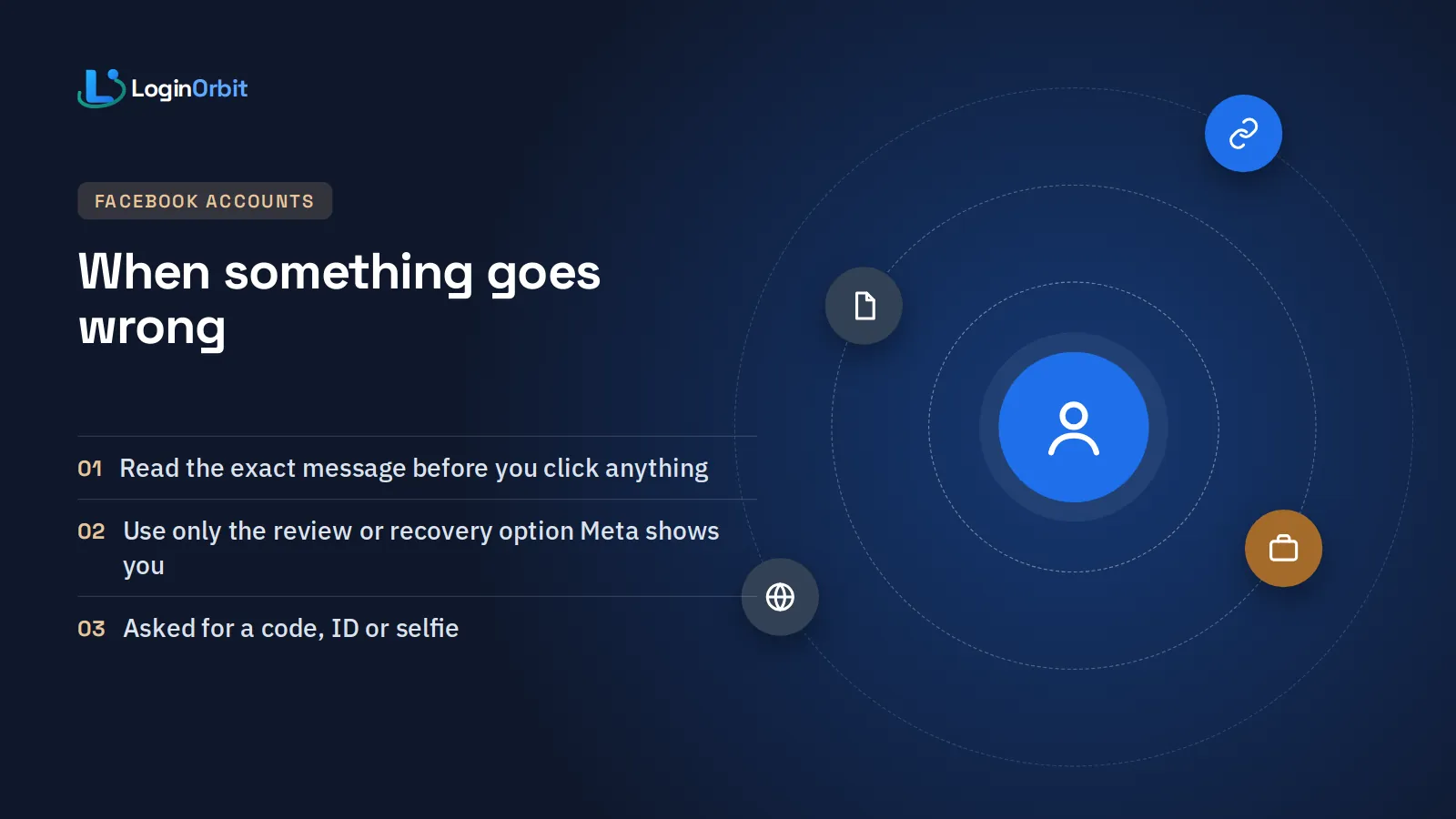
Problems with advertising accounts usually fall into four groups. Find yours, then follow the matching guide:
| What you see | What it usually means | Where to start |
|---|---|---|
| Asked for a code, ID or selfie | A security or identity check | Facebook account locked |
| “Your account has been disabled” | A policy or authenticity decision | Account disabled: what to do |
| Password or email changed without you | The account was taken over | Recover a hacked account |
| You deactivated it and want it back | Self-deactivation | How to enable a Facebook account |
If you need to reach Meta directly, our guide on how to contact Facebook about your account lists the official routes. For appeals, the free Appeal Message Builder helps you write a clear, factual request.
A calm first response
- Read the exact message before you click anything, and take a screenshot.
- If you can still log in, change your password and check your email and phone number on the account.
- If you have a second admin, ask them to protect your Page and ads while you sort out your profile.
- Use only the review or recovery option Meta shows you, and keep your explanation short and factual.
- Don’t log into other profiles or create new ones from the same device while the review is open.
Two rules apply in every case: use only Meta’s official recovery and review routes, and never pay anyone who promises a guaranteed unlock.
If Facebook will not open at all, rather than showing a message about your account, start by checking why Facebook is not loading. If the problem is the app closing on you rather than a restriction, look at why the Facebook app keeps crashing.
If you cannot find people or Pages in the search bar, learn why Facebook search is not working and how to fix it. If the app refuses to install the latest version on your phone, read about why the Facebook app is not updating.
If your feed shows the same old posts and never loads new ones, find out why the Facebook feed is not refreshing. If videos stall or stay blank while everything else works, check the causes of Facebook videos not playing.
If your own or other people's Stories are missing while the rest of the app works, here is why Facebook Stories are not showing.
If videos play but you hear nothing, this guide explains the causes and fixes for Facebook sound not working on your device. If Reels will not load or play while the rest of the app works, see the causes and fixes for Facebook Reels not working.
If comments on your Page posts or ads seem to be missing, learn the common reasons for Facebook comments not showing and how to fix them.
If your profile timeline stays blank or stuck while the rest of the app works, check the causes of Facebook timeline not loading. If your friends list will not appear when you open it, see the causes and fixes for Facebook friends list not loading.
If options you expect are absent from the app menu, learn why Facebook menu missing options happens and what to try.
If the On This Day feature stays empty while the rest of the app works, see why Facebook memories not showing happens. If your phone loses charge quickly while you manage your Page, read about the Facebook app draining battery and how to fix it.
If your mobile data disappears faster than expected, learn the causes of the Facebook app using too much data and what to change.
If you cannot tag people or Pages in your posts, see the causes and fixes for a Facebook tag not working. If your posts are not reaching the people you expect, learn why a Facebook post is not showing to friends and what to try.
If posts, comments or messages will not translate into your language, see the causes and fixes for Facebook translation not working. If you cannot react to posts or comments while the rest of the app works, read why Facebook emoji reactions are not working.
Scams, hacks and fake profiles
Advertisers get more scam messages than everyday users: fake “Meta support” warnings, fake copyright notices and look-alike login pages. Learn the patterns in how scammers hack Facebook accounts.
Clone profiles are another common problem, especially for business owners whose customers know their name. See how to spot fake and clone profiles, what to do when someone clones your account, and how to report a fake Facebook account. Our free Fake Profile Checker helps you judge a suspicious profile quickly.
If a link in a post or message will not open on your device, check the causes of Facebook links not opening before assuming it was a scam.
Should advertisers buy Facebook accounts?
It’s a common question, especially after a restriction. The short answer is no. Bought accounts break Meta’s terms, usually fail the first identity check, and can take your ads, Business Manager and payment method down with them. We cover the details in two guides:
- Buying aged Facebook accounts for outreach: why they fail for groups, DMs and Marketplace.
- Buying Facebook accounts for advertising: why bought profiles can’t pass the ID checks that advertisers and admins face.
Managing your account long term
Accounts change over time. People leave businesses, take breaks or pass away, and each situation needs a different approach:
- Taking a break: deactivation hides your profile without deleting it. Here’s how to deactivate a Facebook account, and what it means for any Pages you manage.
- When an account owner passes away: family members can request memorialization. See how to memorialize a Facebook account. If that person was an admin, make sure another admin can manage your business assets.
- When a team member leaves: remove their access to your Pages, ad accounts and Business Manager on their last day.
A quick checklist for advertisers
- One personal account, under your real name, matching your ID.
- Two-factor authentication on, recovery codes saved offline.
- Current email and phone number on the account.
- Ads run from a Business Manager ad account, not only a personal one.
- At least two secure admins in your Business Manager.
- Agencies added as partners, never given your password.
- One stable payment method that belongs to you or your business.
- Account Quality checked regularly for warnings.
Frequently asked questions
Do I need a personal Facebook account to run ads?
Yes. Every Page, Business Manager and ad account is managed by people, and each person logs in with a personal account. The business owns the assets, but people with real accounts manage them.
Can I create a separate Facebook account just for business?
No. Meta allows one personal account per person. Use a Facebook Page and a Business Manager to separate business activity from personal use.
Why does Facebook ask advertisers for an ID?
Meta holds the people behind ads responsible for them. Confirming identity with a government ID helps it check that advertisers and admins are real people using their own accounts.
What is the safest way to protect an advertising account?
Turn on two-factor authentication with an authenticator app, keep your email and phone current, remove unused apps, never share your login, and keep a second admin in your Business Manager.
Is an old Facebook account better for running ads?
Not by itself. Ad spending limits depend on the ad account’s spending and payment history, and Meta looks at how an account is used, not only its age.
Should my agency log in with my Facebook account?
No. Add your agency as a partner in your Business Manager with access only to the assets it manages. Sharing your login triggers security checks and puts your whole account at risk.
How long should a new account be used before running ads?
There’s no official waiting period. What matters is that the profile is real, complete and secure, and that you start with modest budgets and grow gradually instead of spending heavily on day one.
Can I use the same card on several ad accounts?
You can use one payment method for ad accounts that belong to the same business. Problems start when the same card is used across unrelated or restricted accounts, because it can link them.
What should I do if my advertising account is restricted?
Read the notice in Account Quality, fix the stated cause, complete any identity check Meta asks for, and use the official review. Don’t create or buy new accounts while the review is open.
The bottom line
For advertisers, a Facebook account is the foundation everything else stands on. Keep it real, keep it secure, keep it verifiable, and build your ads on a Business Manager with more than one admin. Most advertising problems start with the account, and most of them can be prevented long before they reach your ads.



