
The most likely cause is a temporary app problem, an outdated app, or a Story privacy setting; check Facebook on another device or browser first. Problems with Stories not showing on Facebook usually come down to one of these three areas. If Stories appear elsewhere, your phone or app is the problem; if they’re missing everywhere, check Facebook’s service status and the account settings. Don’t delete the app yet. First note whether your own Story is missing, other people’s Stories are missing, or the Stories row itself has disappeared.
Why Facebook Stories aren’t showing
These causes are ordered from common to less common. Start with the first row that matches what you can see. If Stories load in a mobile browser but not in the app, treat it as an app problem rather than a connection problem.
| Cause | How common | How to confirm it | Fix it yourself? |
|---|---|---|---|
| App loading error | Very common | Try a browser | yes |
| Weak internet connection | Common | Open another site | yes |
| Outdated Facebook app | Common | Check app store | yes |
| Story privacy settings | Common | Review audience controls | yes with care |
| Hidden or muted Stories | Fairly common | Check muted accounts | yes |
| Facebook service outage | Less common | Check Meta status | yes |
| Account restriction or bug | Rare | Check account status | no |
Close and reopen Facebook before changing settings. If another site also fails, switch between Wi-Fi and mobile data, then try again. Update the app from your device’s app store; if it’s already current, restarting the phone can clear a temporary loading error.
Privacy settings can affect whose Stories you see and who can see yours. Check the audience controls for the affected Story instead of changing every privacy setting. If only particular people are missing, check whether their Stories are muted and unmute them if necessary.
If Stories fail in both the app and a browser while other sites work, check for a Facebook outage. If the problem continues after service returns, review Account Status for restrictions. Don’t repeatedly change account settings or create duplicate posts; that can make it harder to tell whether the original problem is fixed.
A temporary Facebook app loading error
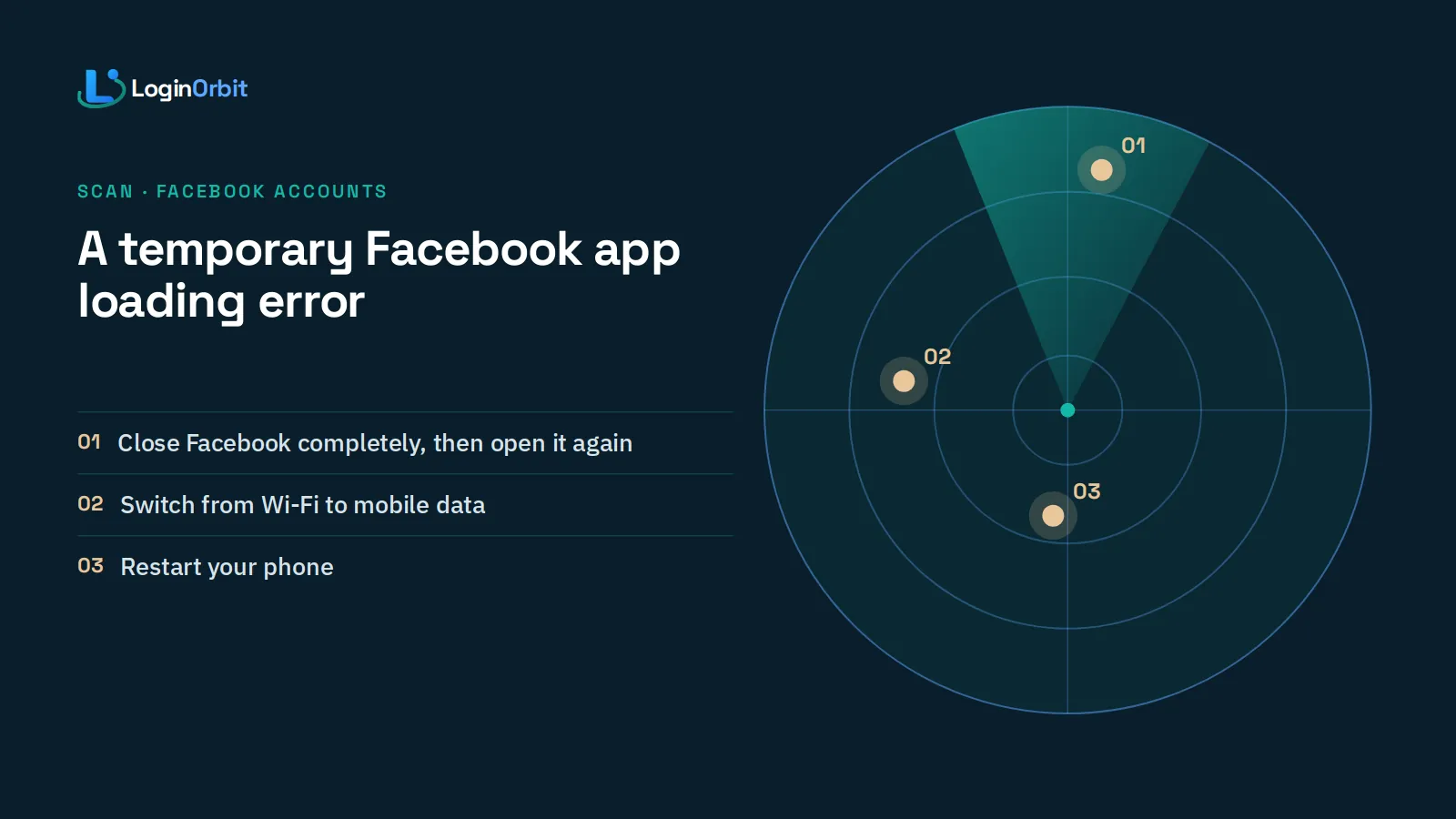
A temporary loading error is the most common reason the Stories row disappears even though your account and friends are fine. The app may show the main feed but fail to load the separate Stories area. This often affects one phone or one app session, not every way of opening Facebook.
The fastest test is to open Facebook in a mobile browser or on a computer. Sign in without changing your password, then look at the Stories row. If Stories appear there, the problem is probably the app on your phone; if they’re missing there too, move to the privacy, outage, or account checks.
Try these steps in order:
- Close Facebook completely, then open it again.
- Switch from Wi-Fi to mobile data, or from mobile data to Wi-Fi.
- Open the Facebook menu and pull down the feed to refresh it.
- Restart your phone.
- Open Facebook in a private browser window and sign in.
- Compare the result with another trusted device.
If the browser works, update Facebook through the Apple App Store or Google Play Store. Android users can also clear Facebook’s cache through the phone’s app settings. The exact menu name varies by Android version, so read the phone maker’s instructions rather than deleting app data blindly.
A normal refresh takes only a few minutes. Reinstalling Facebook takes longer and may remove saved drafts or require another sign-in, so it’s a poor first move. If Stories work in the browser, repair the app; if they fail in both places, check Facebook’s service status or account controls.
Facebook’s official service page, Meta Status updates, can show whether a wider platform problem is being reported. A service issue isn’t something you can repair from your phone. Wait for the service to recover, and don’t keep changing account settings while the platform is unstable.
Internet connection problems
A weak or blocked connection can load text while failing to load Story images and videos. That’s why the feed may look normal while the Stories row stays blank, spins, or shows gray placeholders. This cause is different from an app error because other media-heavy apps may also load slowly.
Check the connection by opening a video site or another image-heavy page. Then switch networks and try Facebook again. If Stories appear on mobile data but not Wi-Fi, restart the router and check whether a school, office, hotel, or public network blocks social media media files.
Turn off any VPN temporarily, because some VPN routes can make Facebook’s media servers unreachable. Also pause large downloads and close apps that are using the connection. If your phone shows a strong Wi-Fi icon but other sites still fail, the signal strength alone doesn’t prove that the internet is working.
If the connection works on another network, contact the network provider or the person managing that network. Don’t change router security settings just to make Facebook work. That trade-off can expose other devices and still may not fix the Story feed.
If Stories fail on every network and every device, the connection is probably not the main cause. If they fail only on one network, fix that network; if they fail everywhere, continue with Facebook’s app, privacy, and account checks.
Outdated app or phone software
An outdated Facebook app can stop parts of the interface from loading correctly. The issue may appear after Facebook changes its service while your installed app still uses an older version. This cause is more likely when the Stories row disappeared after a phone update, or when other people report the same problem on your app version. If only one account is affected, outdated software is less likely.
Open the Apple App Store or Google Play Store and search for Facebook. If an Update button appears, install it, then restart the app. If the store shows Open instead, Facebook may already be current, so don’t install a random copy from another website. An update may not appear if your phone’s operating system is too old to support the newest Facebook release.
Check your phone’s software updates too. Keep enough free storage for the update, and use a stable connection while it installs. The time needed depends on the update size and your connection speed, so the phone’s progress screen is the useful measure. Avoid closing the phone or switching networks while the installation is still running.
On Android, clearing Facebook’s cache can remove temporary files that failed to load, without deleting your account. Use the phone’s app settings and choose Clear cache, not Clear storage or Clear data, unless you know your login details. On an iPhone, closing and reopening the app, or restarting the phone, is the safer first step.
Don’t uninstall Facebook before checking whether you can sign in again. Reinstalling can remove local drafts, reset permissions, and create trouble if you don’t know the email, phone number, or password linked to the account.
If an update fixes Stories, the old app was likely the cause. If nothing changes, compare the browser version and another device. A current app on several devices points away from software age and toward privacy settings, a Facebook outage, or an account-specific problem.
Less common Facebook Story problems
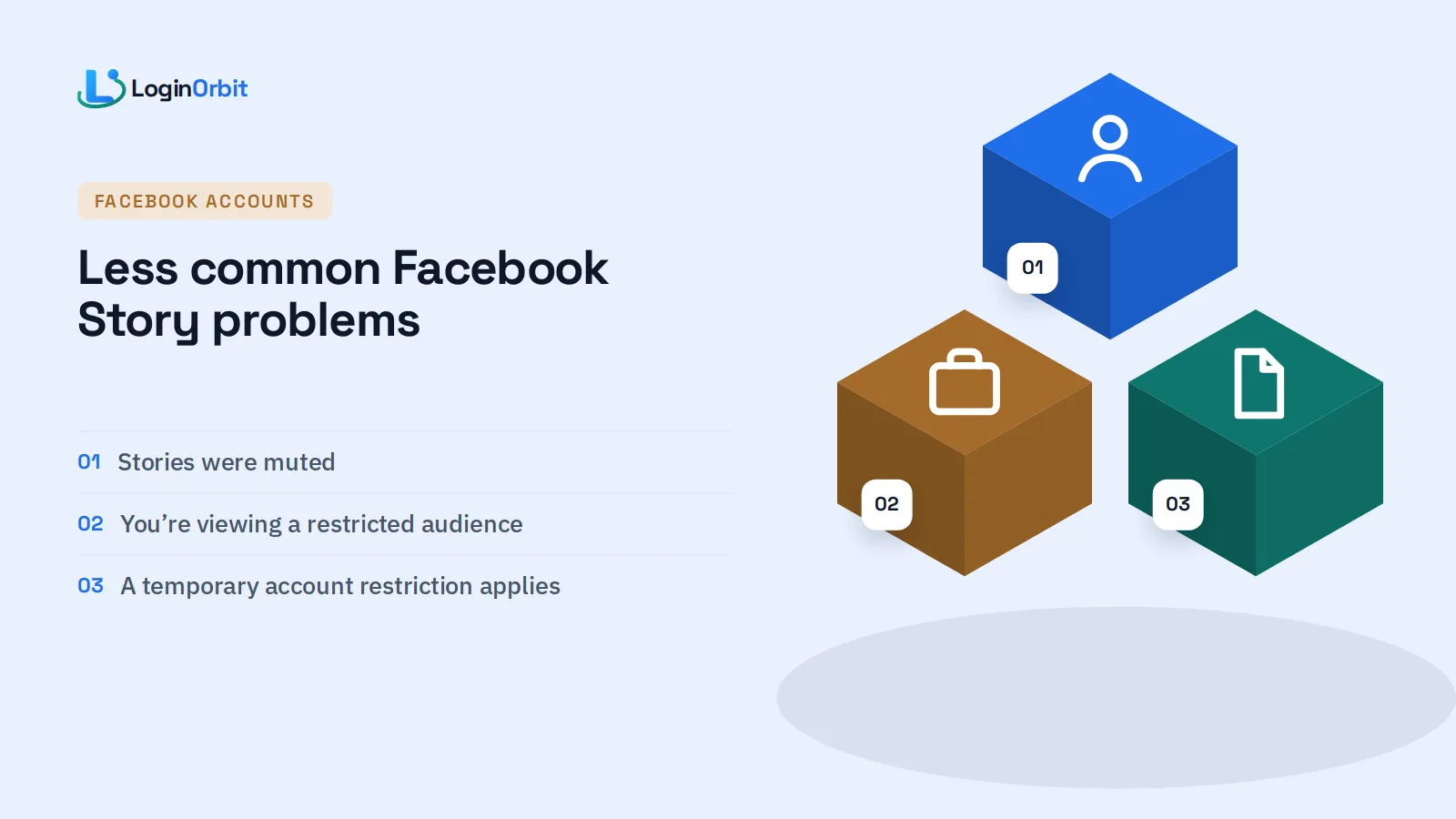
Rare causes usually have a clear clue. Check these before changing deeper account settings:
-
Stories were muted: The Stories row appears, but one person’s updates never show. Open that person’s profile and review Story mute controls. If other people’s Stories appear normally, unmute that account rather than reinstalling Facebook.
-
You’re viewing a restricted audience: Your own Story should remain visible to you, but its audience setting may limit which other people can see it. Check the Story archive and audience setting, especially if you recently changed who can view your posts. A privacy setting can limit viewers without preventing the Story from publishing.
-
A temporary account restriction applies: Features may disappear alongside other actions, such as posting, commenting, or messaging. Check Account Status instead of trying repeated logins. Repeated attempts won’t remove a restriction and can make the sign-in problem harder to diagnose.
-
The account or app has a deeper bug: Stories fail on several devices while other people’s accounts work. Update the app, then report the problem through Facebook’s Help and Support menu with the device and account details requested. If only one device is affected, focus on that device’s app or connection first.
-
A regional or platform outage is active: Multiple Facebook features fail at once, or people you know report the same problem. Wait for Meta’s service to recover rather than repeatedly changing account settings.
Stop troubleshooting if Facebook asks for identity verification, your account is locked, or the fix would require bypassing a security warning. Those cases need Facebook’s official recovery process, not a third-party “account recovery” service. Never give your password or login code to someone promising a fast repair.
What fixing Facebook Stories requires
The easiest fixes need only a few minutes, a working internet connection, and access to your phone’s app store. Closing the app, changing networks, restarting the phone, and testing a browser don’t require special tools. Try one change at a time so you can tell which step helped.
An app update may take longer if your connection is slow or your phone has little free storage. Clearing a cache is usually a small task, but the menu depends on the phone model. Reinstalling is a bigger trade-off because you’ll need to sign in again and may lose local drafts. Before deleting the app, save anything important that exists only on the device.
If Stories fail on both Wi-Fi and cellular data, test whether another Facebook feature loads. A problem affecting several features points more toward an outage or account issue than a single connection. If Facebook works elsewhere but the app does not, updating, clearing the cache, or reinstalling is more likely to help.
Privacy changes need more care than a refresh. Review the audience before saving anything, especially if you don’t want a Story shared with everyone. If you’re unsure, leave the current setting unchanged and read Facebook’s on-screen description first. Check the selected audience again after editing, rather than assuming the previous choice carried over.
A service outage costs you waiting time, not a repair bill. An account restriction may need Facebook’s support process, and there’s no safe shortcut around it. If you need a quote for phone repair or data recovery, the price depends on the device, damage, and local provider; ask an authorized repair shop for a written quote before approving work.
This fix isn’t for someone who needs guaranteed visibility to every viewer. Facebook controls delivery, ranking, privacy, and service availability, so you can repair your app without guaranteeing that every Story will appear.
Short on time? Our Facebook Account Setup & Security Service service takes care of the whole process.
Frequently asked questions
Why are Facebook Stories not showing up?
Facebook Stories usually aren’t showing because the app failed to load them, the connection is weak, or Stories are hidden by privacy or mute settings. Test Facebook in a browser first. If Stories work there, update or refresh the app. If they fail on every device and network, check Meta’s service status and Account Status before changing more settings.
Can I see Facebook Stories without the app?
Yes, you can often see Facebook Stories in a mobile or desktop browser after signing in. The browser test helps separate an app problem from an account or service problem. It won’t bypass privacy settings, blocked accounts, age limits, or a Facebook outage. Use only the official Facebook website, and don’t enter your login details into a third-party viewer.
How long does it take for Facebook Stories to come back?
A local app or connection problem may clear within a few minutes after a restart or network change. A wider Facebook outage has no fixed recovery time; check Meta’s status page for updates. If Stories still don’t return after testing another device and network, stop repeating refreshes and use Facebook’s in-app reporting or account support options.
Is it safe to clear Facebook’s cache?
Yes, clearing the Facebook app cache is generally safe because it removes temporary files, not your online account. Android menu names vary by phone. Don’t choose Clear storage or Clear data unless you know your login details and understand that local app information may be removed. iPhone users usually need to offload or reinstall the app instead.
What happens if I reinstall Facebook?
Reinstalling removes the app from your phone and may erase local drafts or saved app data. Your Facebook account, posts, friends, and online Stories remain on Facebook, but you’ll need to sign in again. Check your email or phone login first. Reinstall only if updates, restarts, and browser testing haven’t fixed the problem.
Does it matter if only one friend’s Story is missing?
Yes, it points to a different problem from a missing Stories row. That friend may not have an active Story, may have hidden it from you, or you may have muted their Stories. Open the friend’s profile and check whether a Story ring appears. Don’t assume the app is broken when every other friend’s Story loads normally.
Why can I see Stories but not post one?
Seeing Stories and posting a Story use different account features. Check Facebook’s camera and photo permissions, confirm that the app is updated, and try posting from a browser. If posting fails across devices, look for an account restriction or required verification. Don’t use an unofficial app to bypass the restriction, because it can put your account at risk.
What to do next
If Stories still aren’t working after a day, report the issue through Facebook’s Help & Support menu and include a screenshot, your device model, and app version. Keep Facebook updated while you wait, and check again after any service outage ends. That gives Facebook’s team useful details to investigate it faster.



