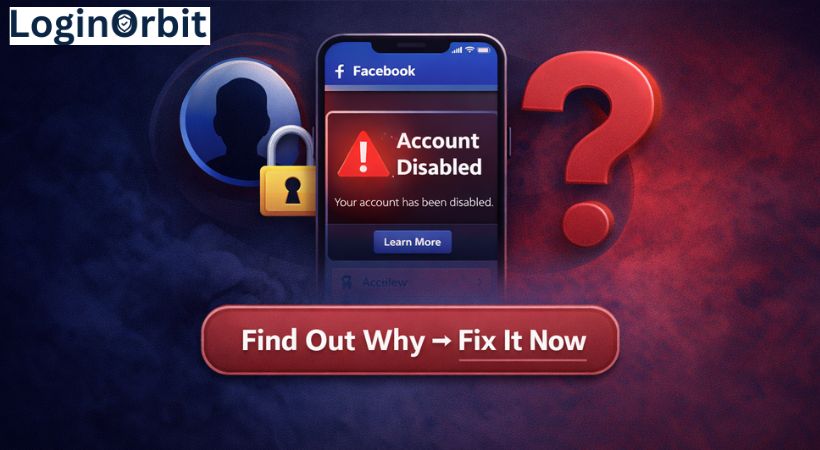
So, your Facebook account got locked and now it’s asking you to confirm who you are. Frustrating, right? You just want to get back to scrolling through posts and chatting with friends.
Don’t panic. You’re not alone, and there’s a straightforward way to fix this. Stick with me, and I’ll walk you through quick and safe steps to prove your identity and get back in.
Why Does Facebook Lock Accounts?
Facebook locks accounts to keep you and the community safe. When something looks fishy, it hits the brakes. Here’s what can trigger a lock:
- Suspicious logins: Logging in from a new place or device can raise alarms.
- Breaking rules: Posting spam or harmful content can get your account locked.
- Reports from others: If people report your account for bad behavior, Facebook might step in.
- Fake info: Using a fake name or details is a quick way to get flagged.
- Odd activity: Sending tons of friend requests or messages fast can look like spam.
Common Triggers for Account Locks
Here’s a quick list of what often causes accounts to get locked:
- Logging in from unfamiliar devices or places.
- Posting or messaging too quickly or too much.
- Violating Facebook’s community rules.
- Multiple failed login attempts.
- Using fake or misleading info.
What to Do Right After Your Account Gets Locked
First, take a deep breath. Facebook locks your account to protect you. It just wants to make sure you’re the real owner.
Next, follow these steps:
- Read the lock message: Facebook usually explains why your account was locked and what you should do next.
- Visit the Facebook Help Center: They have easy-to-follow guides on locked accounts.
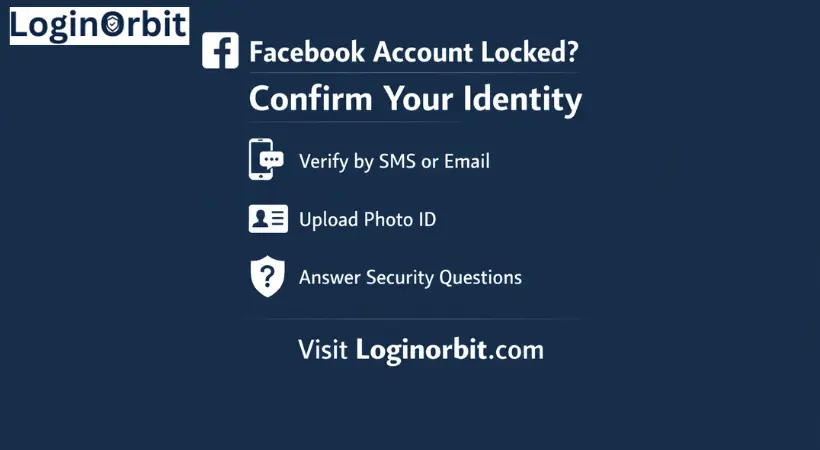
- Get your ID ready: You may need to show a driver’s license or passport. Make sure it’s clear and valid.
- Use the official Facebook login page: Don’t try to log in through third-party sites or apps. It’s safer and smoother.
- Follow the verification prompts carefully: Answer honestly and exactly as asked.
How Identity Verification Works
Facebook wants proof you are who you say you are. This stops hackers and keeps your info safe.
Here’s what you need to know about submitting your ID:
- Accepted IDs: Passports, driver’s licenses, and national ID cards work best.
- Clear photos only: No blurry or expired documents.
- Submit through Facebook’s official page: Don’t email or upload your ID anywhere else.
After you send your ID, Facebook checks it carefully. This can take a few days. Keep an eye on your email or Facebook notifications for updates.
How to Submit Your ID Safely
Protecting your personal info is important. Here’s how to do it right:
- Use Facebook’s official upload page only.
- Make sure your ID is valid and readable.
- Cover any extra info not needed (like your ID number or address).
- Upload over a private, secure Wi-Fi—not public hotspots.
- Use a device with updated security software to avoid risks.
Other Ways to Verify Your Identity
Sometimes, uploading an ID isn’t the only option. Facebook may let you verify your identity through:
- Trusted contacts: Pick friends who can receive security codes for you.
- Answering security questions: Only you should know the answers.
- Phone number verification: Facebook sends a code to your phone to confirm it’s yours.
Dealing with Verification Problems
If Facebook rejects your documents or you hit a snag, try these fixes:
- Make sure your photos are clear and well-lit.
- Use the verification method that works best for you and stick to it.
- Clear your browser’s cache and cookies, then try again.
- If all else fails, reach out through Facebook’s official Help Center. Be patient and polite.
How to Avoid Getting Locked Again
Want to keep your account safe? Here are some easy habits to follow:
- Create a strong, unique password and change it regularly.
- Turn on two-factor authentication for extra security.
- Keep your email and phone number up to date.
- Only connect trusted third-party apps to your account.
- Don’t click on suspicious links or friend requests from strangers.
Contacting Facebook Support
If you need help, start with the Facebook Help Center. It has tons of answers and guides.
For business users, Facebook Business Manager offers faster support options.
You can also try messaging Facebook’s official social media pages, but keep your message clear and polite. Responses aren’t guaranteed, though.
Simple Tips to Keep Your Account Secure
Here’s a quick checklist to protect your Facebook account daily:
- Use a strong password with numbers, letters, and symbols.
- Enable two-factor authentication.
- Check your login activity regularly for anything odd.
- Only accept friend requests from people you know.
- Keep your contact info updated.
FAQs
Why does Facebook lock my account and ask me to confirm my identity?
It’s Facebook’s way of protecting you from suspicious activity or rule-breaking. Confirming your identity proves you’re the real owner.
How can I confirm my identity on a locked Facebook account?
Usually, you’ll be asked to upload a photo ID or follow on-screen verification steps.
How long does it take to unlock a locked Facebook account?
It varies. Sometimes a few hours, sometimes a few days, depending on the method used.
What types of ID can I use to confirm my Facebook identity?
Driver’s licenses, passports, or government-issued IDs work best. Make sure they’re clear and readable.
Can I unlock Facebook without ID confirmation?
It’s very unlikely. Facebook needs to be sure it’s really you.
What should I do if Facebook rejects my identity confirmation?
Try submitting a clearer photo or a different ID. Double-check that all details match your profile.
Final Thoughts
Getting locked out of Facebook isn’t fun. But confirming your identity is the key to getting back in. Follow the steps carefully, be patient, and keep your info handy. You’ll be back to connecting with friends in no time.
Stay calm, act fast, and keep your account safe going forward.