
Facebook links usually don’t open because the link is broken, Facebook’s app or browser cache is stuck, or the destination page has restricted access. The fastest check is to copy the link and open it in another browser or a private window. If it works there, your original app or browser is the problem. If it fails everywhere, the post may be deleted, the address may be incomplete, or the website may be unavailable.
Why Facebook links won’t open
The cause is usually easy to separate with one quick test: try the same link in a private browser window, then try a different device. If it works in one place but not another, check the app, browser, or account. If it fails everywhere, check the link itself or the destination website.
| Cause | How common | How to confirm it | Fix it yourself? |
|---|---|---|---|
| Broken or incomplete link | Very common | Compare the full address | yes |
| Facebook app cache problem | Very common | Browser works normally | yes |
| Outdated app or browser | Common | Update removes problem | yes |
| Login or privacy restriction | Common | Sign-in changes result | yes with care |
| Destination website offline | Less common | Other links fail too | yes |
| Network or DNS problem | Less common | Mobile data works | yes with care |
| Facebook account restriction | Rare | Several links fail | no |
A broken or incomplete link
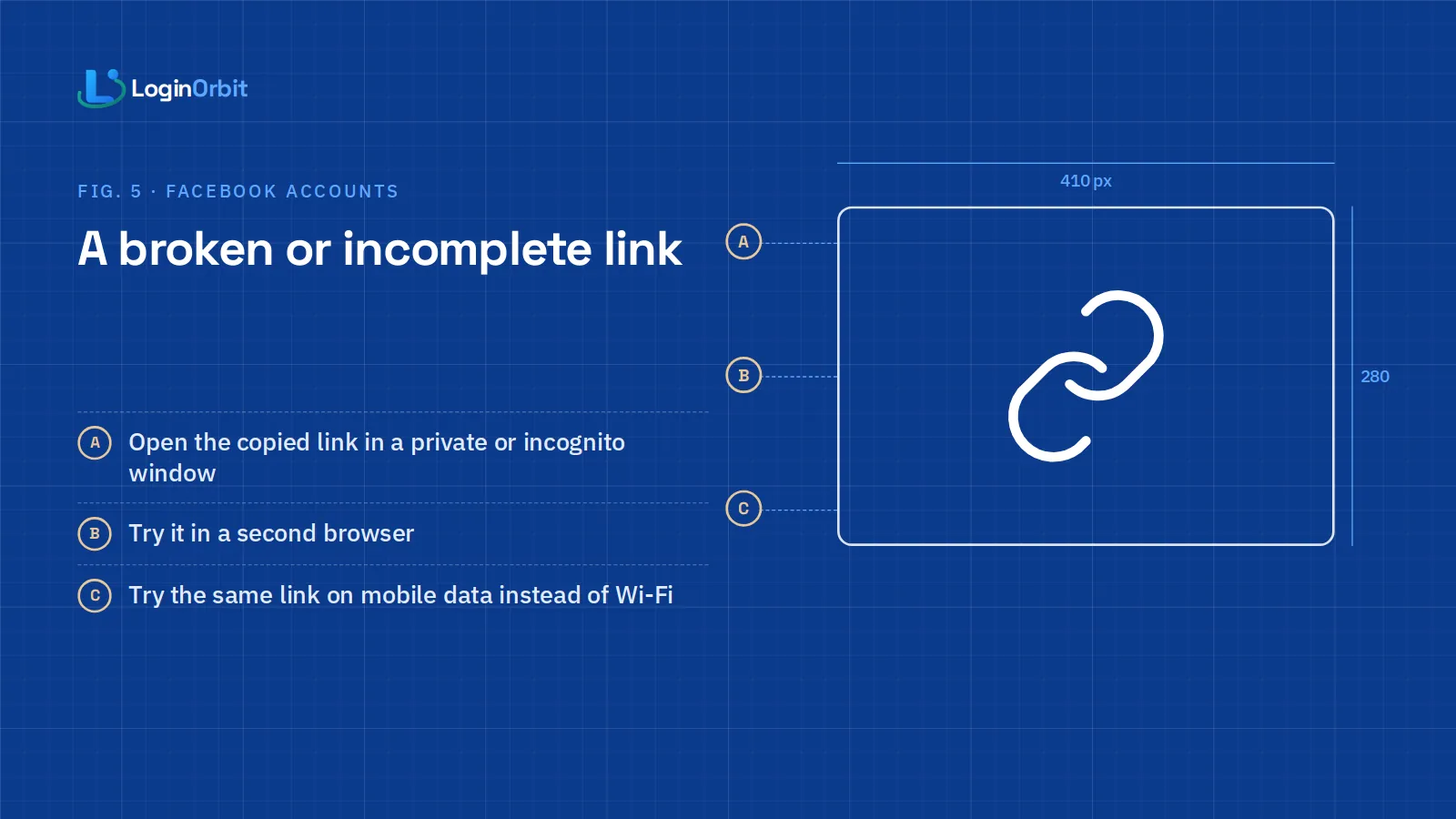
A damaged link is the most likely cause when only one Facebook link won’t open. This happens when part of the address is missing, a line break cuts the URL, or the person shared a page that has since moved or been deleted.
Copy the whole link instead of tapping it. On a phone, press and hold the link, choose Copy link, then paste it into the address bar. Check that it starts with https:// or http:// and that no spaces appear inside the address.
Next, compare results in a few places:
- Open the copied link in a private or incognito window.
- Try it in a second browser.
- Try the same link on mobile data instead of Wi-Fi.
- Ask the sender to open the link from their own account.
- Search the website for the page title if the link still fails.
If the page opens after you remove text after a question mark, the extra tracking information may be damaged. Don’t remove parts from a login, payment, or account-recovery link unless you know what the address does. A changed address can send you to the wrong page or make a valid security link expire.
The fix is to request a fresh link from the sender or find the page through the website’s own search box. A replacement link takes little time and costs nothing. Repeatedly tapping a dead address won’t repair it, and it may send you to an error page that looks like a Facebook problem.
If the link opens in a private window but not your normal browser, the address probably isn’t the main issue. Check stored data and extensions next.
Facebook app cache or browser data
A stuck cache can stop Facebook from handing a link to the correct browser. You can tell this cause apart from a broken link because other Facebook links usually fail in the same app, while the copied address works elsewhere.
First, force-close Facebook and open it again. Then sign out and back in if the app loads normally but links still do nothing. On Android, you can open Settings, Apps, Facebook, Storage, and choose Clear cache. Menu names vary by phone, so check your phone maker’s instructions before selecting Clear storage.
Clear storage signs you out and removes local app data. It doesn’t normally delete your Facebook account, photos, or posts, but you’ll need your login details again. If you don’t know the password or can’t access the account’s recovery method, don’t clear storage yet.
On an iPhone or iPad, iOS doesn’t offer the same general cache button for every app. Delete and reinstall Facebook only after checking that you can sign in again. If the problem happens in a browser, clear that browser’s site data instead.
For Chrome, use its official instructions for clearing browsing data. Select Facebook-related cookies and cached files first if the browser lets you choose individual data. You may be signed out of websites, so save any needed passwords before clearing anything.
Allow a few minutes for the cleanup and sign-in. If links work after this, the old local data caused the problem. If they still fail in every browser and on every device, cache cleaning won’t help; check account access, the destination page, or Facebook’s service status.
An outdated app or browser
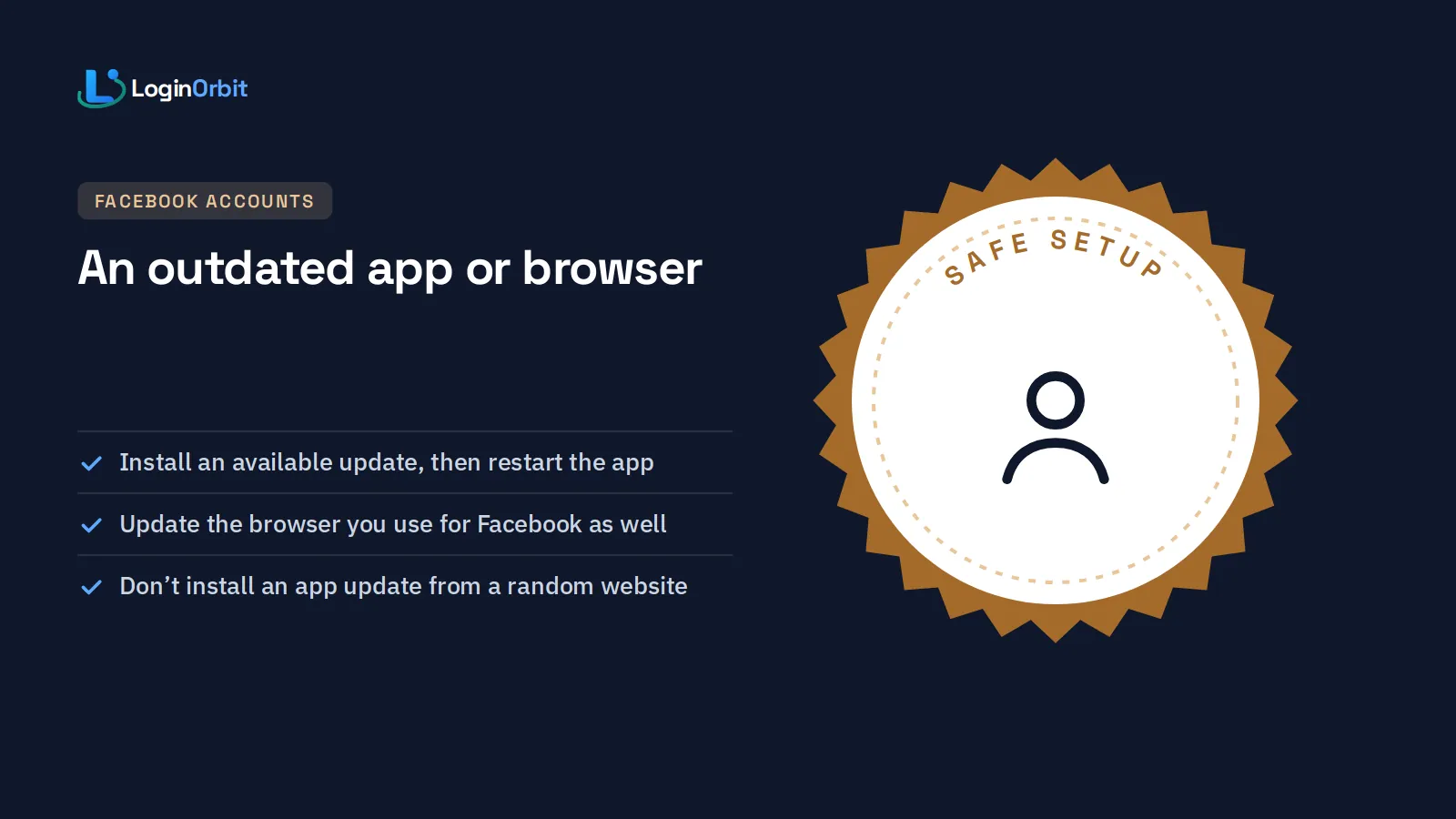
Old Facebook and browser versions can handle links poorly, especially when a website changes its security settings. This cause is different from a cache fault because updating the software can fix the problem even after you clear no data.
Open your device’s app store and search for Facebook. Install an available update, then restart the app. Update the browser you use for Facebook as well. On a computer, use the browser’s About page to check for an update, then restart the browser after it finishes.
Don’t install an app update from a random website. Use the Apple App Store, Google Play, or the official browser maker. A fake update can steal login information or install unwanted software.
Check whether Facebook links fail only inside the app. If links open when you copy them into an updated browser, Facebook’s in-app handoff is the likely fault. You can use the browser temporarily while waiting for another app update.
The trade-off is simple: updating is safer and usually quick, but it may change menus or sign you out. If you need the link immediately, copy it into a browser first. If the app is several updates behind, update it before spending time on deeper settings.
People often delete and reinstall Facebook before checking whether they can recover the account. That mistake can cost access for hours or longer if the password, email, or phone number is no longer available.
Login, privacy, or age limits
A Facebook link may open correctly but refuse to show the content because the page has access rules. The link can work for the person who shared it and fail for you if the post is limited to friends, a group, a country, an age range, or logged-in users.
Open the link while signed in to the Facebook account that should have access. Then check whether the error says content unavailable, page not found, or you must log in. These messages point to different problems, although Facebook’s wording can change.
Ask the sender whether the post is still visible from their account. If they can see it but you can’t, request a public version or ask them to change the audience if they control the post. Don’t ask for access to a private group you’re not meant to join.
If Facebook asks you to confirm your identity, use the normal Facebook recovery or security flow. Don’t send passwords, login codes, or identification documents to the person who sent the link. A stranger who says they can “unlock” the page may be trying to take your account.
A link to a private group won’t become public just because you copy it. If the page owner deleted the post, only the owner or group administrator may be able to restore access. If several unrelated links fail after an account warning, stop changing settings and contact Meta through its official account-help tools.
This problem isn’t for people who need access to private content without permission. If the page belongs to someone else, the correct fix is a new permission or a public link, not a workaround.
Other Facebook link problems
- Facebook may be having a temporary outage: the clue is that feeds, messages, and links fail together, including on another device or connection. Check whether Facebook itself loads before changing settings; repeated retries won’t fix a platform-wide problem.
- Your network may block the destination: the clue is that mobile data works while Wi-Fi does not. This can happen on work, school, hotel, or public Wi-Fi, where filtering rules may block a category of sites rather than Facebook specifically.
- A browser extension may interfere: the clue is that the link opens in a private window with extensions disabled. If that works, re-enable extensions one at a time to find the conflict instead of leaving all of them off.
- The destination may block Facebook referrals: the clue is that the site opens from a search result but not from Facebook. Copy the domain into the address bar rather than repeatedly tapping the Facebook link; don’t enter credentials if the address changes unexpectedly.
- A security tool may stop the page: the clue is a warning from antivirus, parental-control, or workplace software. Read the warning before proceeding, because a blocked redirect can indicate a malicious or compromised page.
Try a different network and a private window, then test the same link again. Don’t permanently disable security software or bypass a workplace or school rule. If the network blocks the site, ask its administrator to review the rule. For account recovery, payment information, malware, or suspicious redirects, stop and use only Facebook’s or the destination website’s official support channel.
What fixing Facebook links requires
The easiest fixes need only a few minutes: copy the address, test a private window, update Facebook, and try another network. These steps are low-risk and don’t change your account.
Clearing cache takes more care because it can sign you out. Reinstalling the app takes longer and needs your correct login details, so check account recovery first. Updating an app or browser is usually less work than reinstalling it and should be tried earlier.
A privacy problem needs the post owner, group administrator, or Facebook account tools. A network problem may need the Wi-Fi administrator. A destination-site problem needs that website’s support team, not Facebook’s app settings.
If a repair needs a device setting you don’t recognize, don’t guess. Read the phone or browser documentation first. For a paid service or professional repair, get a quote based on the device, software, and account problem; the cost can be closer to a simple support visit or closer to a full device-service charge.
This troubleshooting isn’t for bypassing privacy controls, account security, workplace rules, or age restrictions. If the link involves money or personal documents, use the website’s address typed manually into the browser instead of trusting a redirected Facebook link.
If you would rather have this handled for you, our Facebook Account Setup & Security Service service covers it end to end.
Frequently asked questions
Can Facebook links stop working today?
Yes, Facebook links can stop working temporarily if Facebook, your network, or the destination website has a service problem. Check whether your feed and messages work, then test the link on mobile data and another device. If only one website fails, contact that website or try its homepage search. If Facebook features fail together, wait and check Meta’s official service updates rather than repeatedly reinstalling the app.
Why do Facebook links open in a browser but not the app?
The app is likely using damaged local data, an old version, or a broken link handoff. Copy the address into your browser to confirm that the page itself works. Update Facebook first, then clear its cache on Android. On iPhone, reinstall only after confirming that you know the account password and can complete sign-in again.
How long do Facebook link problems last?
A local app or browser problem can take only a few minutes to fix, while a Facebook or destination-site outage has no reliable repair time. Test the link on a second network and device. If it fails everywhere, save the address and try again later. Don’t keep changing account settings when the same error appears across unrelated devices.
Is it safe to open links from Facebook?
It’s safer to check the full address before opening it, but no social-media link is automatically safe. Look for the correct website spelling and avoid pages asking for passwords, payment details, or security codes after an unexpected redirect. For banking, email, and shopping accounts, type the official address yourself instead of signing in through a suspicious Facebook link.
What happens if a Facebook link says content unavailable?
The post may be deleted, private, limited to a different audience, or unavailable to your account. Ask the sender whether they can still view it and whether they can share a public version. If you’re asked to complete account security steps, use Facebook’s own recovery process. Don’t pay someone who promises access to private or removed content.
Does it matter if I use Wi-Fi or mobile data?
Yes, because the two networks can use different filters, DNS settings, or restrictions. If the link opens on mobile data but not Wi-Fi, restart the router and check whether other websites fail. A school, workplace, or public network may block the destination. Ask the network administrator to review it instead of changing settings you don’t understand.
Can deleting and reinstalling Facebook fix links?
Sometimes, but it shouldn’t be the first step. Updating the app and testing the copied link in a browser are safer checks. Reinstalling removes local app data and may sign you out, so confirm your password and recovery method first. If the same link fails on another device and network, reinstalling Facebook probably won’t fix the real cause.
How do I know whether Facebook deleted the link?
You usually can’t confirm deletion from the error alone. Ask the person who shared it to open the post from their account, then compare the result. If they also see an error, the post or destination may be gone. If they can still view it, the content is more likely private, restricted, or unavailable to your account.
What to do next
If the problem keeps happening, check Facebook’s service status and update the app or browser when a new version is available. You can also report the broken link to the person who shared it, especially if others can’t access it either. That helps identify whether the fault is temporary or needs fixing at the source.



