

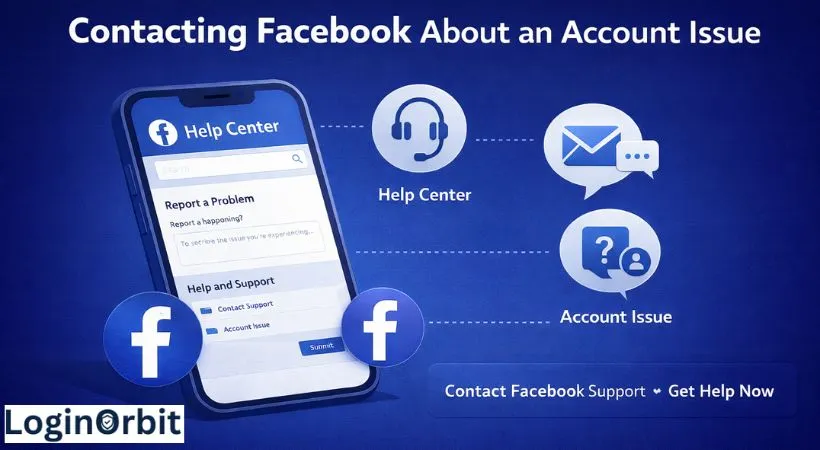
Running into problems with your Facebook account? You’re definitely not the only one. Whether it’s locked, hacked, or just acting up, figuring out how to get help can feel like a maze.
The good news? You don’t need to stress. I’ll walk you through easy steps to reach Facebook and get your account back on track — without the confusion.
Ways to Get Help from Facebook
Facebook offers a few ways to help, depending on what’s wrong. Picking the right one saves you time and frustration.
- The Facebook Help Center: Your first stop for common issues like login problems, security, and privacy.
- Support Request Forms: For more serious problems like hacked or disabled accounts.
- Social Media: Sometimes a polite tweet or message to Facebook’s official pages can get their attention.
- Business Support: If you run ads or a Facebook Page, special support is available through Business Manager.
Using The Facebook Help Center
This is the easiest place to start. Just type your problem into the search bar. You might find step-by-step guides that fix your issue without needing to talk to anyone.
To get there:
- Go to Facebook’s website or app.
- Scroll down and click “Help” or “Help Center.”
- Use the search box to type things like “login issue” or “account hacked.”
The articles often include screenshots and clear instructions. Follow them carefully — they’ll save you a lot of hassle.
When To Submit A Support Request Form
If the Help Center doesn’t cut it, try filling out a support form. Facebook has specific forms for:
- Hacked accounts
- Disabled profiles
- Identity verification
Here’s a quick tip from my own experience: When my account was disabled, I filled out the right form with all the details. Within a few days, I got my account back.
Contacting Facebook Via Social Media
Another way is to reach out on Twitter or Facebook’s official pages. A short, polite message or tweet to @Facebook can sometimes speed things up.
Have you tried this? It’s surprising how often a simple tweet gets noticed.

Facebook Business Support
If you manage ads or a business page, you get access to special support through Facebook Business Manager. They offer live chat and email help just for advertisers.
I once had an ad disapproved by mistake. The live chat saved me a lot of money by fixing it quickly.
Reporting Problems on Facebook
Facebook lets you report issues like hacked accounts, login troubles, or fake profiles. Using the right tools makes the whole process smoother.
How To Report A Hacked Account
- Visit Facebook’s Help Center and find the “Hacked Accounts” section.
- Click “Report a Hacked Account.”
- Follow the steps to verify your identity and secure your account.
Reporting Login Problems
If you can’t log in, use the “Login Troubleshooting” tool. Enter your email, phone, or username. Facebook will send you a code to get back in.
Reporting Fake Profiles
Fake accounts can be a real pain. To report one:
- Find the fake profile.
- Click the three dots on their cover photo.
- Select “Find Support or Report Profile.”
- Choose “Fake Account” and submit the report.
Using the Facebook App for Support
The Facebook app makes it easy to report problems and get help without leaving your phone.
Here’s how to find support inside the app:
- Open the app and tap the menu icon (top right).
- Scroll to and tap “Help & Support.”
- Choose “Report a Problem” to describe your issue.
Some users may also see an option to chat live with support, but this isn’t available for everyone.
Contacting Facebook by Email
Email can work well if you want to explain your issue clearly and send screenshots.
Important tips:
- Use the right email address — for example, login@facebook.com for login problems or security@facebookmail.com for hacked accounts.
- Write a clear subject line like “Account Locked” or “Password Reset Help.”
- Keep your explanation simple and include your account email or phone number.
- Attach screenshots of error messages or suspicious activity.
What to Expect When Contacting Facebook
Facebook gets millions of requests every day. So, patience is key.
Here’s what usually happens:
- Simple issues like password resets often get answered in 1-2 days.
- More complex cases, like hacked accounts, can take several days.
- During busy times, responses might slow down.
If you don’t hear back within a week, it’s okay to follow up once. But don’t flood them with messages — that can actually slow things down.
Tips for Communicating With Facebook
- Be clear: Say exactly what’s wrong. Use simple words.
- Include details: Share your email or phone linked to Facebook. Don’t share passwords.
- Stay polite: Calm messages get better responses.
- Use official channels: Avoid third-party sites or emails.
- Add screenshots: Pictures explain problems better than words.
Common Questions
How can I contact Facebook support?
Start at the Help Center and use “Report a Problem.”
Does Facebook offer phone or email support?
No direct phone support. Use Help Center forms or email addresses listed on official pages.
How do I recover a hacked account fast?
Go to the “Hacked Accounts” page and follow the steps.
Is live chat available?
Not usually. Use the Help Center and community forums instead.
What info should I provide?
Your full name, linked email or phone, clear description, and screenshots if possible.
How long does Facebook take to respond?
Usually a few days, depending on the issue.
Wrapping Up
Getting help from Facebook isn’t as hard as it seems. Use the Help Center for most problems. If needed, fill out the right forms or reach out on social media.
Keep your info handy. Be clear and patient. Remember, staying calm helps solve problems quicker.
Your Facebook account is important. Take these steps confidently and you’ll be back online in no time.


